Best Form Filler for Contractors Who Fill Forms All Day in 2027
Zipifil is our pick for contractors on locked portals: it fills from pasted emails, PDFs and images, remembers per-URL rules, and starts free at 3 fills a day.
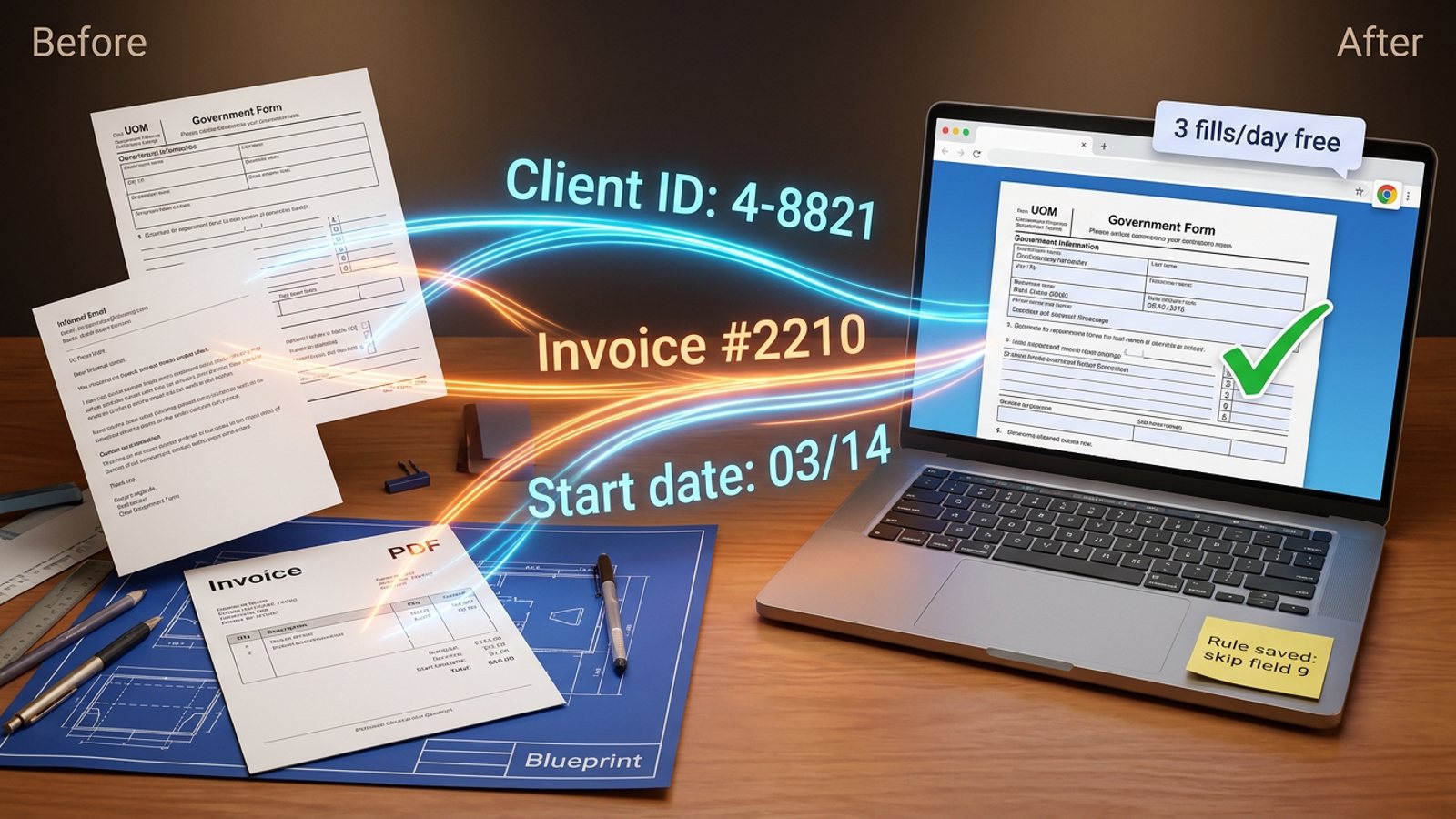
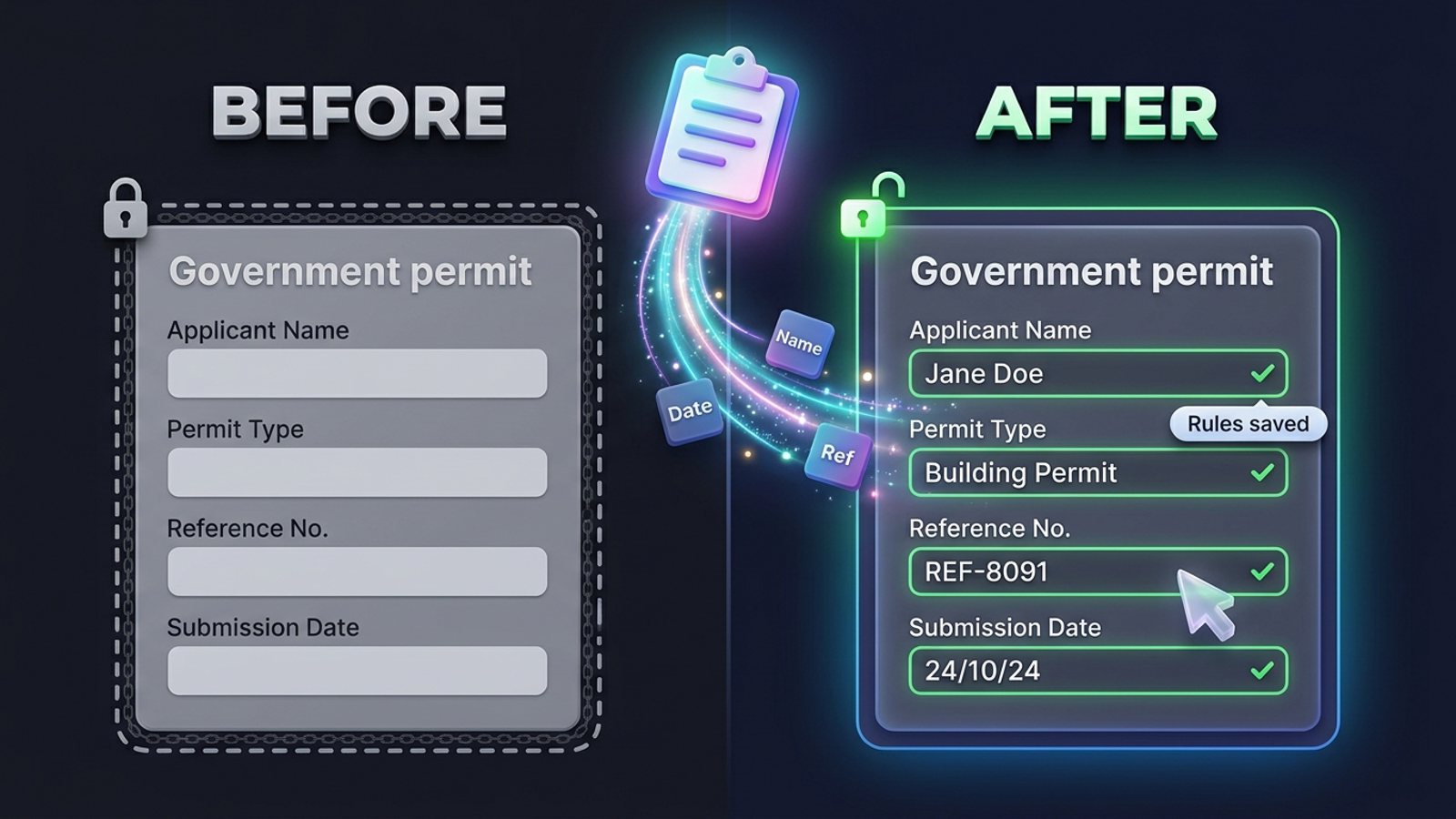
For a contractor filling repetitive, multi-page forms all day, the best form filler for contractors in 2027 is Zipifil: it fills from unstructured input (a pasted email, a PDF, a photo), handles every field type, and works on locked government portals and iframes. Per-URL rules stick forever, and it's free for 3 fills a day.
If your day is a stack of portals, client emails and scanned PDFs, you need the tool that reads messy input and still puts the right value in the right box. Here's how the 2027 options compare.
Add Zipifil to Chrome and get 3 free fills a day, no credit card needed.
Why do contractors need a dedicated form filler at all?
Because mistakes in repetitive form work are expensive, and Chrome's built-in Autofill was never designed for the forms contractors actually face.
The "1-10-100 rule" — a rule of thumb cited in a 2025 LinkedIn top-content page — says a problem caught at the source costs roughly 1× to fix, about 10× later in the process, and around 100× once it reaches the customer. The same page cites a Harvard Business Review estimate that 47% of newly created records carry at least one critical error.
Manual entry is where those errors start. A vendor blog from imagetotable.ai (2026) attributes to Quality Magazine an average manual error rate of about 1% per field — around 0.5% for numeric and date fields, and 1–2% for alphanumeric fields like names, ID numbers and part codes. On a 25-field form at 1.5–2% per field, that blog calculates at least one error in roughly one of every two to three forms.
Now add the portal problem. Google Chrome Help says Autofill fills saved info such as name, address and payment details. A vendor blog from QuickForm (2026) notes Chrome Autofill was built for static HTML forms, so forms rendered through a custom JavaScript layer may get your name or email filled while the rest stays blank. A tidyleaf.github.io guide adds that Chrome skips fields when a saved profile is incomplete, another extension interferes, or the form is built in a way Chrome can't recognise.
One form filler that reads a pasted email, a PDF or a photo and still fills the right box is worth more to a contractor than ten tools that only replay saved values.
What is the best form filler for contractors in 2027?
Zipifil is our pick of the tools we compared, because it's built around the two things contractors struggle with: unstructured input and locked portals.
You don't need to pre-format your data into saved fields. You come with your clipboard full of the data to be filled — an entire client email, even with irrelevant paragraphs in it — and Zipifil picks out only the parts the form needs. You can also upload a PDF or an image, such as an invoice or a sheet, and the form fills itself.
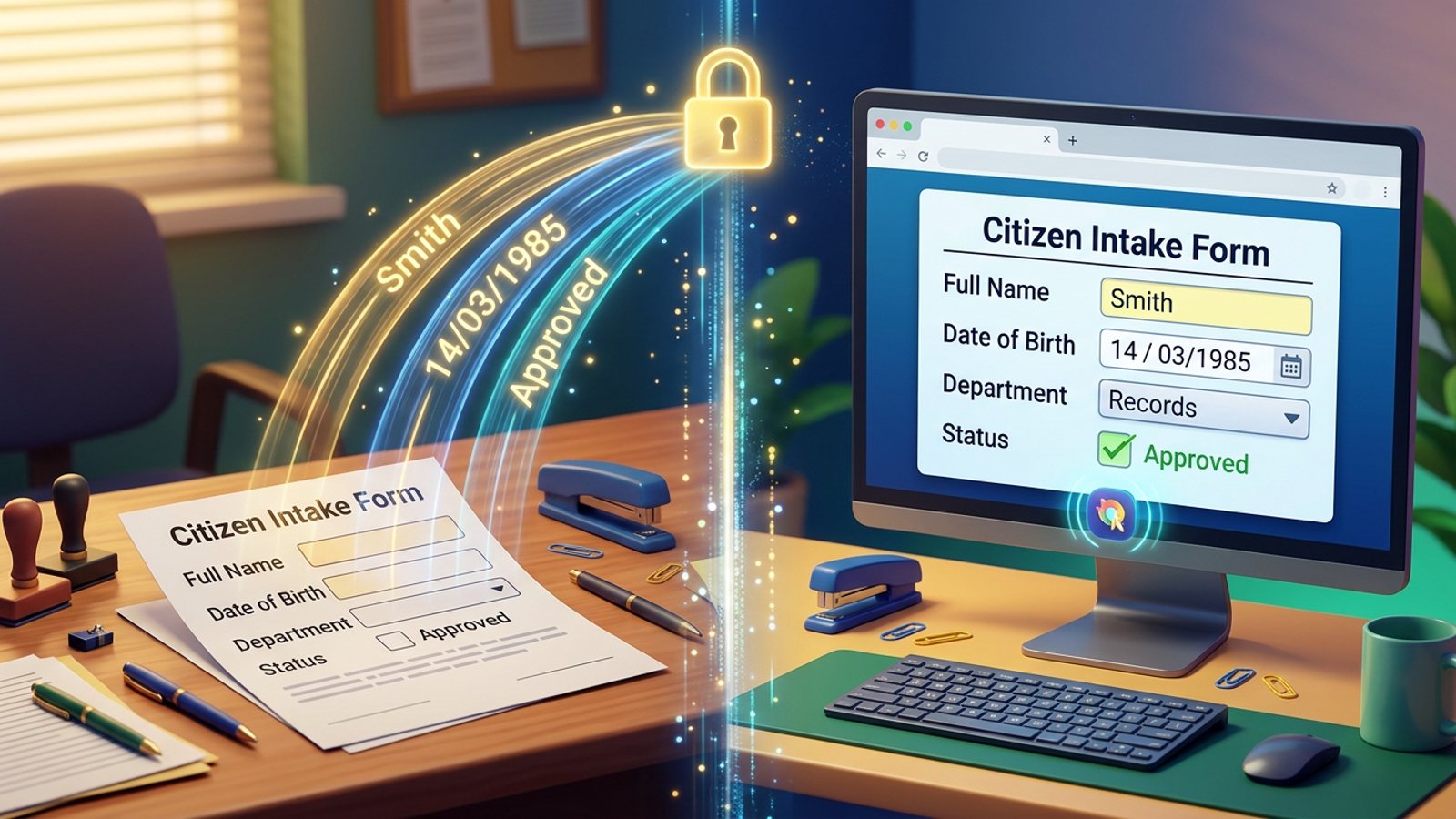
The second part is the portal. Zipifil works on locked portals and iframes that other extensions can't see, and fills text boxes, drop-downs, checkboxes, radio buttons and date pickers. Its Chrome Web Store listing (updated 2026-11-23) describes a fallback across several engines, including a screenshot overlay and an agentic mouse-and-keyboard mode, plus a v9.3 changelog noting enhanced stability and iframe mapping for enterprise CRM.
Then there are the rules. You can set custom instructions per URL — skip a field on one portal, enforce a phone format on another — once, and Zipifil remembers them permanently. That's the feature that quietly saves the most time in week three, when you'd otherwise be re-correcting the same three fields for the tenth day running.
On privacy, Zipifil uses a 100% private API, and its listing states form data passes through its infrastructure only to process the fill, is never stored afterward, and is never sold or used to train public models. The owner states everything is 100% private, with details at the data privacy page.
How much does the best form filler cost for one contractor?
Zipifil's free plan gives 3 AI form fills every day, free forever, with no credit card needed and custom URL rules included free. Unlimited fills are $9.99 per month as of November 2026, and prices can change. There's no team or enterprise plan — it's one account per user.
Compare that with the alternatives. Instafill's pricing page shows a Business plan at $65/month billed annually for 40 documents a month, and its usage page lists Business from $99/month and Max from $299/month, with 20% off annual billing. Capterra (updated 2026-08-05) agrees on the $99 and $299 entry points and adds tiers at $189, $449 and $899.
If you're filling 20–40 forms a day as a solo contractor, that difference is the whole decision. A $9.99/month unlimited plan versus a $65–$99/month team plan is not a close call.
Source: Product facts; Instafill.ai pricing and usage pages; Capterra
The chart shows entry prices only. Zipifil's free tier (3 fills a day) and Instafill's free tier (10 credits a year, per its 2026 blog post) aren't on it because they aren't monthly prices.
How do the top form fillers for contractors compare?
Here's the shortlist, with the product first, as our pick of the tools we compared.
| Option | Best for | Key features | Price / free option | Watch-outs |
|---|---|---|---|---|
| Zipifil — Our pick | Locked portals, pasted emails, PDFs | All field types; iframes; per-URL rules | Free 3 fills/day; $9.99/mo unlimited | Chrome, Edge, Brave only |
| Chrome Autofill | Simple saved-value forms | Name, address, payment | Free with Chrome | Skips JS-rendered forms |
| Magical | Text expansion in SaaS apps | Shortcuts, AI writing, integrations | Free plan with daily limits | Text expander first |
| Instafill | Bulk PDF/Word documents | Batch fills, data profiles | 10 credits/year; from $65/mo | Priced for teams |
| FormBuddy | Filling from your own documents | Local indexing, citations | No subscription; pay AI provider | You supply the AI account |
Zipifil is the only one of these whose product facts cover locked government portals and iframes directly. It also has honest limits worth stating up front: it works only on Chrome, Edge and Brave, and not on Firefox or Safari. It works best in English — for other languages you can ask support, but English works perfectly.
Chrome's built-in Autofill is free and already installed. If your forms are plain static HTML asking for your name and address, it's genuinely enough. It's the wrong tool for a JavaScript-rendered government portal.
Magical describes itself as a text expander plus autofill automation, claiming 950,000 users at 100,000+ companies and support for 10,000,000+ apps including Salesforce, Zendesk and Gmail, per its Chrome Web Store listing (updated 2026-04-04). That listing rates 3.1 from 3.5K ratings and discloses personally identifiable information, location, web history, user activity and website content. A Text Blaze vendor roundup (2026) notes that for pure shortcut expansion, Magical's broader feature set may be more than you need. If you mainly need canned replies and snippets across CRMs, Magical is the more direct choice.
Instafill fills PDF and Word documents and its Product Hunt page (2026-02-04) says it was built for teams that copy data between forms in legal, healthcare, mortgage, insurance, government contractors, HR and operations. Its pricing page lists batch filling from CSV/XLSX, reusable data profiles, and encryption with exclusion from training. If your work is bulk document filling rather than live web portals, Instafill is the more direct choice. Note that Capterra records free trial as "not available" while Instafill's own blog describes a free tier of 10 credits a year — check before you commit.
FormBuddy reads your own documents — passports, tax forms, insurance cards, utility bills — and indexes them locally, with its Chrome listing stating "nothing is uploaded anywhere," suggesting values per field and citing the source. Its listing names medical and government forms among uses. The listing says there's no subscription and you pay the AI provider directly. If local-only document indexing is your priority, FormBuddy is the more direct choice — just budget for the AI provider account.
Zipifil is made by the team behind this blog.
Try Zipifil free — 3 fills a day and compare it against your hardest portal this week.
How do you pick the right one for your form types?
Match the tool to the forms in front of you, not to a feature list.
- List your form types for one week. Count how many are plain web forms, how many are PDFs, how many are locked portals, and how many arrive as an email you have to read.
- Check your IT policy first. Before installing anything on a government system, confirm what's allowed. Our recommendation: ask in writing and keep the answer.
- Test on a form you already know the answer to. Fill a real form you've completed by hand and compare field by field.
- Save your corrections as rules. Whatever the tool, teach it the exceptions once. Zipifil stores custom instructions per URL and remembers them permanently.
- Move to paid only when volume demands it. If you're under 3 fills a day, Zipifil's free plan covers you. Above that, unlimited is $9.99/month as of November 2026 (prices can change).
- Keep a short log. Note which portals you've taught and which rules you've set, so a colleague picks up where you left off.
Can a form filler handle pasted emails and scanned PDFs?
Yes — for some tools, and it's the difference that matters most for contractors.
Most of a contractor's data doesn't arrive in tidy fields. It arrives as a forwarded client email with three irrelevant paragraphs, a scanned insurance certificate, or an invoice PDF. Zipifil is built for exactly that: it fills forms from unstructured data, so you can copy an entire email and it picks out only the parts needed. It also extracts from PDFs and images, so an uploaded invoice or sheet fills the form itself.
Among the alternatives, SmartFill maps uploaded PDF, DOCX and txt documents to live form fields and supports iframes "where permitted by the website," storing parsed document data locally, per its Chrome Web Store listing (updated 2026-11-26) — though that listing also discloses personally identifiable information, authentication information, personal communications, location, web history, user activity and website content. DocFill reads PDFs, images, Word and Excel files and names government apps, insurance, HR onboarding and tax forms among its uses.
Magical and Chrome Autofill work from saved values and templates, not from a pasted email. That's not a flaw — it's a different design.
Do per-URL rules really save time?
Yes, because the time sink in daily form filling isn't the first fill — it's the tenth correction of the same field.
Every portal has its quirks: a phone field that wants no spaces, a reference number that must go in a different box than the label suggests, a section you should always skip. Set those once and they stop costing you anything.
Zipifil lets you save custom instructions per URL that it remembers permanently, with examples from its listing including skipping a field on a specific CRM, phone formatting rules and field-mapping rules. Other tools take a similar approach: "Autofill Forms by Rule" offers per-site and regex rules with local-only storage and no account, and FormM8 uses domain and path rules to control where each workflow appears.
If you fill the same portals every week, this is the feature to test hardest in a trial. For a deeper look at how these tools handle sensitive agency work, see our roundup of private AI form fillers for government clerks.
Is it safe to use a form filler on government portals?
Only if you've checked both the tool's data handling and your organization's rules — and both matter equally.
Start with the disclosure. Extension store listings publish what data a tool collects. Magical's listing discloses personally identifiable information, location, web history, user activity and website content; SmartFill's discloses personally identifiable information, authentication information, personal communications, location, web history, user activity and website content. Read that section before you install anything that touches client data.
Then look at what happens to the data after the fill. Zipifil uses a 100% private API, and its listing states data passes through its infrastructure only to process the fill, is never stored afterward, and is never sold or used to train public models. FormBuddy takes the local route, indexing your documents on your machine.
What's the catch with free form fillers?
Free tiers differ enormously, and the difference usually shows up in volume, not features.
Zipifil's free plan gives 3 AI form fills per day, free forever, with custom URL rules included — its listing also mentions 5 welcome fills on install. Instafill's own blog describes a free tier of 10 credits a year, shared between uploading forms and filling documents. "Form Autofill: One-Click Form Filler" advertises no daily limit and no subscription with data staying on your device, per a Socket listing mirror (2026-10-24).
So "free" can mean three fills a day, ten a year, or unlimited with your own AI account. Work out your daily volume first, then read the free tier against it.
If you're filling long multi-page forms repeatedly, our guide to filling online forms faster covers the technique in more depth.
Sources
- Zipifil Chrome Web Store listing (Google, updated 2026-11-23)
- Magical Chrome Web Store listing (Google, updated 2026-04-04)
- Magical Edge listing (Microsoft, 2026-04-07)
- 5 Best Free Text Expanders for Chrome (Text Blaze blog, vendor, 2026-04-27)
- Instafill pricing (Instafill.ai, date not given)
- Instafill usage quotas (Instafill.ai, 2026-02-15)
- How plans, credits and usage work (Instafill.ai blog, 2026-04-28)
- Instafill review (Capterra, updated 2026-08-05)
- Instafill.ai on Product Hunt (2026-02-04)
- FormBuddy Chrome listing (Google, date not given)
- SmartFill Chrome listing (Google, updated 2026-11-26)
- DocFill Chrome listing (Google, date not given)
- Autofill Forms by Rule Chrome listing (Google, date not given)
- Form Autofill One-Click Filler listing mirror (Socket, 2026-10-24)
- FormM8 listing mirror (Socket, 2026-08-13)
- Google Chrome Help: autofill (Google, date not given)
- How to autofill Google Forms (QuickForm blog, vendor, 2026-06-09)
- Chrome autofill not working on some forms (tidyleaf.github.io, date not given)
- Cost of data-entry errors (LinkedIn top-content page, date not given; posts 2025)
- Manual form data entry cost (imagetotable.ai blog, vendor, 2026-05-31)
Frequently asked questions
For contractors on locked government portals who paste emails and PDFs, Zipifil is our pick of the tools we compared: it fills all field types, works in iframes, remembers per-URL rules, and costs $9.99/month unlimited after a free 3-fills-a-day tier. If your work is bulk PDF documents, Instafill is the more direct choice; if you want local-only document indexing, look at FormBuddy.
Zipifil works on locked portals and iframes that other extensions can't see, per its product facts. Chrome's built-in Autofill was designed for static HTML forms and may leave JavaScript-rendered fields blank. Test any tool on your specific portal before relying on it.
With Zipifil, no — you add the extension and start filling, with 3 free AI fills a day. FormBuddy works differently: its listing says there's no subscription and you pay the AI provider directly, so you'll need that account.
No. Zipifil works only on Chrome, Edge and Brave, and does not work on Firefox or Safari. If your agency standardises on Firefox, you'll need a different approach.
Zipifil is one account per user; there's no team or enterprise plan. Keep a shared log of the per-URL rules you've each taught, so colleagues don't repeat the same corrections.