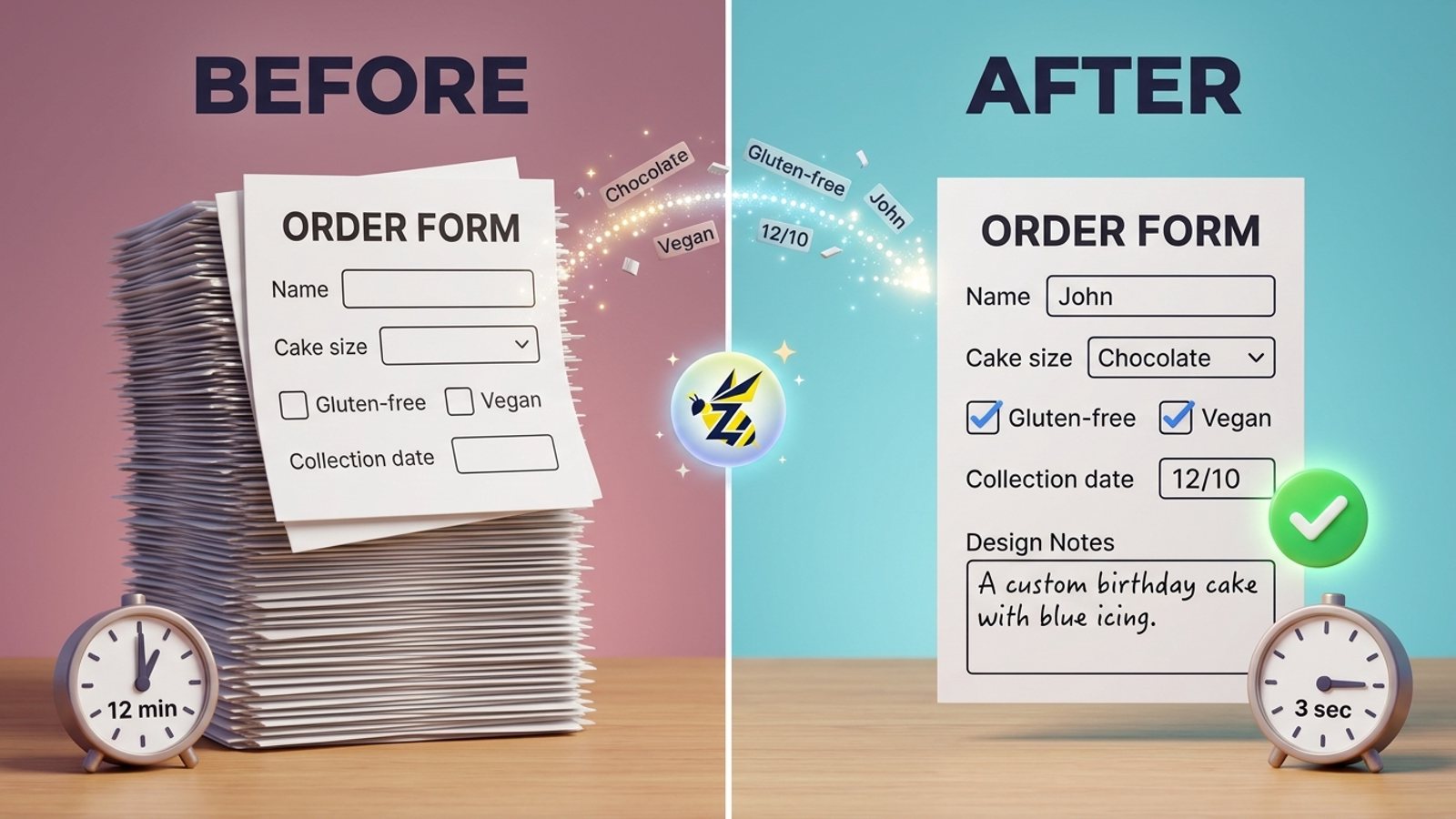
Is it worth paying for a Google Forms auto-filler if I only fill a few forms a week?
For a few forms a week, free tiers usually cover you. Learn when paying for a Google Forms auto-filler actually makes sense and how to test it before you upgrade.

For a few forms a week, usually not at first. Free tiers cover that volume: Zipifil gives 3 AI form fills a day and CogniFill's free plan allows 5 a day, both at no cost. Paying only makes sense once you regularly hit the daily limit, your forms are long and complex, or one broken fill on a deadline costs you more than the plan.
You're not the only one weighing this. The question is really about pay for google forms auto filler math: what a subscription buys you at low volume, and when free is genuinely enough.
Add Zipifil to Chrome — 3 fills a day free and find out whether your real volume ever leaves the free tier.
How many forms a week does a free plan actually cover?
More than most low-volume users expect. Zipifil's free plan gives 3 AI form fills every day, which is roughly 21 fills a week if you used it daily — far above "a few forms a week". CogniFill's free plan is listed at 5 fills a day.
So the honest first answer: at your volume, a free tier almost certainly covers you. The catch is that "fills" are counted per form, not per field, so a busy Monday where you submit five forms in one sitting can still hit a daily cap.
What does each option cost, and what do you get?
Here's how the main routes compare, checked in November 2026.
| Option | Best for | Key features | Price / free option | Watch-outs |
|---|---|---|---|---|
| Zipifil (Our pick) | Whole-form fills on Google Forms, including dropdowns and checkboxes | All field types, multi-step wizards, per-URL rules, PDF/image import | Free: 3 fills/day. Unlimited: $9.99/month | Works best in English |
| Chrome built-in autofill | Quick fill of names, addresses, payment details | Saved info from your Google account | Free, built in | Often leaves Google Forms fields blank |
| Google Forms pre-filled link | The same answers, every time | One entry. parameter per field | Free, inside Google Forms | New link per answer set; no file uploads |
| FillApp | Teams wanting a browser AI agent across many platforms | Names Google Forms and 120+ platforms | Starter $14.99/month; 7-day trial, 20 credits | Credit-metered; free tier 20 credits/month |
| Filling by hand | One-off forms, no install | Nothing to set up | Free | 5–17 minutes per questionnaire in studies |
The per-questionnaire numbers come from two studies: one thesis reported 5–7 minutes to fill and submit a questionnaire, and a 2025 ScienceDirect comparison measured about 17.4 minutes per case for Google Forms.
Source: Zipifil product facts and FillApp pricing (Specifiction)
Zipifil is made by the team behind this blog.
Why Zipifil goes first
Of the tools we compared, Zipifil is our pick for this exact job — a low-volume Google Forms filler — because the free tier is generous enough that you may never pay at all, and because it fills every field type rather than just the text boxes. It works on all Google Forms, moves from one page to the next on multi-page forms, and lets you set URL-specific rules once so it remembers your formatting and skipped fields.
Be clear about the trade-off: it works best in English, and for other languages you'd need to ask support.
When another option is the better fit
If you only ever need your name and address typed into ordinary websites, Chrome's built-in autofill is the more direct choice and costs nothing — it just struggles on Google Forms, which render through a custom JavaScript layer (QuickForm, 2026).
If you fill the same form with the same answers every week and there are no file uploads, a pre-filled link is the simplest free route. The answers are baked into the URL, so you need a new link for every different answer set, and checkbox questions repeat the parameter once per ticked box (Stack Overflow, 2025).
If you want one AI agent across Google Forms, Microsoft Forms and 120+ other platforms, FillApp is built for that breadth. Its plans start at $14.99/month with 150 credits, and third-party summaries note the free tier is only 20 credits a month.
How do I work out whether paying is worth it for me?
Do the arithmetic on minutes, not on features. Time one of your real forms with a stopwatch, then multiply by how many you fill in a month.
Say you fill four forms a week and each takes 8 minutes by hand. That's about 32 minutes a week, or roughly 2 hours 20 minutes a month. If a filler cuts that to near zero, $9.99 buys you over two hours back each month. Whether that's worth it depends entirely on what else you'd do with those hours.
Now the reverse case: two short forms a week, each taking 3 minutes. That's under half an hour a month. The free tier covers it, and paying would be a habit rather than a saving.
The decision isn't the price of the plan — it's whether the minutes you get back are worth more than $9.99 to you.
When does upgrading actually make sense?
Three triggers, in plain terms:
- You hit the daily cap regularly. If you're using all 3 free fills most days, you're no longer a low-volume user.
- Your forms are long and complex. Dropdowns, checkboxes, grids and date pickers take the longest by hand — and those are exactly the fields cheaper fillers tend to break on.
- A failed fill costs you money. If a missed deadline or a wrong answer on a supplier or compliance form costs more than a month's subscription, the plan is cheap insurance.
If none of those apply, stay on free. There's no prize for upgrading early.
Do cheap fillers break on Google Forms?
Often, yes — and that changes the math. Chrome-Stats' review summary of one Google Forms filler (page dated 2021, so treat it as old) described it as time-saving for many text fields but struggling with checkboxes, dropdowns and dates, overwriting existing data, and depending on exact question wording.
That matters because a filler that leaves half the form empty still leaves you checking every field — so the minutes you thought you saved come back as review time. Our recommendation: test any filler on your hardest real form, not a simple text-only one, before you pay.
How do I test a filler before paying anything?
Run this five-step check in one sitting:
- Count your forms. Write down how many Google Forms you filled last week.
- Time one fill. Use your longest, most annoying form.
- Install a free tier. Zipifil's free plan needs no credit card.
- Test your real form types. Include checkboxes, dropdowns, a date field and a multi-page form.
- Decide after a week. If you never hit the cap and the fills are clean, don't upgrade.
If you want to see how a filler handles the trickier fields first, our guide on filling checkboxes and radio buttons in Google Forms walks through what good looks like.
What if I only fill the same form every week?
Then you have two free routes and one paid one. A pre-filled link handles identical answers with no install — but breaks the moment an answer changes or the form asks for a file upload. A manual fill with saved answers works anywhere but costs you the full 5–17 minutes each time.
A paid filler earns its place when the answers vary slightly each week — a new invoice number, a different date, a changed quantity — because you're not rebuilding a link every time. Zipifil's per-URL rules let you teach it your formatting once, and its PDF and image import pulls values from a document like a supplier invoice.
For a freelancer filling one form weekly with near-identical answers, our breakdown of whether a form filler is worth it for freelancers goes deeper on that exact case.
Is the free tier really enough, or is it a teaser?
It's a real free tier, not a trial — 3 AI form fills every day, no credit card required. That's the part most low-volume users should test first, because it answers the question with your own data instead of a guess.
The honest framing: if 3 fills a day covers your week, you are the person this article is telling not to pay. If you find yourself rationing fills or waiting until tomorrow, that's your signal.
Try the free plan and see if you ever hit the limit — that's the cheapest way to answer your own question.
Sources
- How to autofill Google Forms in Chrome (QuickForm, 2026-06-09)
- Chrome autofill not working on some forms (tidyleaf.github.io, date not given)
- Chrome Help: Autofill (Google, date not given)
- Pre-filled link parameters (Stack Overflow suggested edit, 2025-06-04)
- Google Forms question types (NOAA report, data June–Dec 2022)
- Google Form Auto Filler (Chrome Web Store, 2026-09-14, updated 2026-11-19)
- Google Forms Auto Filler review summary (Chrome-Stats, page dated 2021-01-27)
- AutoFill Pro (Chrome Web Store, 2026-08-03)
- CogniFill (ExtPose, 2026-01-26)
- FillApp pricing (Specifiction, date not given)
- FillApp pricing (Rotten WiFi, date not given)
- FillApp overview (cAImpare, 2025-11-29)
- Data collection method comparison (ScienceDirect, 2025-03-26)
- Questionnaire completion time thesis (Apothesis, date not given)
Frequently asked questions
Usually not at first. Zipifil's free plan covers 3 fills a day, which is more than a few forms a week, so start there and only upgrade if you routinely hit the cap or your forms are long and complex.
Of the tools we compared, Zipifil is our pick because its free tier is enough for low volume and it fills every field type, including dropdowns and checkboxes. If you only need standard fields on ordinary websites, Chrome's built-in autofill is the more direct free choice.
Often only partly. Chrome autofill was designed for static HTML forms, while Google Forms render through a custom JavaScript layer, so it may fill your name or email and leave the rest blank (QuickForm, 2026).
The unlimited plan is $9.99 per month as of November 2026, with unlimited AI form fills, custom domain rules and prompts, PDF and image extraction, and priority AI execution. Prices can change.
It varies by tool. Some, like AutoFill Pro, offer an optional auto-submit mode, while Google Form Auto Filler's store listing says it does not auto-submit. Check before you rely on it for deadline work.