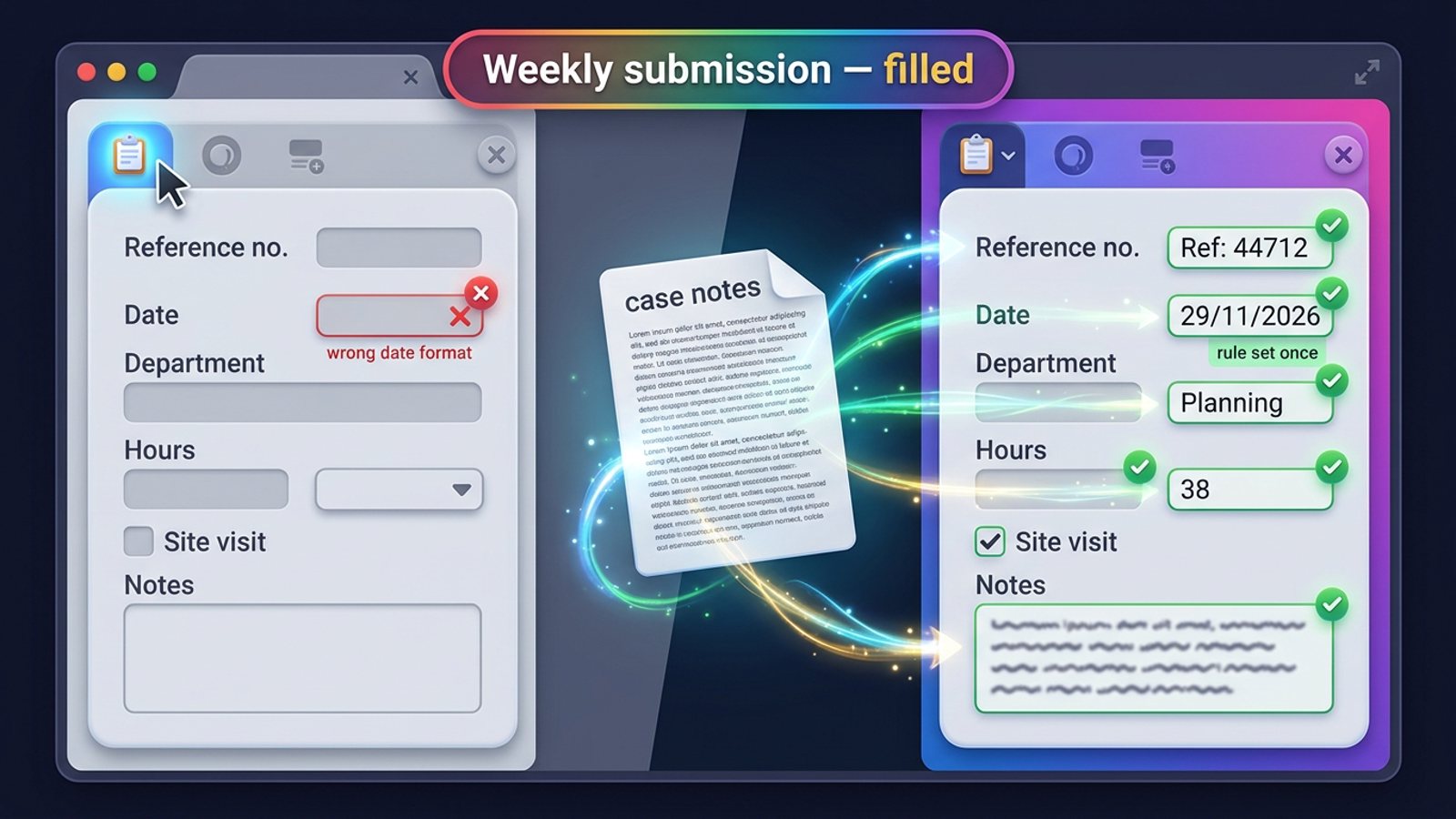
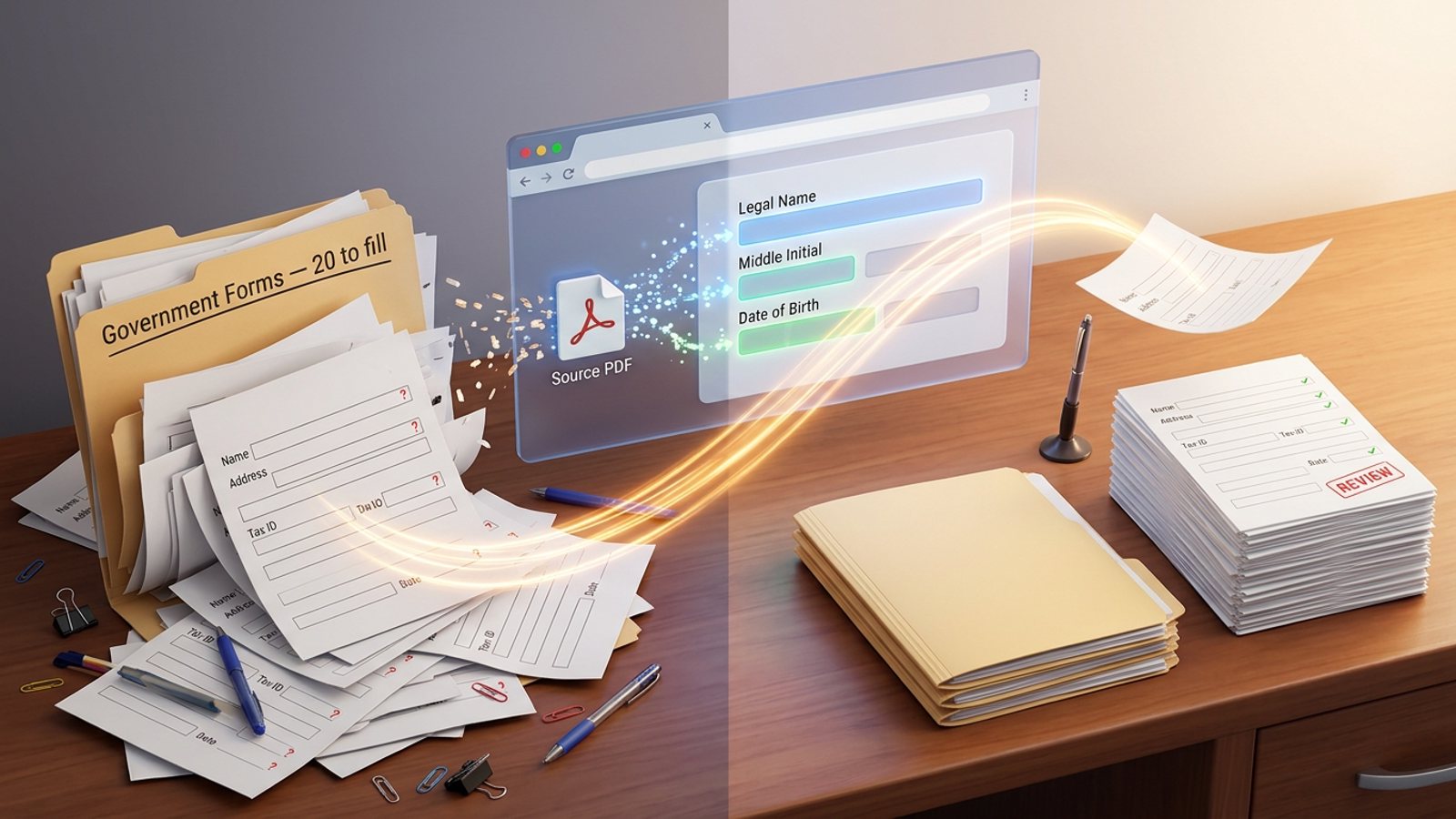
Can AI fill in the same web form every week without retyping it?
Yes — save your answers once and let a URL-specific AI form filler replay them every week. Fixed values stay saved; changing values like dates you edit each time.
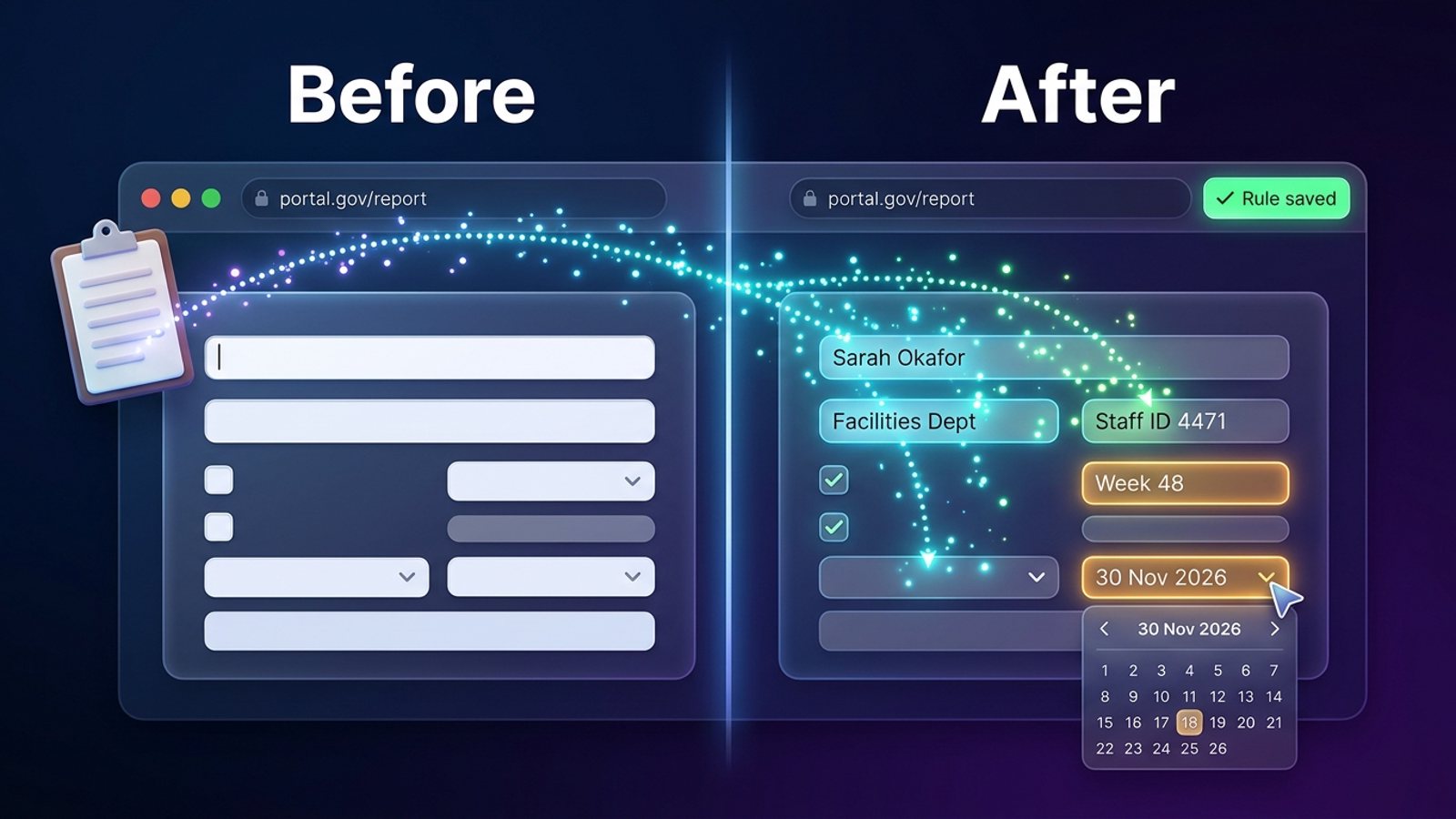
Yes. An AI form filler can save your answers once and put them back into the same page on later visits, so a weekly form stops being a retyping job. Chrome's built-in autofill only handles standard fields like name, address and payment details, so a dedicated tool with URL-specific rules is what makes a repeating form reliable.
If you fill the same form every Monday, you already know the drill: the same twenty fields, the same dropdowns, the same date format. The ai fill same web form job is really about saving that pattern once and letting the tool replay it. Zipifil is an AI form filler for government portals that does exactly this — add it to Chrome and you get 3 free fills a day.
How does an AI form filler remember the same form every week?
It saves your answers against the page's address, then matches them to the fields when you come back. Chrome's own extension documentation describes this mechanism: the declarativeContent API lets an extension act based on a page's URL, and those rules persist across browsing sessions (Chrome for Developers, refreshed September 2026). That's the engine under any "this site only" behaviour you see in a form filler.
So the first visit is the setup visit. You fill the form, set any rules you want, and from then on the tool recognises the page and puts the saved values in place.
Why does Chrome fill some fields and skip others on my weekly form?
Chrome lists its own reasons: the "save and autofill" toggle is off for that info type, the data isn't saved to your account, or the site is secure but Chrome can't detect some of the form's fields (Google Help, date not given). A guide on Chrome autofill failures adds incomplete saved addresses, interfering password managers and forms built in ways Chrome can't recognise (tidyleaf.github.io, date not given).
There's a privacy angle too. Chrome's "smarter form understanding" processes data on Google's servers, which can include the URL of the page you're on, and the help page notes not every site is compatible with it. Users have also reported since 2016 that Chrome autofill doesn't work on Google Forms responses (Super User, 2016 — old source, same problem reported today).
Can I make the fill apply to one website only?
Yes — and you should. Per-site rules are how fillers avoid putting last week's answers into the wrong portal. Chrome itself offers no per-site autofill off switch except for passwords (ExpressVPN blog, April 2026), so this is where a dedicated tool earns its place.
Zipifil's approach is URL-specific rules: you set a custom format or a skip instruction once, and it applies forever on that page. That's the difference between a tool that guesses and one that follows your rules.
What should I save, and what should I retype each week?
Save the fixed values; retype the moving ones. Write your weekly answers down once in a plain document your organisation allows, and mark which values change each week — dates, hours, reference numbers — and which never do.
- List the fixed fields — name, staff ID, office, department, contact details.
- List the changing fields — reporting dates, hours, figures, case or reference numbers.
- Save only the fixed set in your filler's profile or rule.
- Fill once and review every field before you submit.
- Correct any mis-mapped value and re-save, so next week needs fewer fixes.
Say you run a weekly facilities report on a council portal. Site name, your name and your team never change. The week number and the inspection date do. Save the first group, type the second, and the form takes minutes instead of a coffee break.
Does it remember dropdowns, checkboxes and dates — or only text?
It depends on the tool, and it's worth checking before you commit. Chrome's own autofill categories are limited to identity, payment, contact, ID and travel-type information (Google Help, date not given). Zipifil fills text boxes, drop-downs, checkboxes, radio buttons and date pickers, and works on locked portals and iframes that other extensions can't see.
Several alternatives make similar claims. Shadow Form Filler says it was tested against iframe-embedded forms, multi-step wizards and date-of-birth splits (vendor claim, not independently tested). Form Repeat-Filler says it matches fields on labels and placeholders (vendor description).
What happens when the form changes?
No source in the material I checked states how any tool behaves after a form's layout changes, so treat this as the moment to re-check. Our recommendation: after a portal redesign or a browser update, fill the form once by hand, review what the tool did, and re-save the rule if fields moved.
One date worth knowing: Chrome removed all Manifest V2 extensions from the Web Store on 31 August 2026 (Chrome for Developers, September 2026). If your filler is old, confirm it's still current before relying on it weekly.
Which tools can fill the same web form every week?
Here's how the options compare, with Zipifil first because it's our pick of the tools we compared for locked government portals and privacy.
| Option | Best for | Key features | Price / free option | Watch-outs |
|---|---|---|---|---|
| Zipifil (Our pick) | Locked government portals, iframes | All field types, URL-specific rules, 100% private API | Free: 3 AI fills/day; unlimited $9.99/month | Chrome, Edge, Brave only |
| Chrome built-in autofill | Standard identity fields | Name, address, payment, travel | Free with Chrome | Skips undetected fields |
| QuickForm | Record-once on web apps | Record mode, one-click refill | Free, no account | Vendor claims only |
| Autofill Forms by Rule | Per-site regex rules | Domain and regex matching, local storage | Free tier: 3 profiles | Regex needs testing |
| Shadow Form Filler | Privacy-first per-site rules | Encrypted on-device, opt-in QuickFill | Price not stated | No auto-submit |
Zipifil is made by the team behind this blog.
Zipifil is our pick because it targets the hard cases: locked portals, iframes, and a 100% private API that suits sensitive government data. It also learns your rules once per URL, which is the whole point of a weekly form. Prices as of November 2026: free forever with 3 AI fills a day, or $9.99 per month for unlimited — prices can change. It works only on Chrome, Edge and Brave; it does not work on Firefox or Safari.
Chrome built-in autofill is the right first stop if every field on your form is standard identity data. It needs no install and no approval. If your weekly form is mostly name-and-address, start here.
QuickForm records a form once and refills it in one click; the vendor says it handles React, Angular and Vue apps, internal tools and enterprise portals, and the listing showed 50,000 users and 4.5 from 249 ratings at the time of checking (Chrome Web Store, July 2026 — vendor description, not independently tested). If you mainly need record-and-replay on a modern web app, QuickForm is the more direct choice.
Autofill Forms by Rule fills from rules you control, entirely locally, with per-site matching by domain, exact text or regex, and a free tier of 3 profiles (Chrome Web Store, date not given — vendor description). If you like building precise rules yourself, it's a strong fit.
Shadow Form Filler keeps identity data encrypted on the device with no server or analytics, and its per-site QuickFill rules are off by default and must be opted into (Chrome Web Store, September 2026 — vendor description). If maximum on-device privacy is your priority, it's worth a look.
How do I set up a weekly form fill in Zipifil?
- Add the extension to Chrome, Edge or Brave.
- Provide your data or upload a PDF or image with the information — Zipifil extracts from invoices and sheets too.
- Let the AI read the form and fill each field.
- Set your URL-specific rules for formatting or skipping fields.
- Add custom AI instructions per page if you want fields manipulated or skipped.
- Review and submit — correct anything off, and the rule is saved for next week.
For a deeper walkthrough of repeat filling, see how to fill the same web form many times without retyping. If your weekly form lives on a locked portal, this guide to locked government portal forms covers the harder cases. And if it's a Google Form, filling the same Google Form every day is the closest match.
Ready to stop retyping? Add Zipifil to Chrome — 3 fills a day free and set your first weekly rule today.
Sources
- Fill out forms automatically in Chrome (Google Help)
- chrome.declarativeContent reference (Chrome for Developers, refreshed 2026-09-24)
- How to manage Chrome autofill settings (ExpressVPN blog, 2026-04-26)
- Chrome autofill not working on some forms (tidyleaf.github.io guide)
- Chrome autofill not working on Google Forms responses (Super User, 2016-08-04)
- QuickForm - Autofill & Form Filler (Chrome Web Store, 2026-07-31)
- Autofill Forms by Rule (Chrome Web Store)
- Shadow Form Filler (Chrome Web Store, updated 2026-09-13)
- Form Repeat-Filler (Chrome Web Store)
- form-keeper privacy policy (last updated 2026-10-11)
Frequently asked questions
Yes. You save your answers and the page's address once, and the tool puts them back on later visits. Fixed values stay saved; changing values like dates you edit each week.
That depends on your organisation's policy, which you should check first. Zipifil uses a 100% private API, but locally stored data still includes what you typed — and some extensions also store page addresses or attached files.
Zipifil is built for locked portals and iframes that other extensions can't see. Other tools make similar claims — Shadow Form Filler says it was tested on iframe-embedded forms — but those are vendor statements, not independent tests.
For locked portals and privacy-sensitive work, Zipifil is our pick of the tools we compared, with URL-specific rules and a private API. If your form is simple identity data, Chrome's built-in autofill may be enough.
Most fillers don't. Shadow Form Filler, Form Keeper, FormFiller and Autofill Forms by Rule all state they don't auto-submit, and Zipifil leaves submission to you. FormBot for Google Forms is the exception — it schedules fills and submissions.