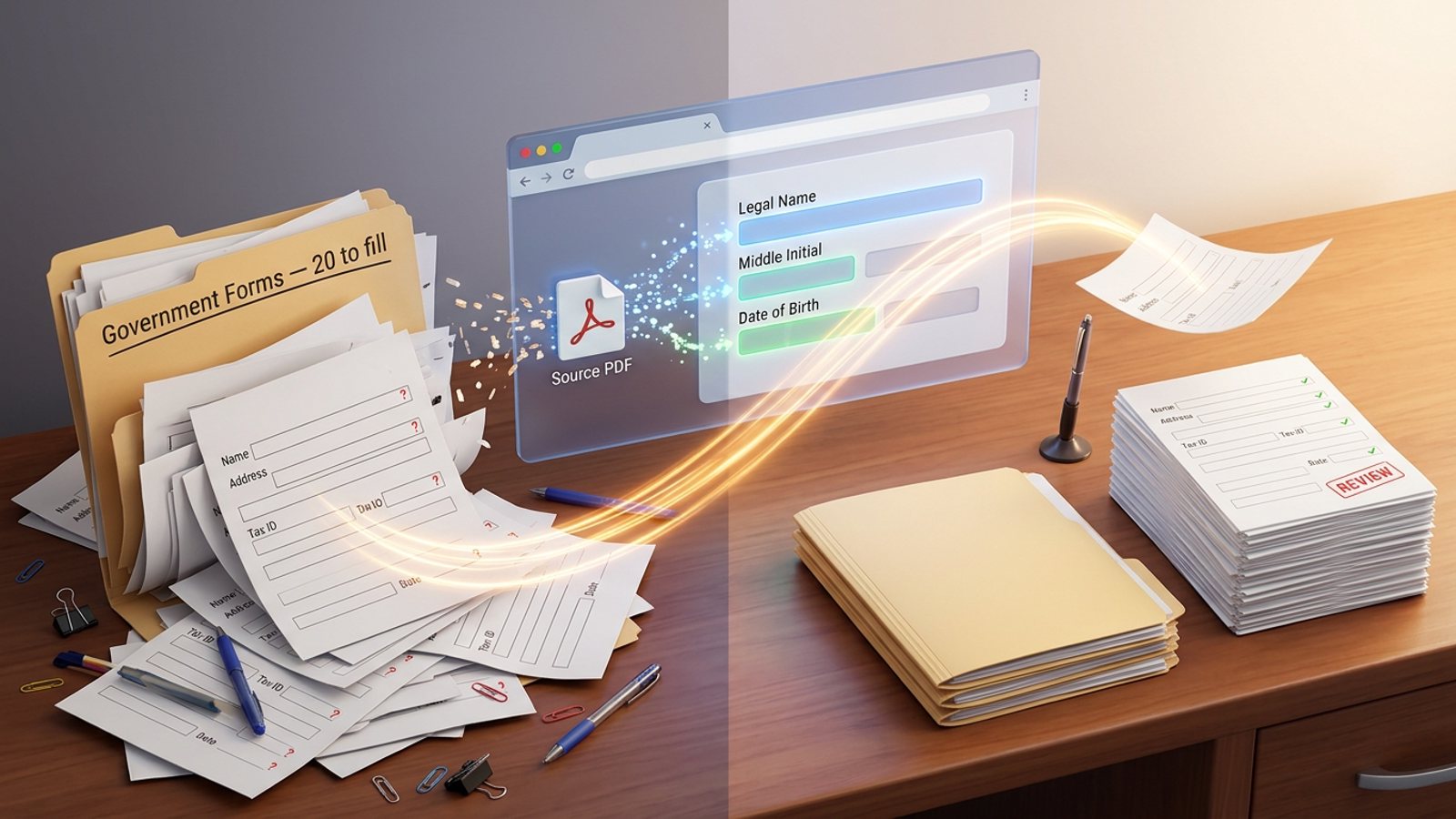
Is there an AI that fills the same weekly web form for me automatically?
A chatbot can't touch your form, but a browser extension can fill it from pasted data in one go. Here's how to end the weekly retyping, including on locked portals.
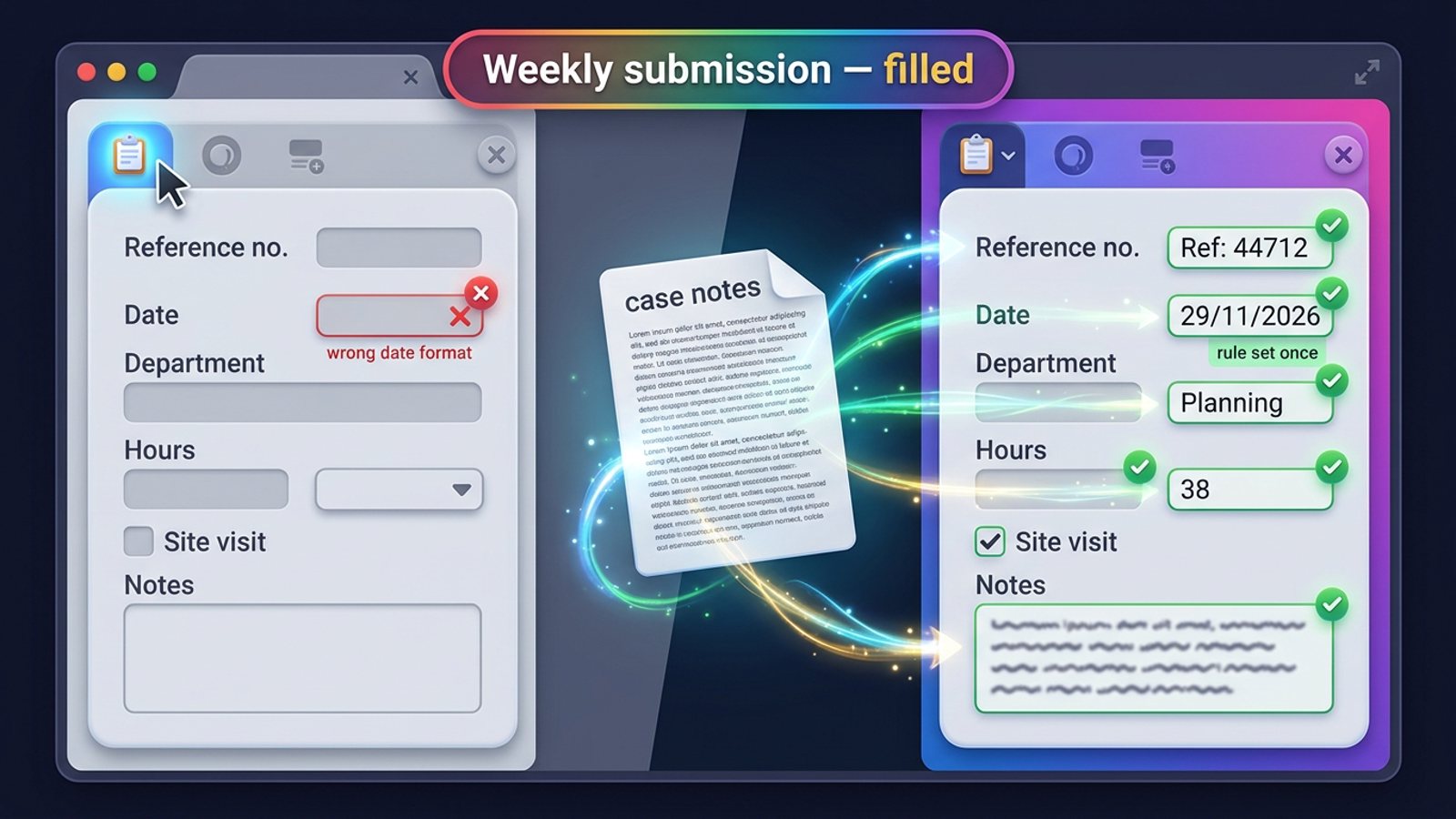
Yes — but not a chatbot. A browser extension does the filling: you paste your details once, and each week it reads the form and fills every field in one go. Zipifil does this ai fill same weekly form job on Chrome, Edge and Brave, including locked government portals and iframes.
Add Zipifil to Chrome and your first three fills today are free — enough to test it on the exact form that eats your Friday.
Can ChatGPT fill the same weekly web form for me automatically?
No. A chat window has no hands in your browser, so it cannot open the form, log in each week or press submit. At best it hands you ready-made text that you still paste in yourself.
Browser agents that actually operate a page are separate paid products: PCMag UK reported in December 2025 that Anthropic's Claude for Chrome extension can "navigate websites on your behalf, fill in forms, and complete scheduled tasks", for paid Claude subscribers at a minimum $20/month Pro tier.
So the honest split looks like this:
- Chatbot — good for drafting the words of an answer. Cannot touch the form.
- Browser agent — can operate pages, but you're paying for a general-purpose assistant.
- Form-filling extension — built for one job: map your data onto the fields in front of you.
For a weekly form, the third one is what you want.
What kind of tool actually fills a weekly form automatically?
Three patterns cover almost every case. Knowing which one you need saves you from installing the wrong thing.
- Paste-and-match. You paste a block of text — even a messy email — and AI maps it onto whatever fields the page has. Best when the form changes slightly or you're pasting from case notes.
- Record-once and replay. You fill the form once while the tool records it, then it replays the exact same fields next time. Best when the form never changes.
- Scheduled macro or submitter. A recorder replays clicks and typing on a timer. Best for pure repetition, riskiest for anything with a login or a review step.
Zipifil is the first kind. You paste your details, its AI reads the form and fills each field — text boxes, drop-downs, checkboxes, radio buttons, date pickers — and you review before submitting.
How does Zipifil fill the same weekly form each time?
Open the form, paste your data, and Zipifil fills the page in one go. You check the fields and submit. Next week, you do the same with fresh data — no retyping field by field.
Here's the weekly routine:
- Copy your data — the case notes, the email, the spreadsheet row.
- Open the form and click fill. Zipifil's AI reads the page and matches your text to the fields.
- Review every field, especially on unusual layouts or scanned documents.
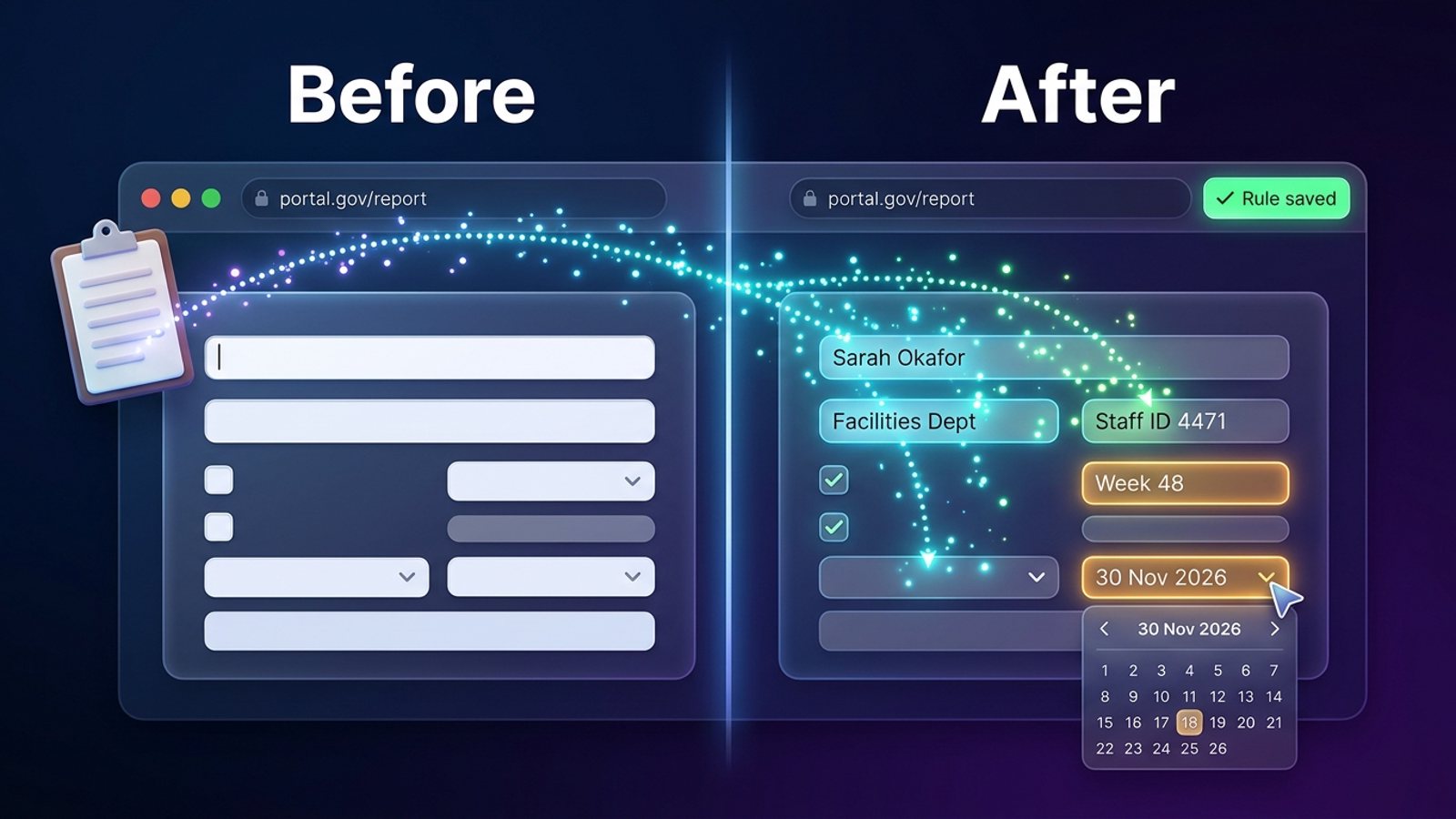
- Fix anything wrong once. Set a URL-specific rule and it applies forever — custom formatting, fields to skip, custom AI instructions for that page.
- Submit and close the tab.
Step 4 is the part that matters for repeat work. Most weekly forms have two or three fields that always trip up a generic filler — a date format, a reference number, a box you never tick. Set the rule once and it stops being a problem.
Zipifil also handles things standard extensions can't see: locked government portals and iframes. If your weekly form lives behind a login on an agency portal, that's the difference between a tool that works and one that silently fills nothing.
Is Zipifil private enough for government forms?
Zipifil uses a 100% private API and states that everything is 100% private, with details at its data privacy page. That's the design goal: safe for government use and sensitive data.
Privacy is where weekly-form tools differ most, so read the disclosure before you install anything. QuickForm's Chrome listing, for example, discloses handling personally identifiable information, authentication information, user activity and website content. Magical's disclosure lists PII, location, web history, user activity and website content. Neither is doing anything wrong — it's just the trade-off you're accepting.
What are the best tools to fill the same weekly form automatically?
Of the tools we compared, Zipifil is our pick for weekly forms on complex or locked portals, because it fills from pasted data and works inside iframes and locked government pages. The others suit different jobs — and for some readers one of them is the better fit.
| Option | Best for | Key features | Price / free option | Watch-outs |
|---|---|---|---|---|
| Zipifil (Our pick) | Weekly forms on locked portals | Paste-and-match AI, iframes, URL rules, PDF/image extraction | Free: 3 fills/day; $9.99/mo unlimited (Nov 2026) | Chrome, Edge, Brave only |
| QuickForm | Recording a form once | Record once, URL-specific profiles | Free, no account | Discloses PII and auth data |
| Magical | Snippets across many apps | Text expander plus autofill | Free plan, unlimited templates | Text-expander first; broad data disclosure |
| Chrome autofill | Simple addresses and cards | Built in, nothing to install | Free | Breaks on multi-step and custom labels |
| Copy-paste from notes | Zero tools, full control | Nothing shared with anyone | Free | Manual every single week |
Zipifil fills all field types, handles iframes and locked portals, and remembers your per-URL rules so corrections don't repeat. Its honest limit: it runs only on Chrome, Edge and Brave — not Firefox or Safari. There's also one account per user, so no team plan.
QuickForm says it lets you "record any form once, autofill it forever in one click", with URL-specific profiles and smart field recognition on new forms. Its Chrome listing showed version 1.17.4 updated 31 July 2026, 50,000 users and a 4.7/5 rating from 305 ratings, and it states it is "100% free — no premium tier" with no account. If your weekly form never changes and you'd rather record it than paste data, QuickForm is the more direct choice.
Magical is a text expander plus autofill: save snippets and templates, expand them by shortcut, and autofill into databases and forms. The Edge listing describes a free plan with unlimited templates and claims 750,000 users across 60,000+ companies. Its Chrome listing showed 200,000 users and a 3.1/5 rating from 3.5K ratings, v3.119.1 updated 4 April 2026. If you mainly need saved snippets across many apps, Magical is the more direct choice — though its current paid pricing is unclear, with one source saying there's no free version and custom pricing.
Chrome's built-in autofill is free and needs no install. A vendor round-up from Thunderbit (its own blog, updated August 2026) says it "is enough for simple addresses and card details" but that "business processes break that model very quickly" once forms are multi-step or use custom labels. Fine for a name and address, not for a weekly case update.
Copy-paste from a notes doc costs nothing and shares nothing with a vendor. The same Thunderbit round-up notes that copy-paste is where missed fields and format errors creep in. It's the honest baseline — if it's working for you, keep it.
Zipifil is made by the team behind this blog. This blog is Zipifil's own, so weigh the comparison with that in mind.
Try Zipifil free — 3 fills a day, no card
Will it still work if the form's URL or field order changes slightly?
Usually yes with a paste-and-match tool, less reliably with a recorded macro. This is the single biggest reason weekly-form setups fail.
A record-once tool replays the exact fields it captured. Rename one label, reorder a section, or move the form to a new URL, and the replay misses. A paste-and-match tool re-reads the page each time, so a shifted field order doesn't matter much — the AI looks at what's on the page now.
If your agency portal gets updated without warning, that difference decides whether you spend Monday fixing a broken automation or just filling the form.
Can it fill a form that needs a login first?
Yes, if the extension works on the page after you log in — but you log in yourself. Zipifil fills the form; it doesn't hold your credentials.
That's the normal pattern for profile and paste-based fillers: you're already signed in, then the tool fills what's on screen. Browser agents go further — the Claude for Chrome extension is described as navigating sites and filling forms — but that's a general assistant, not a form tool.
Our recommendation: on government systems, keep logins separate from form filling. Fewer tools touching credentials is one less thing to explain to your IT team.
How much does it cost to automate a weekly form?
Zipifil's free plan gives 3 AI form fills every day, no credit card needed. Unlimited use is $9.99 per month as of November 2026, and prices can change.
Three fills a day is more than one weekly form. If you fill one form a week, the free plan covers you permanently. The paid tier makes sense when you're filling several forms a day and the daily cap starts getting in the way.
Compare the alternatives: QuickForm states it's free with no premium tier; Chrome autofill and copy-paste are free; Magical's Edge listing describes a free plan with unlimited templates, while its paid pricing is unclear; and a general browser agent like Claude for Chrome needs a paid subscription at a minimum $20/month Pro tier per PCMag UK's December 2025 report.
What's the difference between recording a form and pasting data?
Recording captures the exact fields and replays them; pasting hands the AI your text and lets it decide which field gets which value. One is a photocopy, the other is a translator.
Recording is faster to set up and brittle to change. Pasting takes one extra step each week — getting your data into the clipboard — and survives layout changes, messy source text, and forms you've never seen before.
Zipifil's version also pulls from documents: upload an invoice or a sheet and the form fills itself. And you can highlight text, right-click and map it to a form field in two clicks — handy when only one answer changes week to week.
For the deeper walkthrough on repeat submissions, see how to fill the same web form many times without retyping. For the Google Forms version of this job, there's filling a Google Form with the same data every time.
Is it safe to use an AI form filler on a government system?
Only if your organization's policy allows it. Check before you install — rules vary by agency, and some restrict extensions outright on work machines.
Practical checks worth doing:
- Read the privacy disclosure on the extension's store listing before installing.
- Confirm it works on your portal — iframe and locked-page support is the usual failure point.
- Keep credentials out of it. Log in yourself.
- Review before submitting. Every time, especially on official filings.
Zipifil's stated position is a 100% private API, safe for government use and sensitive data, with details at its data privacy page. That's the vendor's claim; your agency's policy is the deciding vote.
Ready to stop retyping the same fields every week? Add Zipifil to Chrome — 3 fills a day free, paste your details, and let the form fill itself.
Sources
- Magical: Text Expander & Autofill — Chrome Web Store (updated 2026-04-04)
- Magical: Text Expander & Autofill — Microsoft Edge Add-ons (2026-04-07)
- QuickForm – Autofill & Form Filler — Chrome Web Store (updated 2026-07-31)
- FormBot – Google Forms Auto-Filler — Microsoft Edge Add-ons (2026-03-11)
- Anthropic Rolls Out Its Chatbot Claude as a Chrome Extension — PCMag UK (2025-12-19)
- Claude will now take control of your browser — ShiftDelete.Net (2025-12-20)
- 7 najlepszych rozszerzeń do autofill w 2026 roku — Thunderbit blog, vendor (updated 2026-08-21)
- Magical pricing commentary — ClickUp blog (2025-10-23)
- Magical — UgliAI Hub (2026-07-19)
Frequently asked questions
Not on its own. A chat window can't open the form, log in or submit it — it can only draft the text of your answers. You need a browser extension to do the filling.
For forms on locked portals or inside iframes, Zipifil is our pick of the tools we compared, and its free plan covers 3 fills a day. If your form never changes and you'd rather record it once, QuickForm is the more direct choice. If you mainly need saved snippets across many apps, Magical fits better.
No. Zipifil works only on Chrome, Edge and Brave. That's a stated limit, not a guess — if your agency standardizes on Firefox or Safari, this tool isn't the one.
Zipifil fills the fields; you review and submit. Some tools in this space do more — FormBot for Edge, for example, describes filling and submitting a Google Form based on a schedule you define — but for government work, a human check before submission is the safer habit.
Zipifil is built to work on locked portals and iframes that other extensions can't see. No source in our material states portal-level support for any named tool, so test on your specific portal before relying on it.