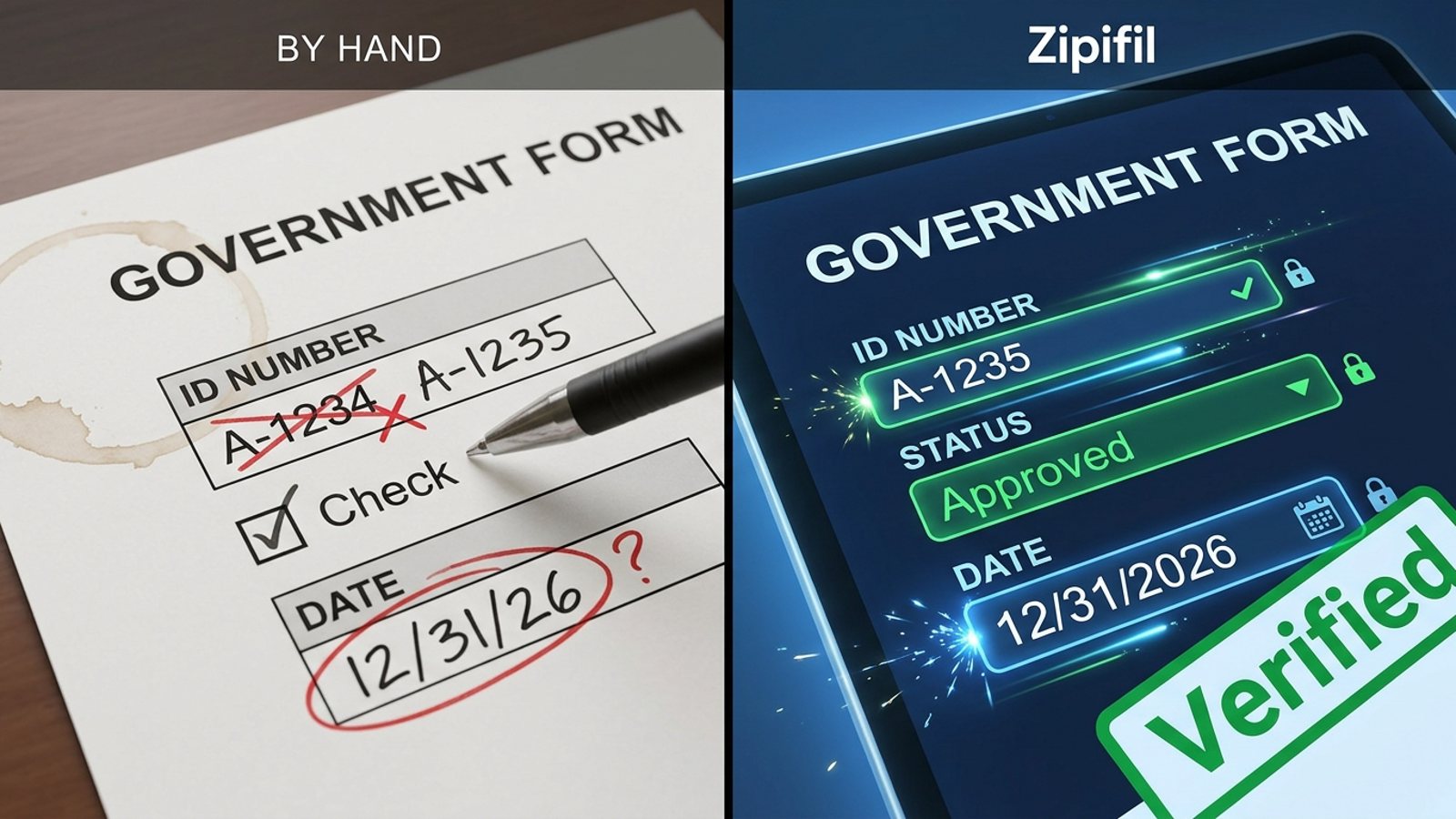
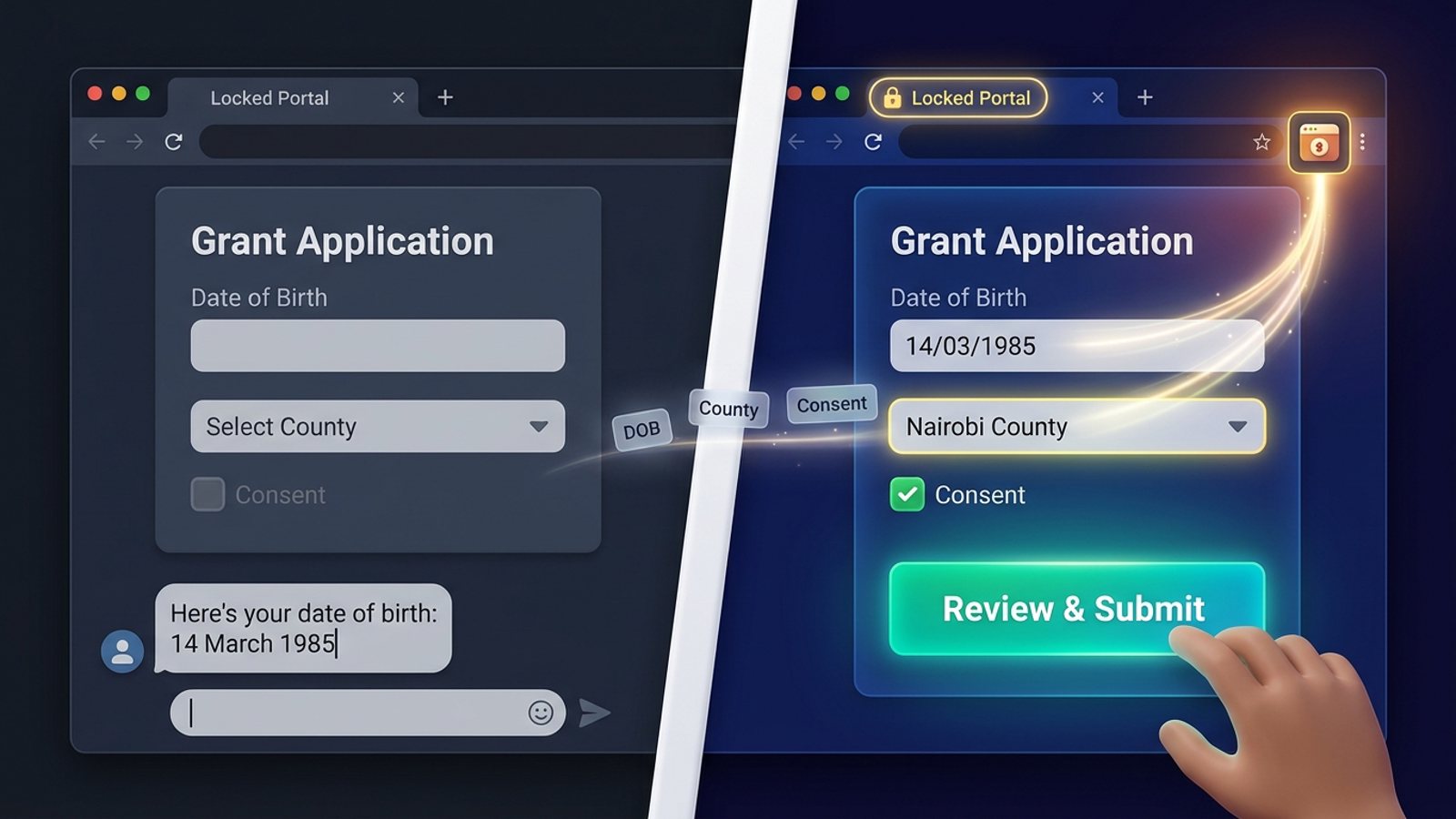
What are the best alternatives to browser autofill for filling Google Forms?
Browser autofill leaves Google Forms dropdowns, checkboxes and grids empty. Compare manual entry, prefill links, preset fillers and AI form fillers — and see which one actually fills the whole form.
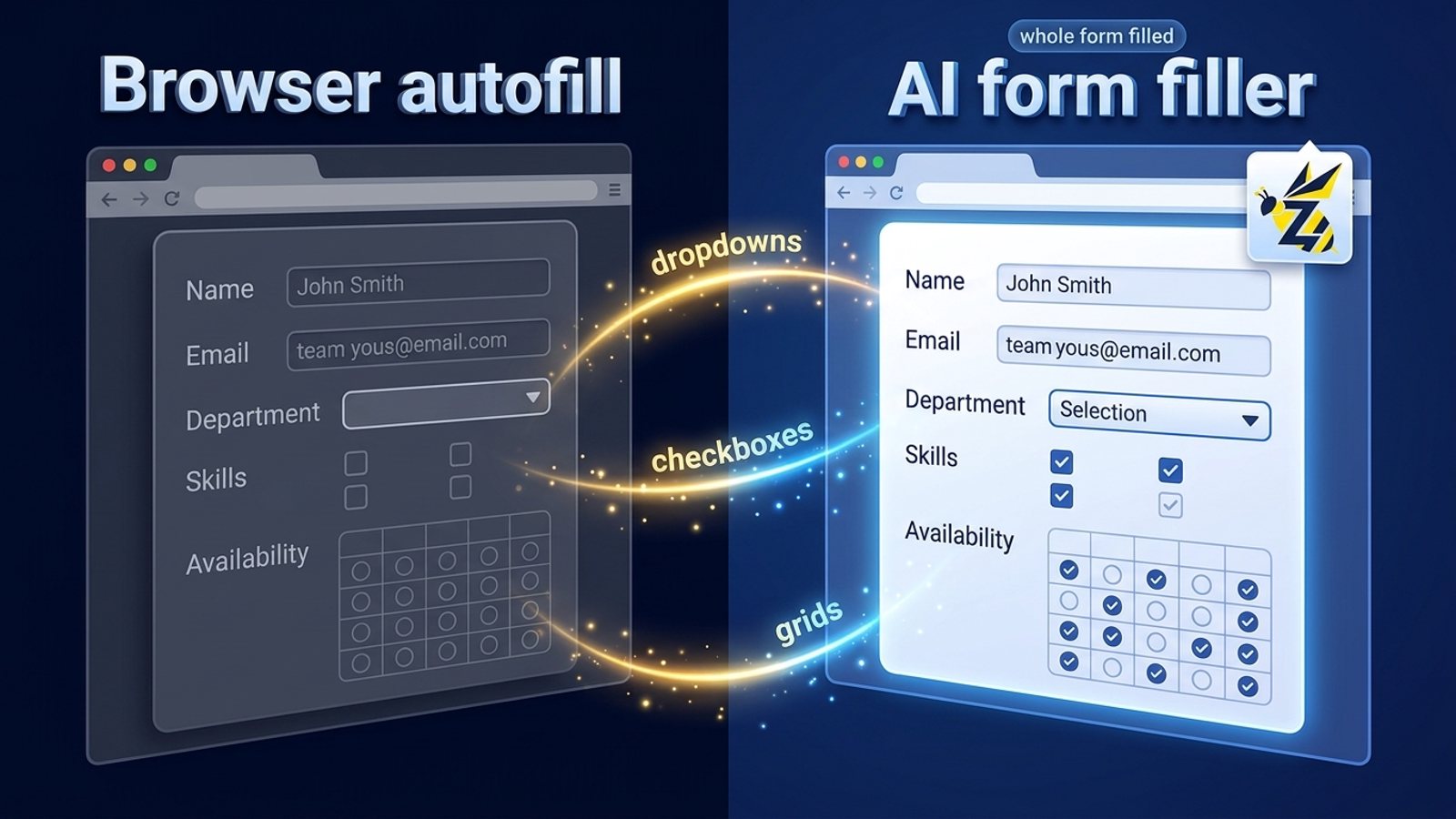
Browser autofill fills your name and email in a Google Form, then leaves dropdowns, checkboxes, grids and long answers blank — Google Forms doesn't render as standard HTML inputs. The best browser autofill alternatives are manual entry, spreadsheet copy-paste, Google Forms prefill links, preset-based filler extensions and AI form fillers. For forms you don't own, an AI form filler that reads the visible question text completes the whole form.
If you fill the same Google Form every week — a client onboarding form, a supplier update, a volunteer sign-up — you know the pattern. Chrome types your name, maybe your email, and stops. The rest is you, clicking through dropdowns one option at a time.
This guide ranks the real alternatives on two things that matter for Google Forms: how reliably they fill the whole form, and whether they remember your rules next time.
If you want the short version: add Zipifil to Chrome and get 3 fills a day free — it fills the whole form, dropdowns and checkboxes included.
Why does browser autofill leave most of a Google Form empty?
Because Google Forms doesn't use a standard HTML <form> with standard inputs, Chrome's autofill — built for those standard inputs — skips them. A Super User thread from 2016 described the same behaviour, and QuickForm's 2026 vendor blog reports Chrome may catch your name or email and then leave the rest of the survey blank.
Google's own help page explains the other half: autofill only works for a category if "Save and fill" is switched on for it, and Google states that "not all autofill features are available in all regions" (Google Chrome Help, undated).
So the question isn't "how do I fix Chrome autofill?" It's "what do I use instead?" Here are the five real options.
What are the best alternatives to browser autofill for Google Forms?
The five alternatives, ranked on Google Forms reliability and per-site rules:
- AI form fillers — read question text, fill every field type, can remember rules per site.
- Preset-based filler extensions — match saved Q&A pairs to question labels.
- Google Forms prefill links — free and built in, but only for forms you own.
- Spreadsheet copy-paste — good when your answers already live in a table.
- Manual entry — always works, always slowest.
The rest of this article takes each one in turn, with what it's genuinely good at and where it stops.
Which option actually fills Google Forms dropdowns and checkboxes?
AI form fillers are the option that fills dropdowns, checkboxes and grids without you pre-mapping every question. They read the visible question text and choose an answer, which is why they cope with forms you've never seen.
Preset fillers do this too, as long as the question wording matches what you saved. Google Form Auto Filler matches saved question-and-answer pairs by question text and supports text, multiple choice, checkboxes, dropdowns, linear scales and grids (Chrome Web Store, page dated 2026-09-14). FormFiller does the same with several profiles and fuzzy title matching, stays inside Chrome storage, and says plainly it's not affiliated with Google (Chrome Web Store, updated 2026-07-25).
The difference shows up when a form owner rewrites a question. A preset filler that has never seen "Which site do you report to?" will skip it. An AI filler reads it and answers.
How do the alternatives compare?
Here's the comparison table. Prices for other tools are as of November 2026 and can change.
| Option | Best for | Key features | Price / free option | Watch-outs |
|---|---|---|---|---|
| Zipifil (Our pick) | Repeated Google Forms you don't control | All field types, per-URL rules, PDF/image upload | Free: 3 fills/day; $9.99/mo unlimited | Works best in English |
| Manual entry | One-off or sensitive forms | Nothing stored, always works | Free | Slowest; every field, every time |
| Spreadsheet copy-paste | Teams with answers already in Sheets | Bulk prefill links, Apps Script | Free with Google account | Field-by-field; own forms only |
| Google Forms prefill links | Form owners sending part-filled links | Built in, no extension | Free | Needs edit access and entry. IDs |
| Preset fillers (e.g. Google Form Auto Filler, FormFiller, RuleFill) | Identical or near-identical forms | Saved Q&A, dropdowns, grids | Free; RuleFill Plus $4.99/mo, Pro $9.99/mo | Miss reworded questions; often no auto-submit |
| AI fillers (e.g. docFiller, AI Forms Helper) | Open-ended or reworded questions | Read question text, fill choice fields | docFiller price not stated; AI Forms Helper needs a subscription | API key or paid plan often required |
Zipifil — our pick of the tools we compared
Zipifil is an AI form filler Chrome extension that fills complex forms, dropdowns and checkbox fields. It works on Google Forms and other forms where other fillers break, and the owner confirms it works on all Google Forms, moving from one page to the next on multi-page forms.
The feature that matters most for repetitive work: you set URL-specific rules once — format a phone number a certain way, skip a field — and it remembers them. You can also add custom AI instructions per page, upload a PDF or image (like a supplier invoice) and let the form fill itself, or highlight text on a page and map it to a field in two clicks.
Pricing, as of November 2026 and subject to change: free forever with 3 AI form fills every day, no credit card required; $9.99 per month for unlimited fills, custom domain rules and prompts, PDF and image extraction and priority AI execution.
One honest note from the owner: it works best in English. For other languages, ask support first.
Try Zipifil free — 3 fills a day, no card needed.
Manual entry
Always works, needs no setup, stores nothing. That last point matters if a form asks for sensitive information you'd rather not keep anywhere.
The cost is time: every field, every submission. For a one-off form, that's fine. For a form you fill weekly, it's the slowest of the five by a wide margin.
Spreadsheet copy-paste (Google Sheets ↔ Forms)
If your answers already live in a spreadsheet, you can build prefilled links in bulk. A Google Help thread from 2023 shows the pattern: =HYPERLINK("…/formResponse?entry.XXXX="&A2&"&entry.YYYY="&B2&…) in Sheets, then clicking each link and submitting.
Google's Apps Script FormResponse.toPrefilledUrl() can generate prefilled URLs programmatically (Google for Developers, updated 2026-04-13). Better Google Form Filler takes a different route — it connects your Google Sheets and opens a search panel inside Google Forms so you can apply a chosen record, with manual mapping overrides (Chrome Web Store, updated 2026-04-22).
The limit: copy-paste is still field-by-field, and prefill links only work on forms you control.
Google Forms prefill links
Free and built in. You fill sample values, click "Get Link" in the form's menu, and get a viewform?usp=pp_url&entry.XXXX=value URL (Stack Overflow revision, 2025-02-23).
It's excellent for form owners who want to send a link with a location ID or reference number already filled. It's useless for a form you don't own — prefill links need edit access (Stack Overflow, 2026-01-13). They also need exact option labels and the correct entry. IDs, and a Stack Overflow answer from 2026 reports that hiding a prefilled field by skipping its section can stop the value being collected.
Preset-based filler extensions
These save your answers once as a profile or Q&A pairs, then fill by matching question text. RuleFill — Form Autofill advertises profiles, rules, macros and Google Sheets sync, with a free tier of 10 autofills a day, Plus at $4.99/month and Pro at $9.99/month (Socket.dev listing, 2026-10-23 — a third-party store tracker, so treat those prices as listing-sourced).
The honest limitation: most are Google Forms–only and don't call AI, so unusual or reworded questions can miss. Many also don't submit the form for you — you review and click submit.
If you mainly need a free saved-answer vault and your forms never change, a preset filler is the more direct choice.
AI form fillers
docFiller targets 20+ Google Forms field types and connects AI models including ChatGPT, Claude, Gemini, Ollama and Mistral, with an API-key setup (Chrome Web Store, 2026-07-07). AI Forms Helper fills questions with GPT-4o across text, multiple choice, checkboxes, dropdowns, scale and date, and requires an active subscription (Chrome Web Store, updated 2026-04-06). Neither listing shows a price.
There are also open-source options: BeastBoy2209/google-forms-ai-autofiller is a Chrome extension supporting OpenAI, Anthropic and Gemini APIs with one-click whole-form fill and local storage (GitHub, 2026-04-21), and pratss10/google-form-autofiller is a Python script using Gemini to answer text, multiple-choice, dropdown and rating fields (GitHub, 2025-05-27).
The trade-off is setup: an API key or a paid subscription, and for the script, running Python.
How do I choose between them?
Ask two questions. First: do you own the form? If yes, prefill links are free and reliable. If no, you need a filler extension.
Second: do the questions change? If the form is identical every time, a preset filler is enough. If questions get reworded, sections get added, or you fill many different forms, an AI filler saves you from re-mapping every time.
The right alternative isn't the one with the most features — it's the one that still fills the form correctly the tenth time the form owner changes a question.
Zipifil sits in the AI camp with one extra: per-site rules you teach once. That's the difference between a filler that guesses every time and one that knows your phone format, your reference numbers and which field to skip.
What mistakes should I avoid when switching from browser autofill?
Don't assume a filler submits the form. Most don't — Google Form Auto Filler's listing says it doesn't submit automatically (Chrome Web Store, 2026-09-14). Always review before you hit submit.
Don't store more than you need. Storage varies: some extensions use Chrome sync, others keep data local (Chrome Web Store, 2026-09-14; Open Autofill, undated). Check before saving anything sensitive.
Don't rely on prefill for forms you don't own. It won't work, and you'll waste an afternoon on entry. IDs.
Don't skip the review step on multi-page forms. If a question gets skipped, you may not see it until the end.
Ready to stop typing the same answers? Add Zipifil to Chrome — 3 fills a day free, and let the whole form fill itself.
Zipifil is made by the team behind this blog.
Sources
- Fill out forms automatically on Chrome — Google Chrome Help, undated
- How to autofill Google Forms in Chrome — QuickForm blog (vendor), 2026-06-09
- Chrome autofill not working on Google Forms — Super User, 2016-08-04
- Google Forms question types — Google Help, undated
- Pre-filling hidden fields in Google Forms — Stack Overflow revision, 2025-02-23
- Auto-fill Google Form by spreadsheet data — Google Help thread, 2023-12-01
- Class FormResponse — toPrefilledUrl — Google for Developers, updated 2026-04-13
- Autofilling data based on shared URL in Google Forms — Stack Overflow, 2026-01-13
- Auto-fill in Google Forms guide — GeekChamp, 2026-05-14
- Google Form Auto Filler — Chrome Web Store, 2026-09-14, updated 2026-11-19
- Autocompletar Google Forms – FormFiller — Chrome Web Store, updated 2026-07-25
- RuleFill — Form Autofill — Socket.dev listing, 2026-10-23
- docFiller — Chrome Web Store, 2026-07-07
- AI Forms Helper — Chrome Web Store, updated 2026-04-06
- google-form-autofiller — GitHub, 2025-05-27
- google-forms-ai-autofiller — GitHub, 2026-04-21
- Better Google Form Filler — Chrome Web Store, updated 2026-04-22
- Open Autofill — Open Autofill site, undated
Frequently asked questions
Of the tools we compared, Zipifil is our pick because it fills the whole form — text boxes, dropdowns, checkboxes, radio buttons, date pickers and multi-step wizards — and remembers per-URL rules. If you only need saved answers on identical forms, a preset filler like FormFiller is the more direct choice.
No. Prefill links require edit access to the form, because you generate them from the form's own menu (Stack Overflow, 2026-01-13). For forms you don't own, use a filler extension instead.
Zipifil does — the owner confirms it moves from one page to the next. Preset fillers generally fill each page as you reach it, matching by question text.
It depends on the extension. Google Form Auto Filler uses Chrome sync storage (Chrome Web Store, 2026-09-14); Open Autofill is local-only (Open Autofill, undated). Check each tool's listing before saving personal data.
Form owners set their own rules, and individual form terms vary — check the form or ask the owner if you're unsure. This is general guidance, not legal advice.