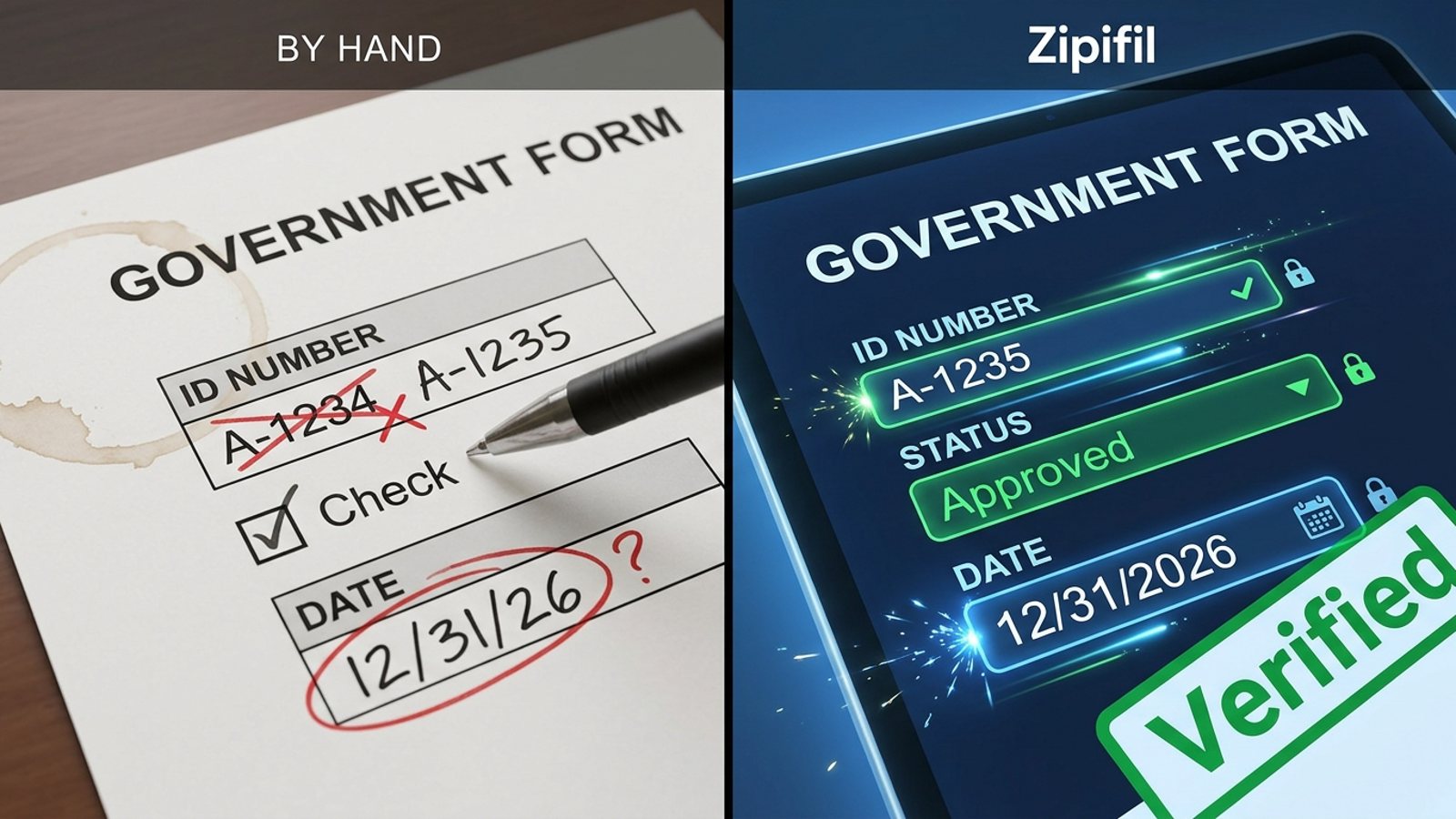
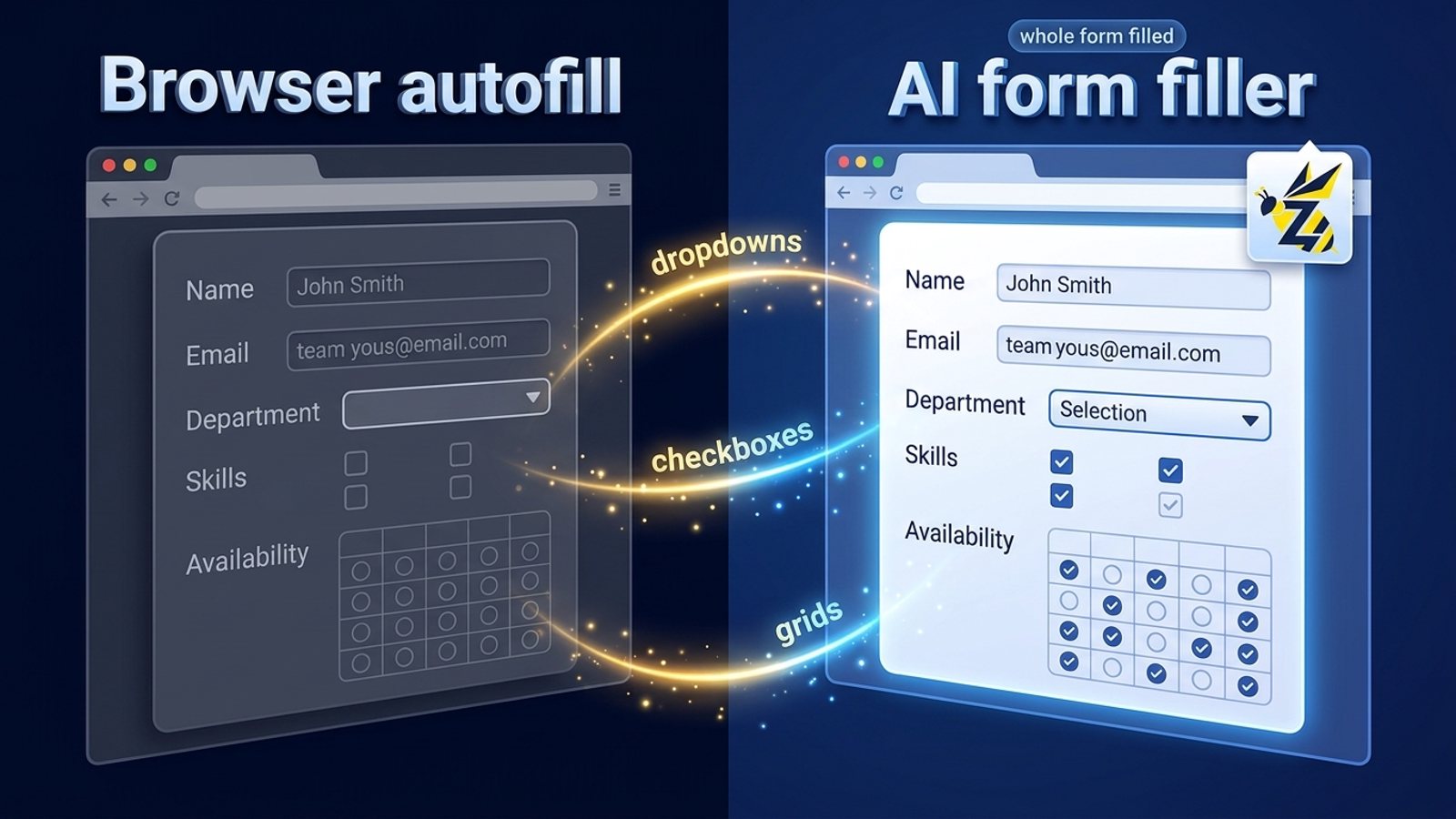
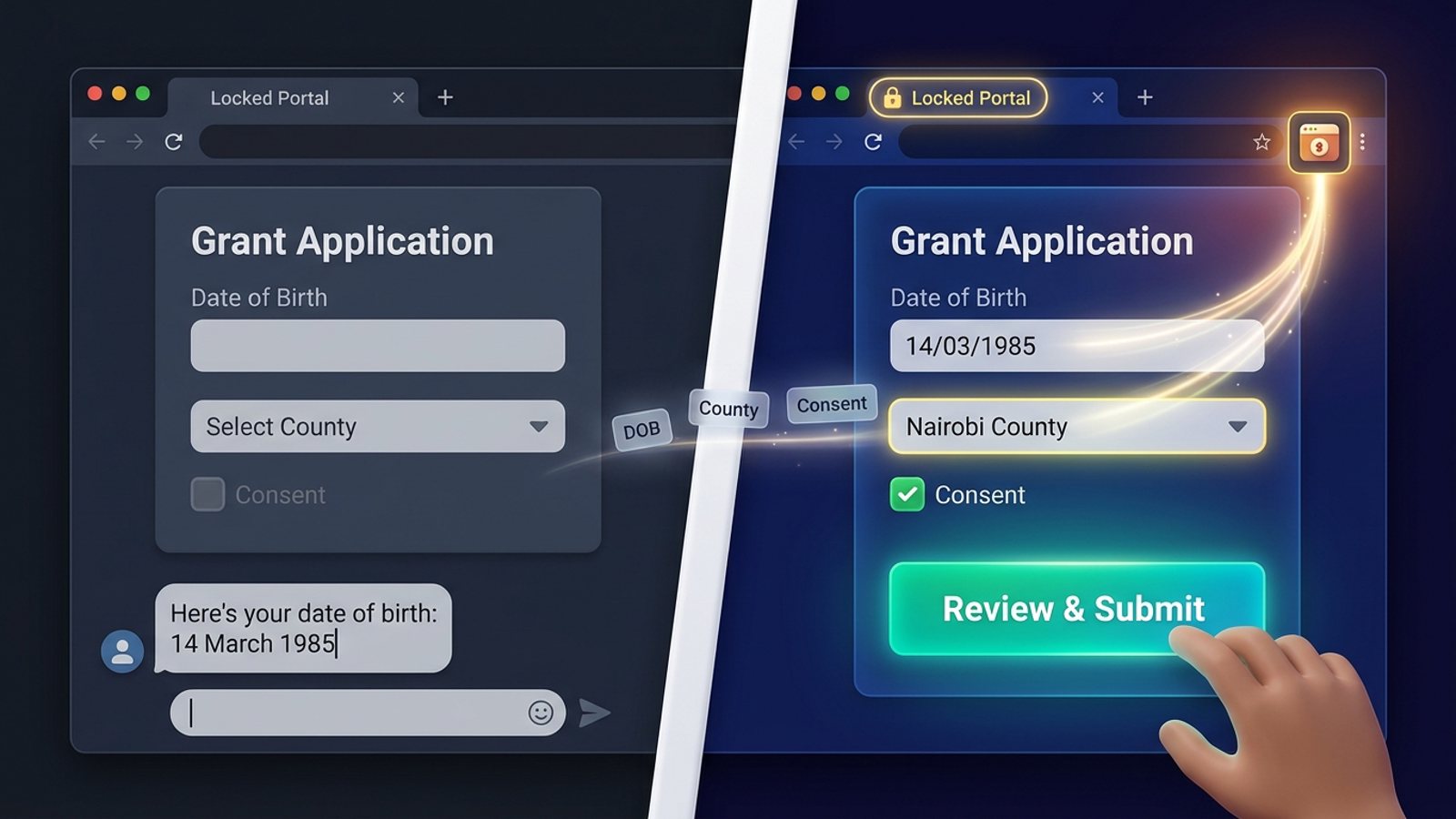
Is there a free alternative to Filliny for complex forms?
Yes — Zipifil gives you 3 AI form fills per day free, no card required, and handles locked portals and iframes that basic autofill misses. Unlimited fills cost $9.99/month.
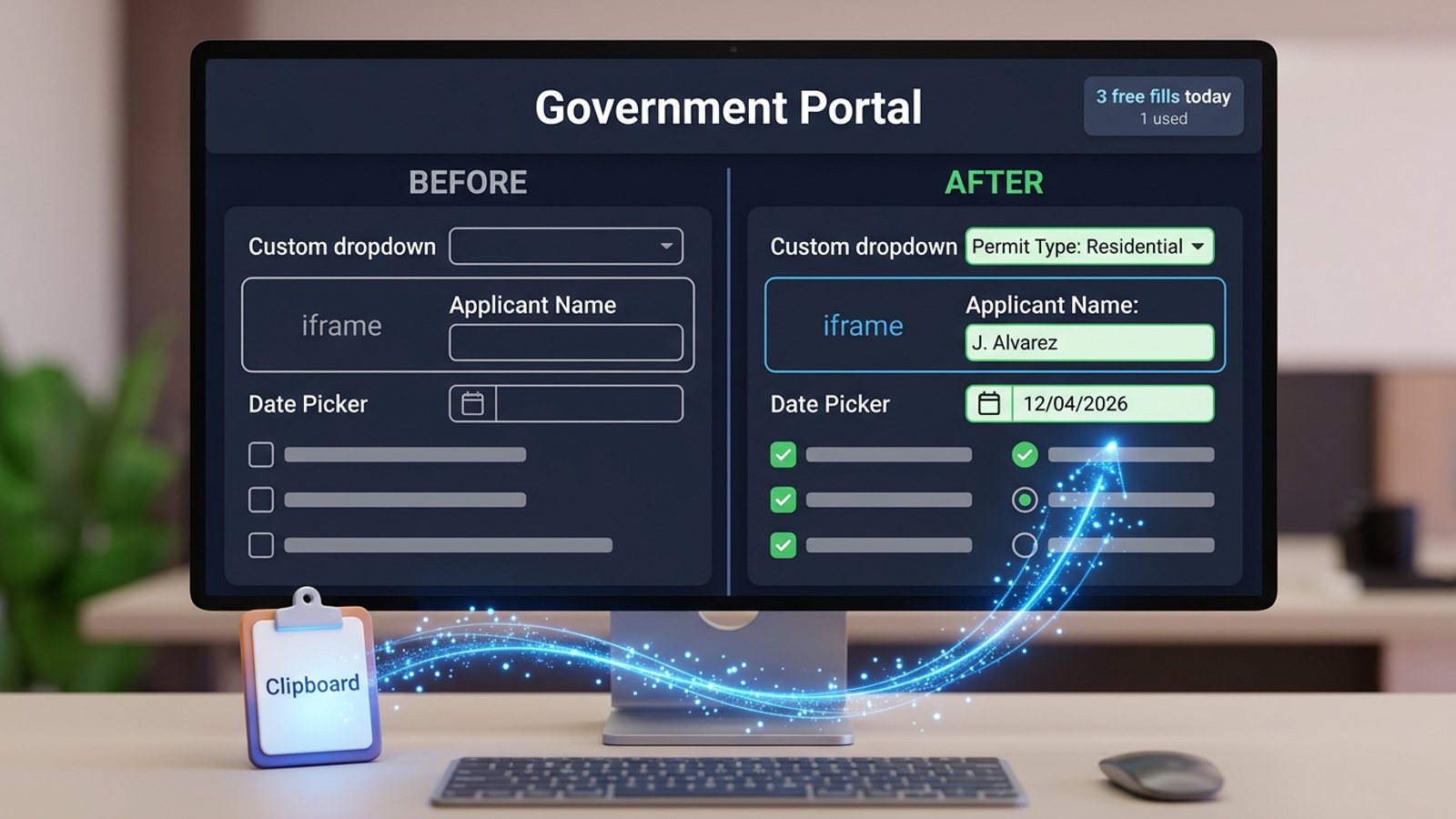
Yes — several free options can fill complex forms, but none is a perfect like-for-like swap for Filliny. Chrome's built-in autofill is free but struggles with custom dropdowns and iframes; Magical's free plan covers text expansion and basic autofill; Fill.ai is open-source and can run locally. Zipifil, a free Filliny alternative for complex forms, gives you 3 AI fills per day free, with unlimited fills at $9.99/month as of November 2026 (prices can change).
If you fill DMV appointments, permit applications or voter registration updates all day, the free tier question matters more than any feature list. Here's how the options actually compare — and where each one runs out of road.
Add Zipifil to Chrome — 3 Fills/Day Free and test it on a real form before you decide.
Why is Filliny hard to replace for free?
Filliny is a capable filler, but its free-tier claims don't line up across sources. Filliny's own posts describe "5 fills, no credit card," while third-party directories describe unlimited mock or test fills only — a third-party directory from March 2025 also reports user criticism that it "lacks a meaningful free tier or free tokens."
What Filliny does well is documented: its AI reads what each field is asking rather than matching exact field names, according to a third-party listing from March 2026. It also states it supports React, Vue, Angular, Svelte and Shadow DOM, offers multiple profiles, per-site custom instructions and a test mode with mock data.
That 94.3% figure is the vendor grading its own homework, but it's a useful yardstick: even a paid AI filler finds government portals the hardest case. So a free alternative doesn't need to be perfect — it needs to handle the fields you actually meet.
What does a free Filliny alternative need to do on complex forms?
It needs to reach fields that basic autofill can't see. Three things break most fillers on complex forms:
- Custom dropdowns and widgets — Chrome's autofill is built around developer-declared field types (autocomplete attributes), per Chrome's developer docs. When a site builds its own dropdown, autofill has nothing to match.
- Iframes — password-manager vendor Passbolt states that browser security limits stop it accessing fields inside shadow roots or iframes. A developer blog from January 2026 documents async iframe rendering breaking a name field on a Korean government site.
- Multi-page wizards — Filliny's own guide says it leaves login fields, payment fields and CAPTCHA challenges alone, and its government-form test blamed multi-page wizards that reset between sections.
Our recommendation: before you install anything, try Chrome's autofill on the form once. If the dropdowns stay empty and the iframe section won't fill, you've found your real requirement.
Which free options actually handle complex forms?
Four options are worth comparing, and each wins on something different.
Zipifil (our pick)
Zipifil is an AI-powered Chrome extension that fills text boxes, drop-downs, checkboxes, radio buttons and date pickers — and it works on locked portals and iframes that other extensions can't see. It uses a 100% private API, which matters if you handle sensitive data.
The free plan is a daily cap, not a trial: 3 AI form fills every day, no credit card. Unlimited fills are $9.99/month as of November 2026 (prices can change). You can also set URL-specific rules once and have them apply forever, which cuts down on repeat corrections.
Be honest about the cap: three fills a day is plenty for occasional permit work and tight for a full day of intake forms. If you hit the cap every afternoon, the paid plan is the real answer.
Chrome built-in autofill
Free, already installed, and fine for names, addresses and payment fields. But an independent help site notes Chrome's autofill is built as a checkout accelerator with a small fixed vocabulary, which is why it underperforms on long government and permit forms (my-id.ca, August 2026). Google's own help page says autofill may not appear when a site isn't secure enough or when Chrome can't detect the fields — and that not all autofill features are available in all regions.
Magical
Magical is a text expander and autofill extension by HeyAutoFill Inc. Its Edge listing says the free plan includes unlimited templates and a limited number of daily AI expansions; a third-party review checked 31 October 2026 reports 600 monthly text expansions and 20 monthly automations free. It's excellent for snippets and messages. It is not primarily an AI field reader for complex government forms, and its Chrome listing discloses collection of personally identifiable information, location, web history, user activity and website content — worth weighing for sensitive work.
Fill.ai
An open-source (MIT) option that reads a resume once to build an editable profile, fills on Alt+Shift+F, asks about fields it can't answer, and never presses submit. It can run entirely locally via Ollama, so nothing leaves your machine. The catch: local mode needs Ollama and a graphics card, and its own README warns that Gemini's free tier may let Google use what you send — including your resume — to improve its products.
How do the free options compare side by side?
Here's the comparison of the tools we looked at, with the honest trade-offs in the last column.
| Option | Best for | Key features | Price / free option | Watch-outs |
|---|---|---|---|---|
| Zipifil (Our pick) | Locked portals, iframes, complex forms | All field types, URL rules, private API | 3 fills/day free; $9.99/mo unlimited | Daily cap on free plan |
| Chrome autofill | Simple personal and payment fields | Saved info, instant, no install | Free with Chrome | Misses custom widgets and iframes |
| Magical | Text snippets and basic autofill | Templates, expansions, many apps | Free plan with daily AI limits | Text expander first; broad data disclosure |
| Fill.ai | Privacy-first, local filling | Local via Ollama, never submits | Free, open source | Needs setup and a graphics card |
Zipifil is made by the team behind this blog.
If you mainly need text snippets and quick expansions across everyday apps, Magical is the more direct choice. If you want a filler that runs entirely on your own hardware and you're comfortable with setup, Fill.ai is the better fit. If your job is getting through complex, locked government forms without babysitting each field, Zipifil is built for exactly that.
Try Zipifil free — 3 AI form fills every day, then decide whether the cap fits your workload.
Is a free AI filler private enough for government work?
Only if you check what it collects before you install it. Extension listings disclose this: Magical's Chrome listing names personally identifiable information, location, web history, user activity and website content, and Aladel's Firefox AI form filler discloses collection of personally identifiable information and website content (Firefox Add-ons, July 2026).
Zipifil's privacy details are published at its data-privacy page, and it uses a 100% private API. Fill.ai's local mode keeps data on your machine but needs technical setup. Our recommendation: match the tool's data handling to the sensitivity of the form, not the other way round.
Do free fillers ever press submit for you?
No — and you shouldn't want them to. Fill.ai's README states it never presses submit, and Filliny's guide says it leaves login fields, payment fields and CAPTCHA challenges alone. Treat any filler as a typing assistant, not an autorun button.
The practical workflow:
- Check your organization's extension policy before installing anything on government systems.
- Try Chrome's autofill first to see which fields break.
- Install a free complex-form filler and test it on a practice form.
- Use the free tier as a real trial — for Zipifil, that's 3 fills a day.
- Review every filled field before submitting. No AI filler should press submit for you.
The best free filler is the one that reaches the fields Chrome can't see — and then stops and lets you check its work.
What about multi-page forms and iframes?
Multi-page forms are where free tiers earn their keep or lose it. Zipifil moves from one page to the next on multi-page Google Forms, according to the owner, and it works on iframes that other extensions can't see. Chrome autofill, by contrast, relies on properly marked-up fields and can fail when a site isn't secure enough or a field isn't detected.
Iframes are the harder problem. Passbolt's docs explain that browser security limits prevent accessing fields inside shadow roots or iframes, and a developer blog from January 2026 shows async iframe timing alone breaking a fill on a government site. If your portal embeds its form in an iframe, that's the test that separates the options.
Sources
- Filliny - AI Form Filling Assistant (Crx搜搜, third-party listing, 2026-03-17)
- Complete Guide to AI Form Filling 2026 (Filliny, vendor, 2026-02-21)
- I Let AI Fill Every Form for a Month (Filliny, vendor, 2026-02-07)
- Filliny — Permissions, User Stats & Alternatives (ExtWise, third-party, 2025-03-19)
- Chrome Autofill help (Google Chrome Help, date not given)
- Identity autofill for developers (Chrome for Developers, date not given)
- Why Chrome autofill fails on government and long application forms (my-id.ca, 2026-08-17)
- Why can't I use autofill? (Passbolt docs, updated 2026-08-23)
- Chrome Extension iframe OACX Auto-Fill Not Working (Seunghan, developer blog, 2026-01-22)
- Magical: Text Expander & Autofill (Chrome Web Store, updated 2026-04-04)
- Magical: Text Expander & Autofill (Microsoft Edge Add-ons, 2026-04-07)
- Magical Review 2026 (Tops AI Tool, third-party, 2026-10-30)
- Fill.ai README (GitHub, 2026-09-22)
- AI Form Filler Firefox add-on by Aladel (Firefox Add-ons, 2026-07-21)
Frequently asked questions
Yes. Zipifil offers 3 free AI form fills per day with no credit card, and unlimited fills at $9.99/month as of November 2026 (prices can change). Chrome autofill is free but struggles with custom dropdowns and iframes; Fill.ai is free and open-source if you can run it locally.
For locked portals and iframes, Zipifil is the most direct fit of the tools we compared, because it's built for complex forms other extensions can't see. If you mainly need snippets and basic autofill, Magical's free plan is the simpler choice. Always confirm your agency allows the extension first.
No. Zipifil works only on Chrome, Edge and Brave. If you need Firefox, Aladel's AI Form Filler add-on is an option, though it discloses collection of personally identifiable information and website content.
Three AI form fills per day on Zipifil's free plan — a daily cap rather than a trial, so it resets each day. If you regularly fill more than three forms a day, the $9.99/month unlimited plan (as of November 2026) is the realistic step up.
No. Filliny's own guide says it leaves CAPTCHA challenges alone, and no filler we looked at claims to solve them. Expect to complete CAPTCHA steps yourself and review each field before submitting.