What's the best AI form filler extension for a one-person contracting business?
The best AI form filler for a solo contractor handles locked government portals and iframes without exposing your business data. Here's how to pick and test one.
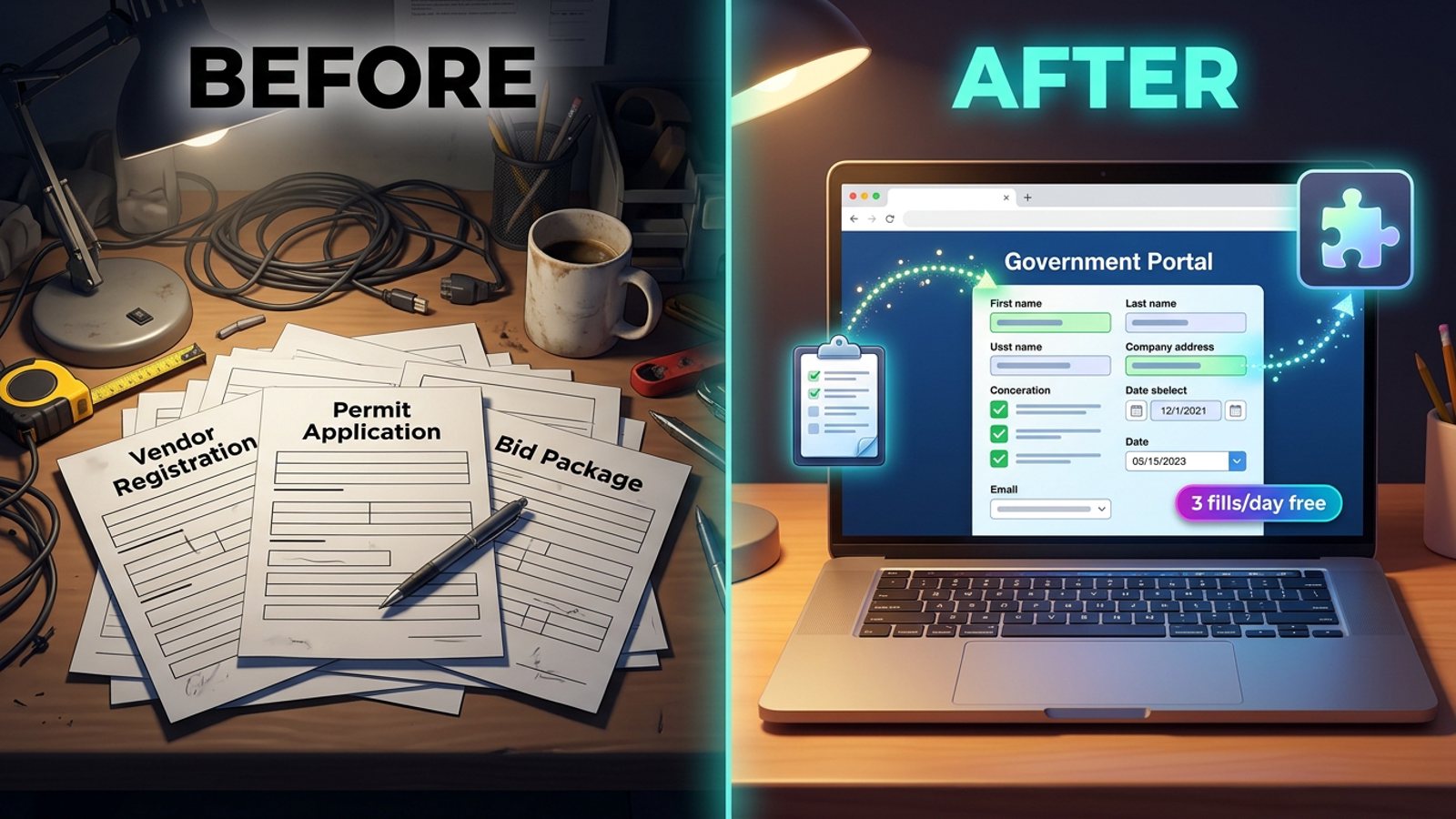
For a one-person contracting business, the best AI form filler extension is one that handles the long, locked portals you actually face — vendor registrations, permits, bid applications — without sending your business data somewhere you don't control. Of the tools we compared, Zipifil is our pick: it works on locked government portals and iframes, uses a private API, and has a free tier you can test before paying.
If you're a solo contractor, you don't fill forms for fun — you fill them to get paid, get permitted, or get on a vendor list. Add Zipifil to Chrome and you get 3 free fills a day to try it on your own portals before spending anything.
Why is a one-person contracting business harder on forms than a big firm?
Because you have no admin team to hand the paperwork to. A big firm has someone whose whole job is vendor onboarding; you have a van, a laptop, and a Tuesday night.
Think about what a solo contractor fills in a month: a vendor registration portal for a city, a permit application, a bid package, a tax form, maybe a subcontractor questionnaire for a prime. Many are long, multi-page, and sit inside locked portals or iframes that ordinary autofill can't see. That's the gap an ai form filler extension contracting businesses rely on is meant to close.
What should I check before installing any form filler?
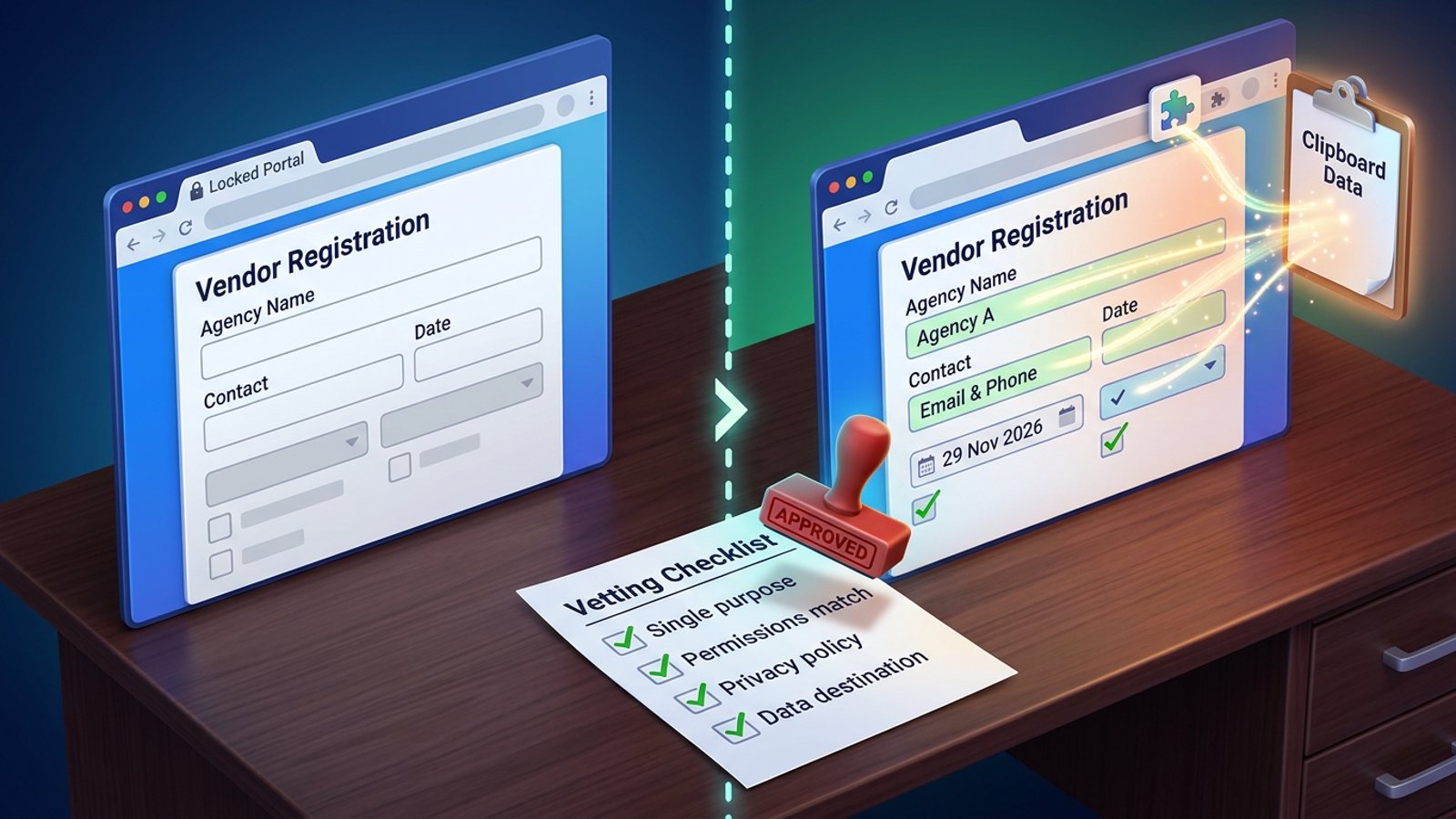
Check your client's or agency's policy on browser extensions first — before you install anything. This isn't red tape; it's the step that keeps you out of trouble.
The Commonwealth of Massachusetts Comptroller warned departments in November 2024 that many browser extensions pose security and privacy risks, citing studies that over 50% of installed extensions were high risk, and advised reviewing before deploying. If a state comptroller says that to its own staff, assume a prime contractor's IT team may say the same to you.
Then read the permission request. Extensions must declare what they can access, and adding host access triggers a user-facing warning (Chrome for Developers). A 2023 University of Michigan study found extensions can contradict their own privacy statements — for example, claiming "we do not collect personal data" while declaring location collection. Old study, still the right habit: read the disclosure, don't trust the tagline.
What's the best AI form filler extension for a one-person contracting business?
Our pick, of the tools we compared, is Zipifil — because it's built for the exact forms that stall other fillers: locked government portals and iframes. Here's the honest comparison.
| Option | Best for | Key features | Price / free option | Watch-outs |
|---|---|---|---|---|
| Zipifil (Our pick) | Locked government portals | All field types; iframes; private API; URL rules | Free, 3 fills/day; $9.99/mo unlimited | Chrome, Edge, Brave only |
| Chrome Autofill | Checkout-style forms | Name, address, card, password | Free with Chrome | Fixed field vocabulary |
| Lightning Autofill | Forms you repeat | Rules, macros, JavaScript | Free tier; paid plans | You configure it yourself |
| Magical | Repetitive messages | Text shortcuts, templates | Free plan with limits | Not built for long portals |
| Filling by hand | One-off sensitive forms | Full control | Free | Time, typos, missed fields |
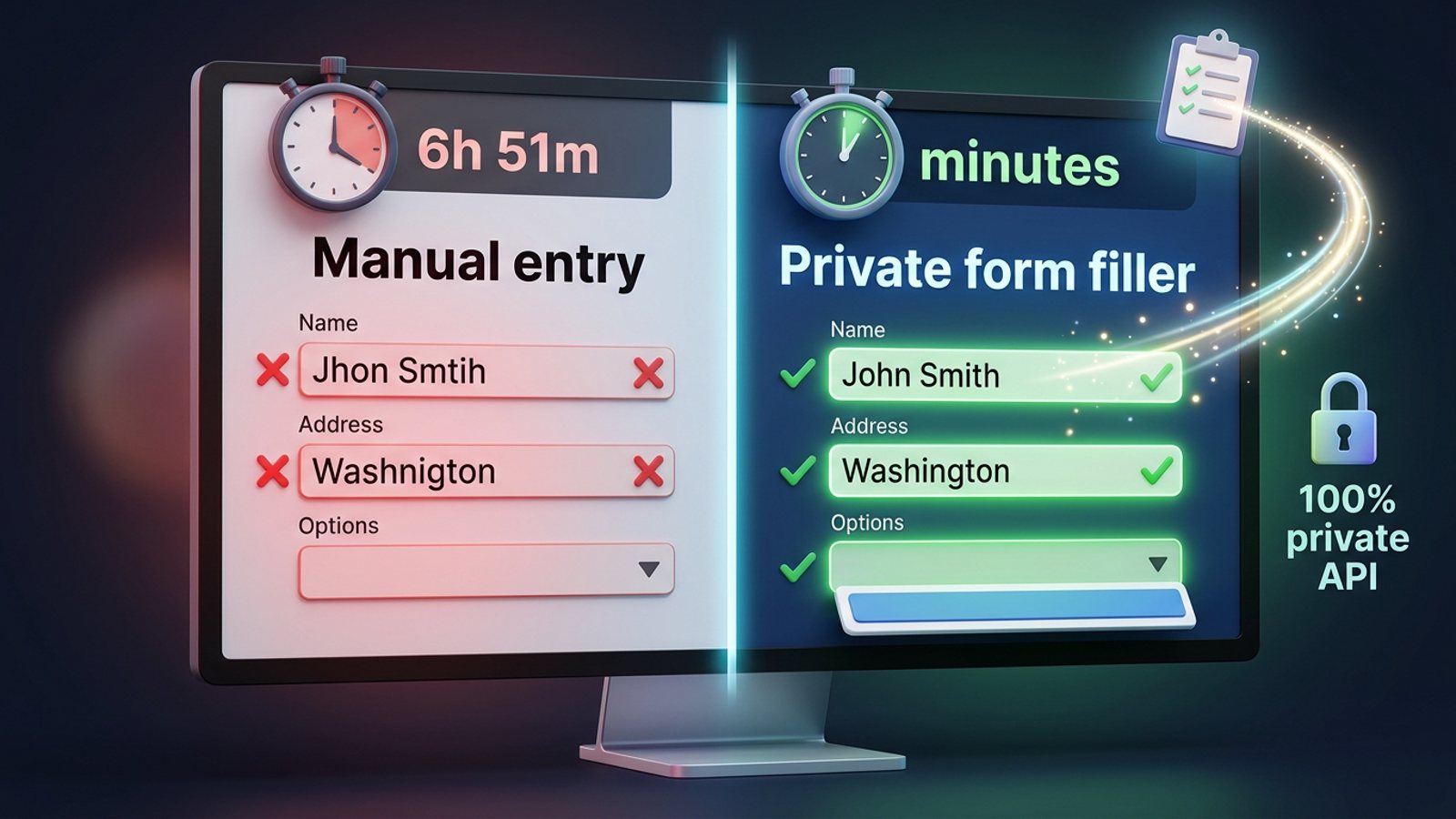
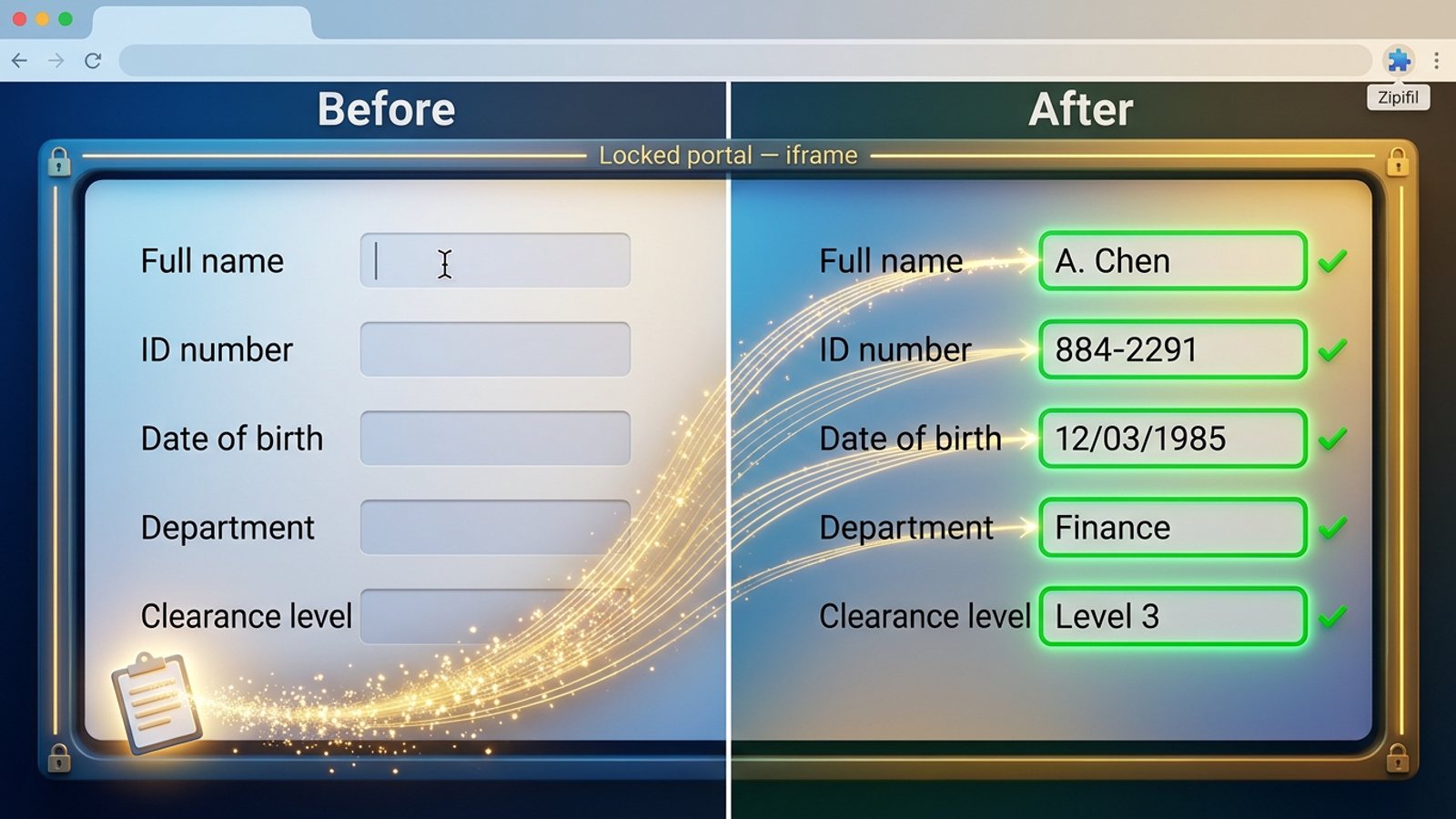
Zipifil fills text boxes, drop-downs, checkboxes, radio buttons and date pickers, and it works on the locked portals and iframes that other extensions can't see. It uses a 100% private API, which matters when the form carries your EIN or a client's project details. You can set URL-specific rules once — custom formatting, or skipping a field — and they apply forever, which is what a solo operator needs on a portal they revisit every quarter. It also pulls data from a PDF or image: upload an invoice or a sheet and the form fills itself. Zipifil is made by the team behind this blog. Try Zipifil free — 3 fills a day, no credit card.
Chrome Autofill is free, needs no third party, and is fine for a short contact form. But it recognises a small, fixed vocabulary of field types — name, address, email, phone, card — and isn't designed for specialist government fields (my-id.ca, 2026-08-17). It also requires you to be signed in to Chrome with a Google Account, with "Save and fill" on per category (Google Help). If you mainly need free and simple for checkout pages, Chrome Autofill is the more direct choice.
Lightning Autofill moved to freemium with its MV3 update after 14 years free: Free gives 10 profile executions a day, with Plus and Pro tiers above it (Chrome Web Store listing, updated 2025-06-20). Its vendor docs confirm the shift and say data isn't collected or sold (Lightning Autofill Docs, 2026-09-17). Prices can change — a 2024 vendor post listed Plus at $4.99/mo and Pro at $9.99/mo, and we'd treat those as out of date until you check the store. If you mainly fill the same custom form the same way every week and want to configure rules yourself, Lightning Autofill is the more direct choice.
Magical is a text expander with a free plan offering unlimited templates and a limited number of daily text shortcuts (Microsoft Edge Add-ons listing, 2026-04-07). Its Chrome listing reports around 950,000 users and a 3.1/5 rating from 3.5K reviews, and its store privacy disclosure says it handles personally identifiable information, location, web history, user activity and website content (Chrome Web Store, updated 2026-04-04). If you mainly need to fire off the same bid cover note twenty times a day, Magical is the more direct choice — it just isn't built for a 40-field permit portal.
Filling by hand is free and exposes nothing. For a one-off, highly sensitive form, or a client who bans extensions outright, it's the right answer. The time-and-typo argument for automation is usually made by vendor blogs, so weigh it as marketing rather than data.
How many fills a day does a solo contractor actually need?
Probably fewer than you think on a normal week, and a lot more during bid season. That's why a free tier you can live with matters more than a feature list.
Zipifil's free forever plan gives 3 AI form fills a day; unlimited is $9.99 per month as of November 2026, and prices can change. For a one-person business, that's the whole cost question: one bid won pays for years of it, and you can run the free tier for a month before deciding.
Lightning Autofill's free tier is 10 profile executions a day per its store listing. Magical's free plan limits daily text shortcuts. Different units — fills, executions, shortcuts — so compare them against your own month, not against each other.
What are the most common mistakes with form filler extensions?
The biggest one is blaming the extension when the government site itself is the problem. When a submit click fails, some government sites still post forms over HTTP from HTTPS pages, which Chrome has blocked as mixed content since 2017 — a separate cause from the form filling correctly (php.cn, 2026-06-26).
The second is letting autofill interfere at the sign-and-submit step. Ireland's Revenue advises turning off Chrome's "Enable Autofill to fill out web forms in a single click" when wrong certificates or passwords appear at that stage of a return (Revenue, 2026-03-29).
The third is a blocked extension quietly breaking autofill in normal windows while it still works in Incognito — check chrome://extensions and toggle extensions off one by one (SolveTechToday, 2026-05-17).
Here's a practical sequence to run once, then reuse:
- List your portals. Note which are long, multi-page, or inside iframes.
- Check policy. Ask the client or agency before installing anything.
- Start with Chrome Autofill. See what it already covers for free.
- Read the permissions. Check the store listing's disclosure before clicking Add to Chrome.
- Test on low stakes. Use a draft or sandbox version of the real portal.
- Diagnose submit failures. Look for mixed-content warnings before blaming the tool.
- Pay only after it survives. Re-check prices before buying.
Is it safe to let an extension read a government portal page?
Only if you've checked what it can access and where the data goes. That's the whole question, and it's answerable.
Extensions must declare their access, and Google recommends optional permissions so users keep informed control; Chrome also disables an extension on update if the new version asks for more privilege than you granted (Chrome for Developers; Chromium source). On managed Chromebooks, admins can pin an extension to a version, block extensions outside the Chrome Web Store, limit which URLs an extension may modify, and block extensions requesting certain permissions (Google for Developers, updated 2025-12-30).
Read the terms too. Passpaw's extension terms are a useful example of the language to look for: it says the tool is user-initiated, doesn't submit or certify information on your behalf, isn't warranted to comply with any third-party or government system's terms, and the user assumes risk of account suspension or rejection (Firefox Add-ons, 2026-04-27).
Zipifil's own position is that its API is 100% private and its data-privacy page is at zipifil.com/data-privacy. It learns your rules once per URL and remembers them, so you correct a field once rather than every visit.
The tool that wins for a solo contractor isn't the one with the longest feature list — it's the one that still works on the locked portal you have to fill by Friday.
Which browsers does an AI form filler extension work on?
Not all of them, and this catches people out. Zipifil works on Chrome, Edge and Brave; it does not work on Firefox or Safari. If you're a Mac-based contractor who lives in Safari, that's a real limit and you should know it before you start.
Chrome Autofill is Chrome-only by definition. Magical has both a Chrome listing and a Microsoft Edge Add-ons listing, so it's available on Edge as well.
Do I need a team plan?
No — and for a one-person business, that's a feature. Zipifil is one account per user, which matches how a solo contractor works: your data, your rules, your portals.
If you grow to two or three people, each person runs their own account and their own URL rules. That keeps client data separated, which is usually what a prime contractor wants to hear anyway.
For more on the privacy side, our guide to the safest AI form filler extension for government staff goes deeper, and if you're mostly on Google Forms, see the AI form filler Chrome extension walkthrough.
Ready to test it on your own vendor portal? Add Zipifil to Chrome — 3 fills a day free, and keep the $9.99/month unlimited plan in your back pocket for bid season.
Sources
- Chrome Help — Autofill your info (Google, no date)
- Why Chrome autofill fails on government and long application forms (my-id.ca, 2026-08-17)
- Chrome autofill not working on some forms (tidyleaf.github.io, no date)
- Chrome Autofill Isn't Filling In Forms Anymore (SolveTechToday, 2026-05-17)
- Revenue — Issues completing and submitting returns (Revenue, 2026-03-29)
- Why Google Chrome cannot submit form data on some government sites (php.cn, 2026-06-26)
- ChromeOS extension development (Google for Developers, updated 2025-12-30)
- Declare permissions (Chrome for Developers, no date)
- Extension permissions (Chromium source, no date)
- Web Browsers May Pose Significant Security Risks (Commonwealth of Massachusetts, Office of the Comptroller, 2024-11-05)
- Do You Really Know Your Extension? (University of Michigan RTCL, 2023)
- The Silent Compliance Risk in Browser Extensions (Spin.AI, 2026-04-19)
- Lightning Autofill listing (Chrome Web Store, updated 2025-06-20)
- Lightning Autofill Freemium Notice (Lightning Autofill Docs, 2026-09-17)
- HAPPY NEW YEAR! New monetization strategy (Lightning Autofill, 2024-02-09)
- Magical store listing (Chrome Web Store, updated 2026-04-04)
- Magical Edge Add-ons listing (Microsoft Edge Add-ons, 2026-04-07)
- Passpaw VEHCS Assistant privacy terms (Firefox Add-ons, 2026-04-27)
Frequently asked questions
Of the tools we compared, Zipifil is our pick because it handles locked government portals and iframes and uses a private API. If your forms are short and checkout-style, Chrome's free Autofill is the more direct choice.
Because browser autofill recognises a small, fixed vocabulary of field types and isn't designed for specialist government fields. When Chrome skips fields, the usual causes include autofill being off for that info type or a form built so Chrome can't recognise it — and that last one can't be fixed from your side.
Yes, for Chrome's built-in Autofill — it only works when you're signed in with your Google Account, and 'Save and fill' must be on for each category. Extension-based fillers don't depend on that setting.
Start free. Zipifil's free forever plan gives 3 AI form fills a day and Lightning Autofill's gives 10 profile executions a day — enough to test both on your real portals. Pay only once a tool has proven it survives the locked portals you actually use.
Yes. Admins of managed Chromebooks can block extensions not from the Chrome Web Store, limit which URLs an extension may modify, and block extensions requesting certain permissions. Check before you install, and check your organization's policies before using any extension on government systems.