What are the best secure alternatives to autofill for government portals?
Compare secure autofill alternatives for government portals: Chrome Autofill, Lightning Autofill, Magical, Fill it Up!, and Zipifil for locked portals and iframes.
There's no single secure autofill for government portals — each option trades privacy, coverage and price differently. Chrome's built-in Autofill is free but stalls where portals use odd labels or frames. Lightning Autofill is rule-based and predictable but now freemium. Magical suits repeated approved text, Fill it Up! is free but Firefox-first, and saved templates plus clipboard always work but don't scale.
If you want a secure alternatives autofill government portals shortlist you can act on today, start with what each tool does well — and where it stops. Then test it on the portal that gives you the most trouble.
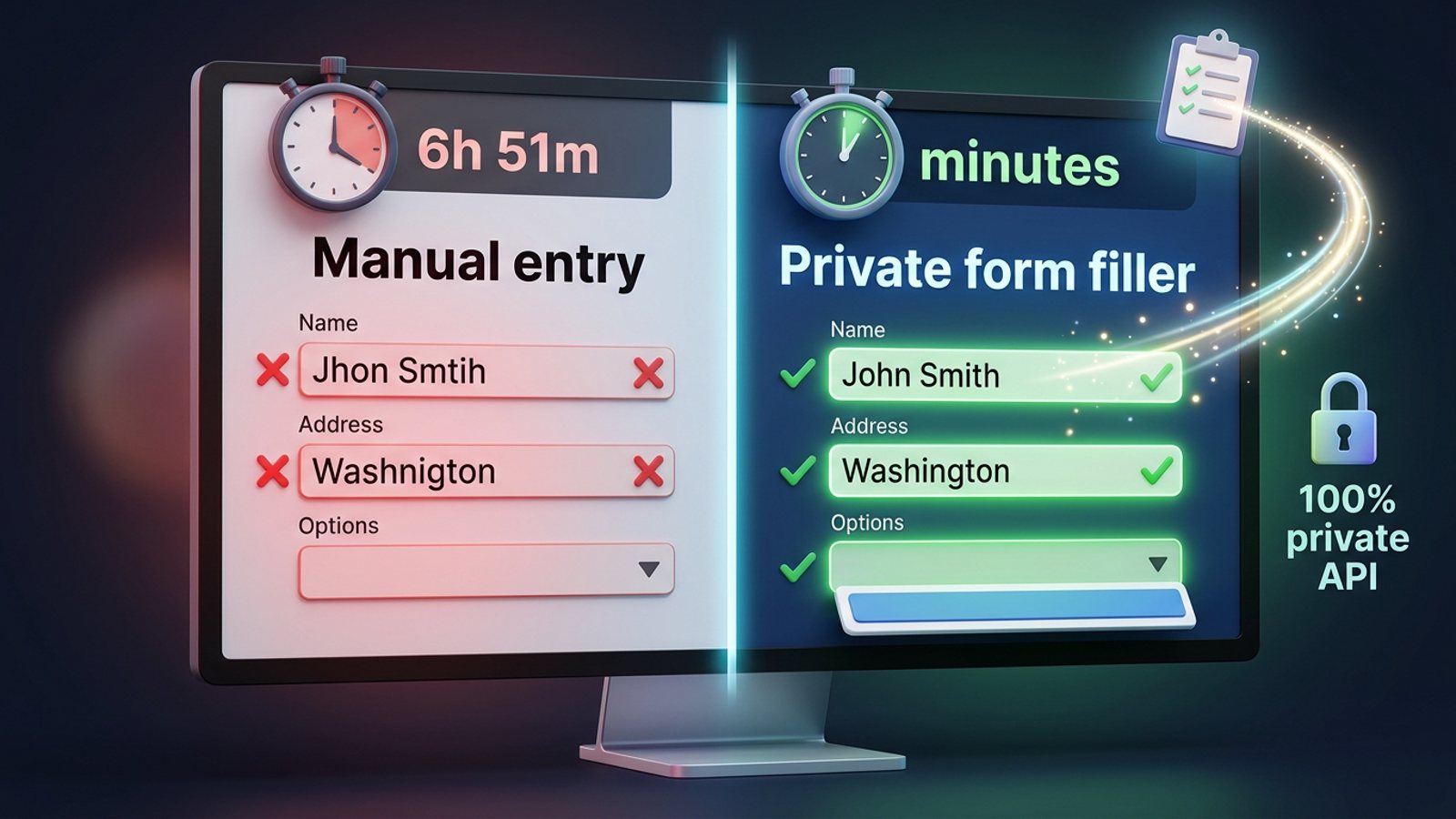
If your priority is a private form filler Chrome extension that reads complex forms and fills them from your own data, Zipifil is our pick of the tools we compared: it works on locked portals and iframes and uses a 100% private API. Add it to Chrome and you get 3 fills a day free.
Why does browser autofill fail on government portals?
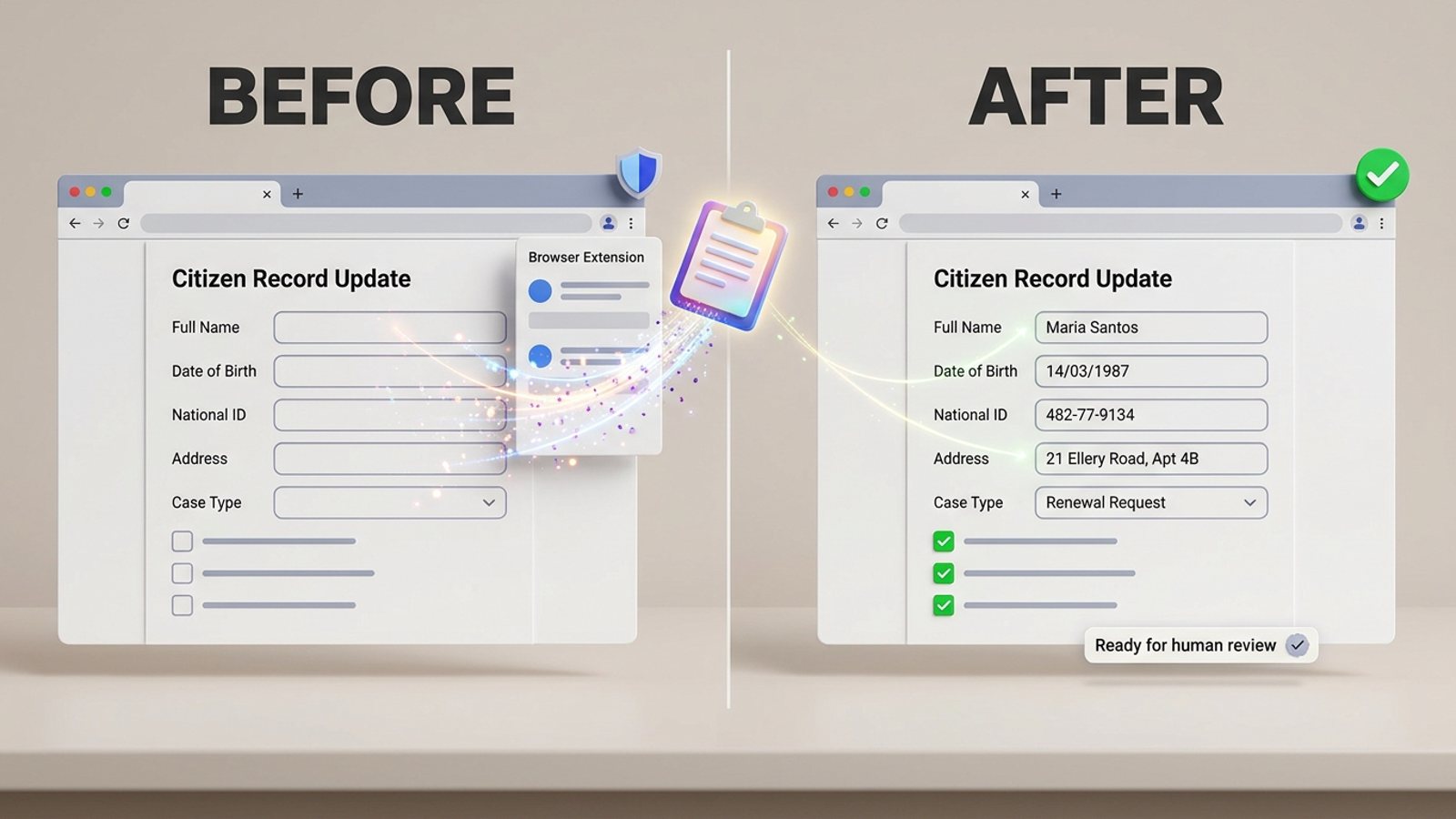
Browser autofill is built around a fixed vocabulary of "checkout" fields, so it stalls when a portal doesn't mark up its fields the way Chrome expects, according to my-id.ca (2026). You get a name and address filled, then nothing.
Frames make it worse. A developer building an autofill extension for Korean government sites found a name field failed on one major site because of iframe async rendering timing and IME composition events (Seunghan | Developer, 2026). That's why a portal can look simple and still refuse to fill.
Chrome has improved. Google says enhanced autofill on desktop can fill passport, driver's licence and vehicle information and can "better understand complex forms and varied formatting requirements", saving data only with your permission (Google Blog, 2025-11-03). On mobile, Chrome pulls data from Google Wallet, and Google says sensitive data is end-to-end encrypted with explicit consent (IntoMobile, 2026-06-22).
That's real progress. It still depends on the site cooperating — and on your agency allowing it.
What should a secure autofill alternative for government portals actually do?
A secure alternative should fill the fields the portal actually has, keep your data under your control, and be reviewable by your IT team. Everything else is a bonus.
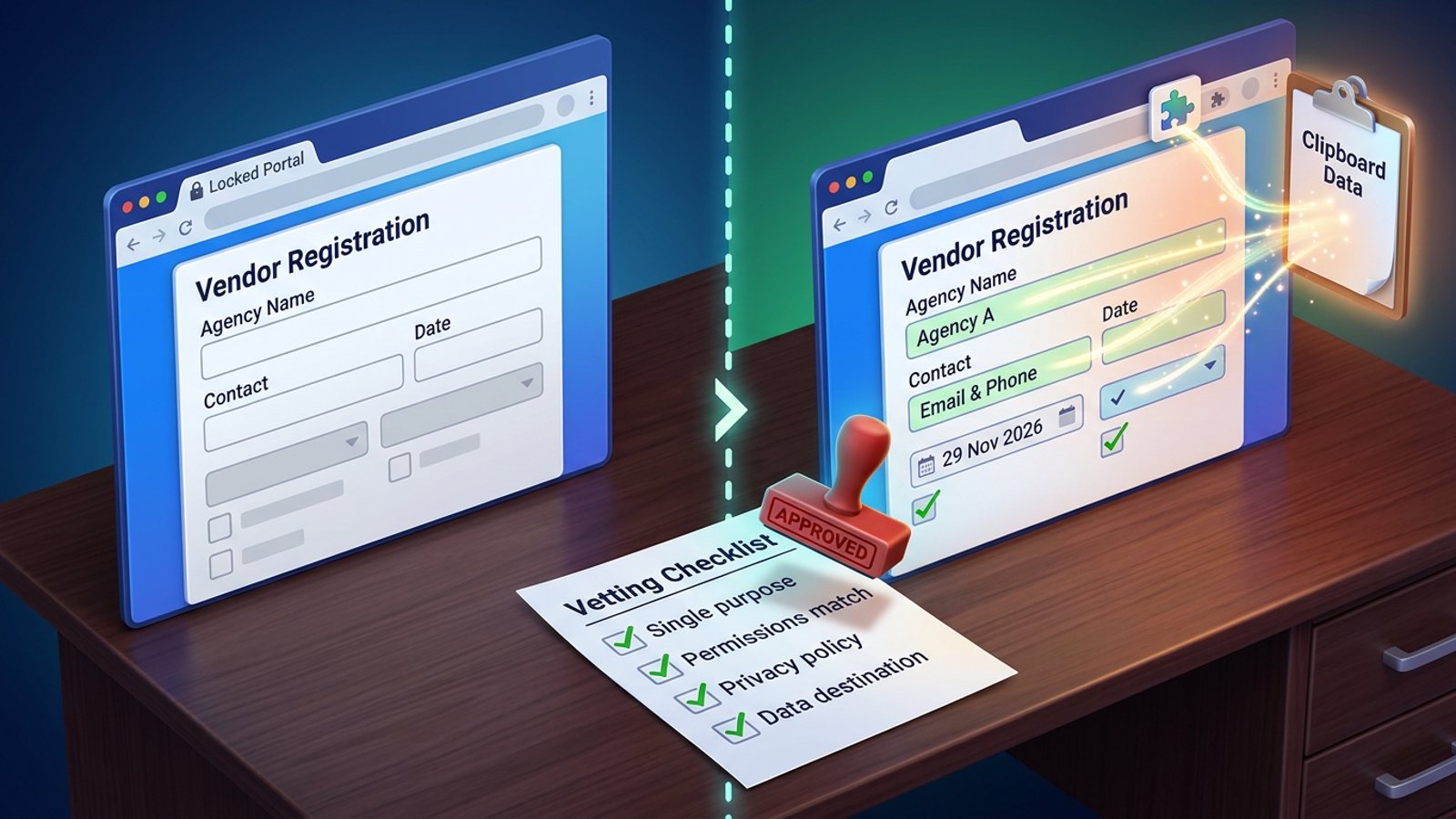
Use this checklist before you install anything:
- List your portals and note what blocks each one: odd labels, iframes, CAPTCHAs, PDFs.
- Check your organization's policies before installing any extension on a government system.
- Read the permissions the extension asks for and what its privacy disclosure says about where data goes.
- Test on a real form you fill often, not a demo page.
- Re-test quarterly — portals change without notice.
Our recommendation: treat "works on my hardest portal" as the pass mark. A tool that fills a contact form proves nothing.
What are the best secure alternatives to autofill for government portals?
The best options, of the tools we compared, are Zipifil for complex and locked portals, Chrome's built-in Autofill for simple identity fields, Lightning Autofill for auditable rules, Magical for repeated approved text, and Fill it Up! for free per-site rules. Each suits a different job.
| Option | Best for | Key features | Price / free option | Watch-outs |
|---|---|---|---|---|
| Zipifil (Our pick) | Locked portals, iframes | All field types, private API, per-URL rules | 3 fills/day free; $9.99/mo unlimited | Chrome, Edge, Brave only |
| Chrome Autofill | Simple identity fields | Names, addresses, cards, passport data | Free with Chrome | Stalls on odd labels and frames |
| Lightning Autofill | Auditable rule-based filling | Rules, macros, snippets, form recovery | Free: 10 executions/day; paid tiers | You write and maintain the rules |
| Magical | Repeated approved text | Text expansion, template insertion | Freemium; paid tiers reported ~$10/mo | Broad data access needs review |
| Fill it Up! | Free per-site rules | Saved fields, JS rules, Google/Microsoft Forms | Free | Saved fields stored in clear text |
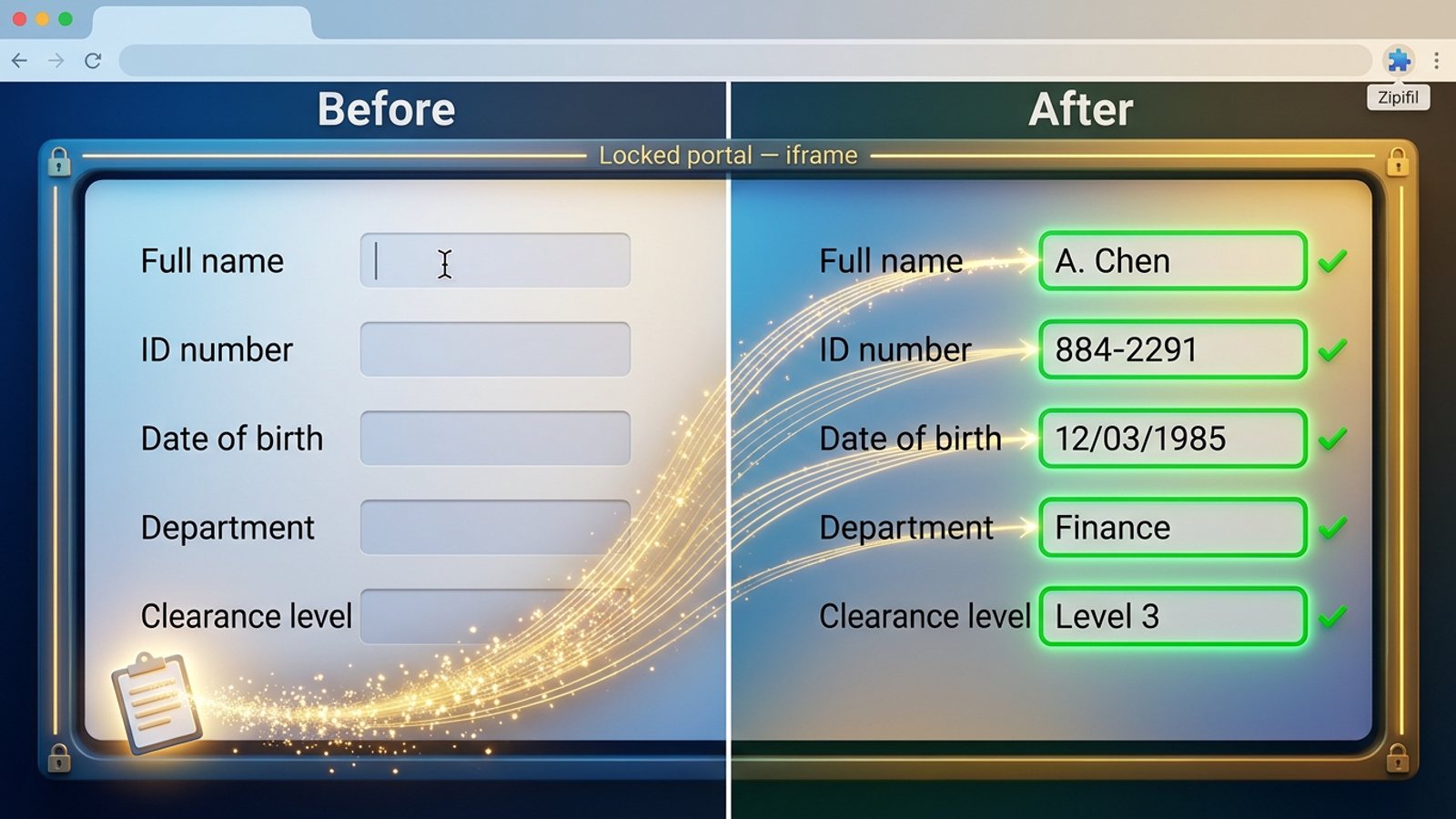
Zipifil fills text boxes, drop-downs, checkboxes, radio buttons and date pickers, and it works on locked portals and iframes that other extensions can't see. It uses a 100% private API, and you can set URL-specific rules once so your formatting and skips apply forever. You can also upload a PDF or image and let it fill the form from that, or highlight text, right-click and map it to a field in two clicks. Prices as of November 2026: free forever with 3 AI form fills a day, or $9.99 per month for unlimited fills — prices can change. It works only on Chrome, Edge and Brave; not Firefox or Safari.
Chrome's built-in Autofill is already there and free. Enhanced autofill now covers passport, driver's licence and vehicle data (Google Blog, 2025-11-03), and Wallet-sourced data on mobile is end-to-end encrypted with explicit consent (4sysops, 2026-06-24). If you mainly need standard identity fields on well-built forms, it's the most direct choice — just expect it to stop on portals with unusual labels.
Lightning Autofill is rule-based with no AI: you write rules like "if the field name contains 'phone', insert…" and it follows them deterministically (Filliny, 2026-02-22). That makes it auditable — you can see exactly what goes where. It moved to a freemium model under Manifest V3 after 14 years free, with the free tier at 10 profile executions a day (Chrome Web Store, updated 2025-06-20). It also does macros, snippets, random data generation and form recovery (Single Tab Browser, 2026-09-01). The catch: you maintain the rules, and the subscription drew heavy criticism from users after the switch (Chrome-Stats, 2018 — an old review summary).
Magical is a text expander and autofiller by HeyAutoFill Inc., positioned for support, recruiting, sales, healthcare and admin workflows (Chrome Web Store, updated 2026-04-04). A third-party review says template insertion happens locally and offline, but templates saved to a workspace are stored by Magical for sync and backup (UgliAI Hub, 2026-07-19). Third-party round-ups put paid tiers around $10/month (AIFOXX; MyGemAi, 2026-09-04) — those figures aren't from Magical's own pricing page. A privacy reviewer flags that it may handle website content, web history, user activity and personally identifiable information, so admins should review permissions first (MyGemAi, 2026-09-04). A German-language review says it lacks enough authority sources for a reliable GDPR assessment and advises checking the vendor's DPA and trust center directly (finde.tools, 2026-06-20).
Fill it Up! is free ("Oh yeah, it's free!"), supports standard inputs, selects, textareas and contenteditable DIVs, handles Google Forms and Microsoft Forms, and runs custom JavaScript for non-standard fields (Firefox Add-ons, 2025-05-15). Its changelog shows active iframe work (Firefox Add-ons version history, 2026-11-10), and it's also on the Edge Add-ons store (Microsoft Edge Add-ons, 2026-10-12). Caveats from the developer: saved fields are stored in clear text, it's built for English-language sites, it won't fill a form on your first visit, and it doesn't fill CAPTCHAs.
Zipifil is made by the team behind this blog.
If your work is dense, multi-step government portals and you want the form read and filled for you, try Zipifil free — 3 fills a day, no credit card.
Is rule-based autofill safer than AI autofill?
Rule-based filling is more predictable, because you can see exactly what goes into each field. AI filling handles messy, badly labelled portals that rules can't match.
Neither is automatically "safer" — the privacy model decides that. A rule-based tool that stores your saved fields in clear text on the device is not more private than an AI tool with a private API. Ask two questions: where does my data go, and who can read it?
What about PDF government forms?
Web-form fillers don't touch PDFs, so use an offline PDF filler for those. FormFill is free to fill, keeps files on your own computer with no server or account, and targets official forms whose PDF fields have meaningless internal names by reading the printed label (Chrome Web Store, updated 2026-09-15). FormFill Pro at $39/year adds unlimited profiles, fill history and an encrypted vault for identity numbers.
Our recommendation: split your workflow. Web portals get a form filler; PDFs get a PDF tool. Trying to make one do both is where people lose an afternoon.
How do I set up a secure alternative step by step?
Work through the portals you actually fill, test one tool at a time, and keep a manual fallback. Here's the order that saves the most time:
- List your portals and note what blocks each one: odd labels, iframes, CAPTCHAs, PDFs.
- Check your organization's policies before installing anything on a government system.
- Test Chrome's built-in Autofill first — it's free and already there.
- Trial a rule-based tool if auditability matters more than speed, and write a few site-specific rules.
- Trial an AI filler on your hardest portal and compare the result field by field.
- Handle PDFs separately with an offline PDF tool.
- Keep a manual template and clipboard fallback for read-only or locked steps nothing can fill.
- Review permissions and privacy disclosures, then re-test quarterly as portals change.
Can my organization block or approve extensions?
Yes. Chrome Enterprise lets admins manage extensions and see how they're used, and the AutoFillEnabled policy can switch form autofill off fleet-wide (Google Chrome Enterprise Help). That's why the policy check comes before the install, not after.
If you're approved to use a tool, ask IT to document which one and why. It makes the next review faster.
Which tool should I pick?
Pick Zipifil if your portals are complex or locked and you want the form filled for you privately; pick Chrome Autofill for simple identity fields; pick Lightning Autofill if you want visible rules; pick Fill it Up! if you're on Firefox and want free per-site rules.
If you mainly need repeated approved text across CRM or support tools, Magical's free tier is the more direct choice — confirm with IT how synced templates are stored first. And if you only ever fill standard fields on well-built forms, Chrome's built-in autofill costs nothing and needs no install.
For government staff and contractors filling locked portals all day, Zipifil's AI form filler for government portals is built for exactly that job — add it to Chrome and get 3 free fills a day.
The tool that wins is the one that fills your hardest portal without sending your data anywhere you haven't approved.
Sources
- Chrome now helps you fill in passport, driver's license, vehicle information and more (Google Blog, 2025-11-03)
- Security & privacy policies for Chrome admins — Form autofill / AutoFillEnabled (Google Chrome Enterprise Help)
- Chrome brings smarter autofill to iOS and Android through Google Wallet (IntoMobile, 2026-06-22)
- Chrome expands mobile autofill with Google Wallet integration (4sysops, 2026-06-24)
- Why browser autofill fails on government forms (my-id.ca, 2026-08-17)
- Chrome Extension iframe OACX Auto-Fill Not Working (Seunghan | Developer, 2026-01-22)
- Lightning Autofill — Chrome Web Store overview (updated 2025-06-20)
- Best AI Form Filler Chrome Extensions 2026: Honest Comparison (Filliny, 2026-02-22)
- Lightning Autofill stats and review summary (Chrome-Stats, 2018-08-26)
- Lightning Autofill Review (Single Tab Browser, 2026-09-01)
- Magical: Text Expander & Autofill — Chrome Web Store (updated 2026-04-04)
- Magical Review, Pricing & Guide (UgliAI Hub, 2026-07-19)
- Magical — Pricing, Compliance & Use Cases (AIFOXX)
- Magical Browser Extension: Text Expansion and Autofill (MyGemAi, 2026-09-04)
- Magical, Ehrlich bewertet (finde.tools, 2026-06-20)
- Fill it Up! — Firefox Add-ons listing (updated 2026-11-10)
- Fill it Up! version history (Firefox Add-ons, 2026-11-10)
- Fill it Up! — Microsoft Edge Add-ons (2026-10-12)
- FormFill: PDF Form Filler & Offline Autofill — Chrome Web Store (updated 2026-09-15)
- Surecatch — Chrome Web Store
- Surecatch on Extpose (ExtPose, 2026-10-22)
Frequently asked questions
Partly. It handles standard identity fields and, with enhanced autofill, passport, driver's licence and vehicle data. It stalls where portals use non-standard labels or fields inside frames.
Rule-based filling is more predictable because you see exactly what fills. AI handles messy labels that rules can't match. The privacy model — where your data goes and who can read it — matters more than which type you choose.
Not always. Lightning Autofill's free tier is 10 profile executions a day. Fill it Up! is free, but its developer says saved fields are stored in clear text. Zipifil's free plan is 3 AI form fills a day, with unlimited at $9.99/month as of November 2026.
Of the tools we compared, Zipifil is our pick: it works on locked portals and iframes, fills all field types, and uses a 100% private API. It runs only on Chrome, Edge and Brave. Check your organization's policies before installing it.
Keep a manual template and clipboard fallback. Nothing new gets installed, so there are no new permissions or data flows to review — you just lose the speed. Use it for read-only or locked steps only.