What are the best alternatives to ordinary form filler extensions for locked portals?
Ordinary form fillers break on locked portals because of iframes and custom fields. Compare Chrome Autofill, Lightning Autofill, Magical, Instafill, RoboForm, and an AI filler built for frames.
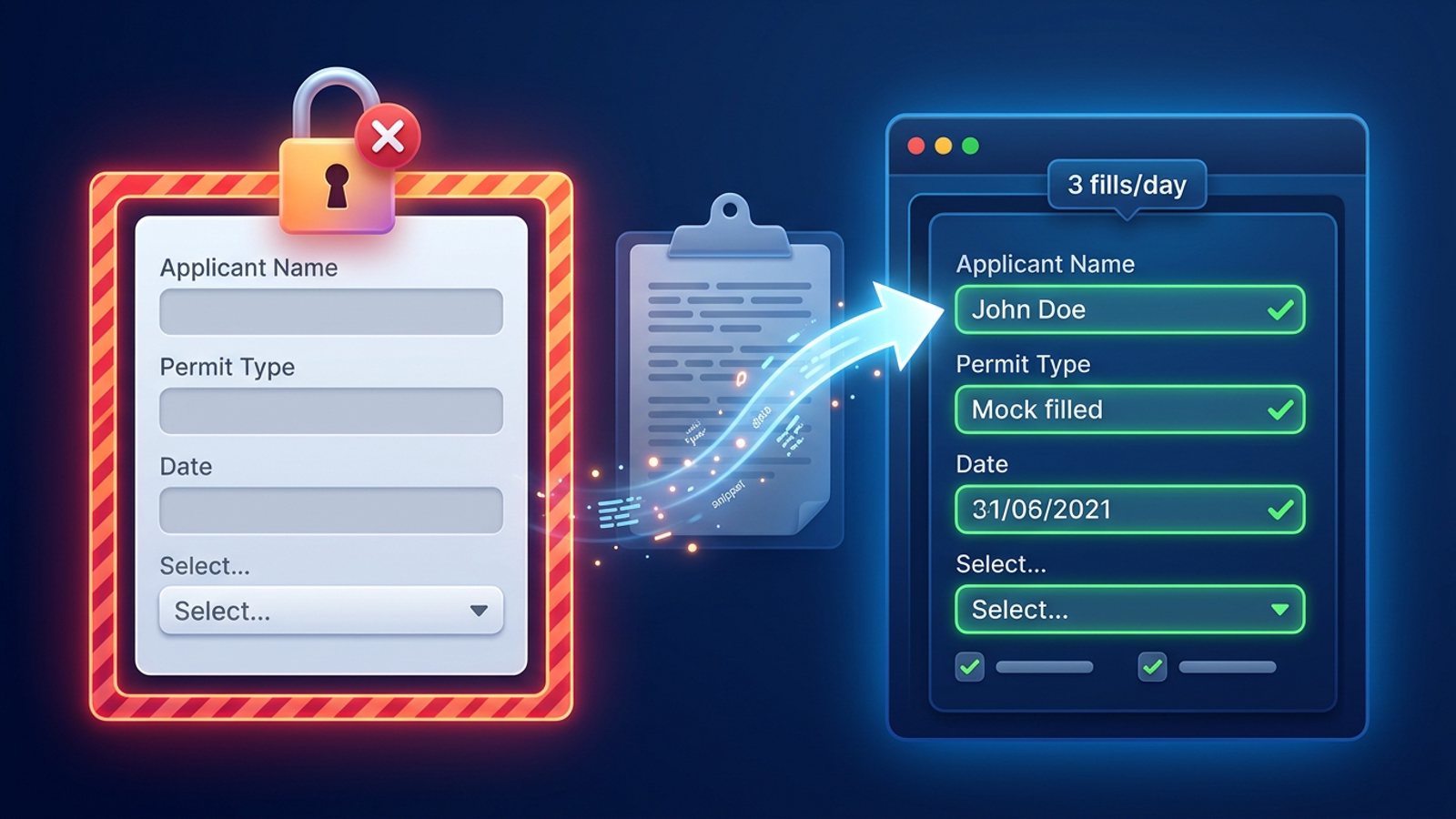
If your usual filler leaves a locked portal blank, the realistic alternatives ordinary form filler extensions buyers compare are Chrome's built-in Autofill, rule-based tools like Lightning Autofill, text expanders like Magical, document fillers like Instafill, identity managers like RoboForm — or an AI form filler for government portals built for frames and custom fields. Each has real limits, so match the tool to what's blocking the page.
Why do ordinary form filler extensions fail on locked portals?
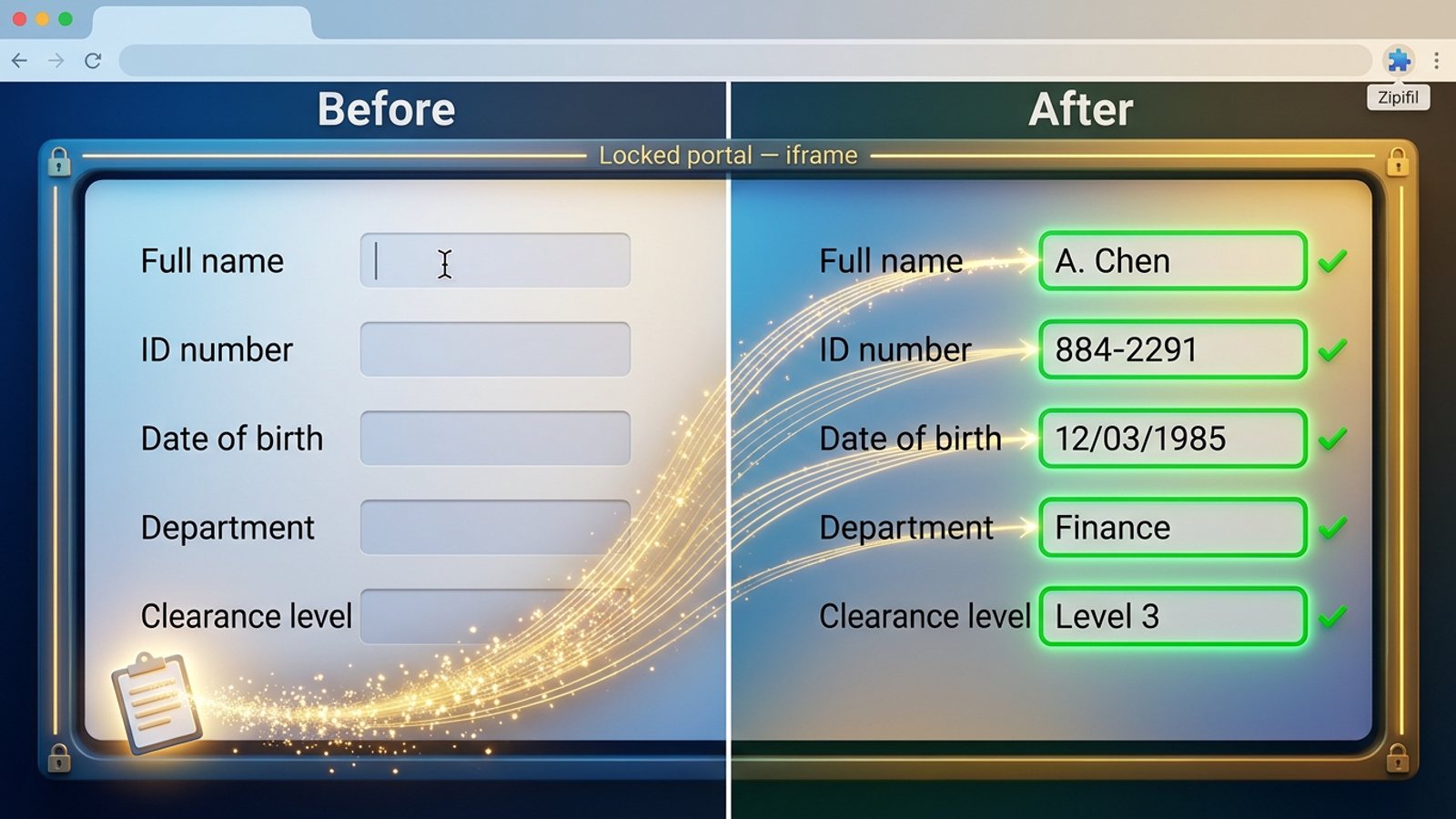
They fail because the fields aren't where the extension is allowed to look. On many government portals the input boxes sit inside a cross-origin iframe — a page embedded from a different domain — and the browser's same-origin policy blocks the parent page from reading that frame's DOM at all (Volcengine, 2026).
There is no clever front-end workaround. The only sanctioned cross-origin route is postMessage, which needs the site inside the frame to be changed to listen for it — not realistic for a portal you don't control (Volcengine, 2026). Passbolt's own documentation says browser security limits stop its autofill reaching fields in iframes or shadow roots (Passbolt docs, updated August 2026).
Two more blockers stack on top:
autocomplete="off". Chrome's Autofill is known to fail where a site sets this, uses custom fields Chrome doesn't recognise, or runs scripts that block automation (Techactiv, 2026).- Field names that follow no standard. If a form's field names and IDs don't follow W3C autofill conventions, tools that look for standard selectors simply miss the field (Passbolt docs, 2026).
How do I find out what's actually blocking the portal?
Right-click the stubborn field and choose Inspect. If the input sits inside an <iframe> tag in the Elements panel, you've found your blocker. If the input carries autocomplete="off", that's the second one.
Do this before you shop for a tool. A portal blocked by an iframe needs a filler that works inside frames; a portal blocked by odd field names needs one that can target fields by text, label or position rather than by standard name.
What are the best alternatives to ordinary form filler extensions for locked portals?
Here are the options worth comparing, starting with the one this blog makes. The table keeps it short; the detail follows underneath.
| Option | Best for | Key features | Price / free option | Watch-outs |
|---|---|---|---|---|
| Zipifil (Our pick) | Locked portals and iframes | Fills all field types, URL rules, PDF extraction | Free: 3 fills/day; $9.99/mo unlimited | Chrome, Edge, Brave only |
| Chrome Autofill | Simple name/address forms | Saved addresses, cards, passwords | Free with Chrome | Skips most cross-origin iframes |
| Lightning Autofill | Rule-heavy web forms | Regex/CSS/XPath targeting, macros | Free: 10 executions/day | Local data not encrypted |
| Magical | Repeating text and snippets | Templates, variables, cross-app transfer | Freemium; ~$10/mo per trackers | Not an automation platform |
| Instafill | PDF and Word forms | Batch CSV filling, data profiles | 10 free credits a year; $65/mo Business | Not a live web form filler |
| RoboForm | Saved identities and passwords | AutoSave, In-Place AutoFill | Free edition exists | Iframe filling is the hard case |
| By hand from a template | Portals where extensions are barred | Nothing installed | Free | Slow, error-prone on long forms |
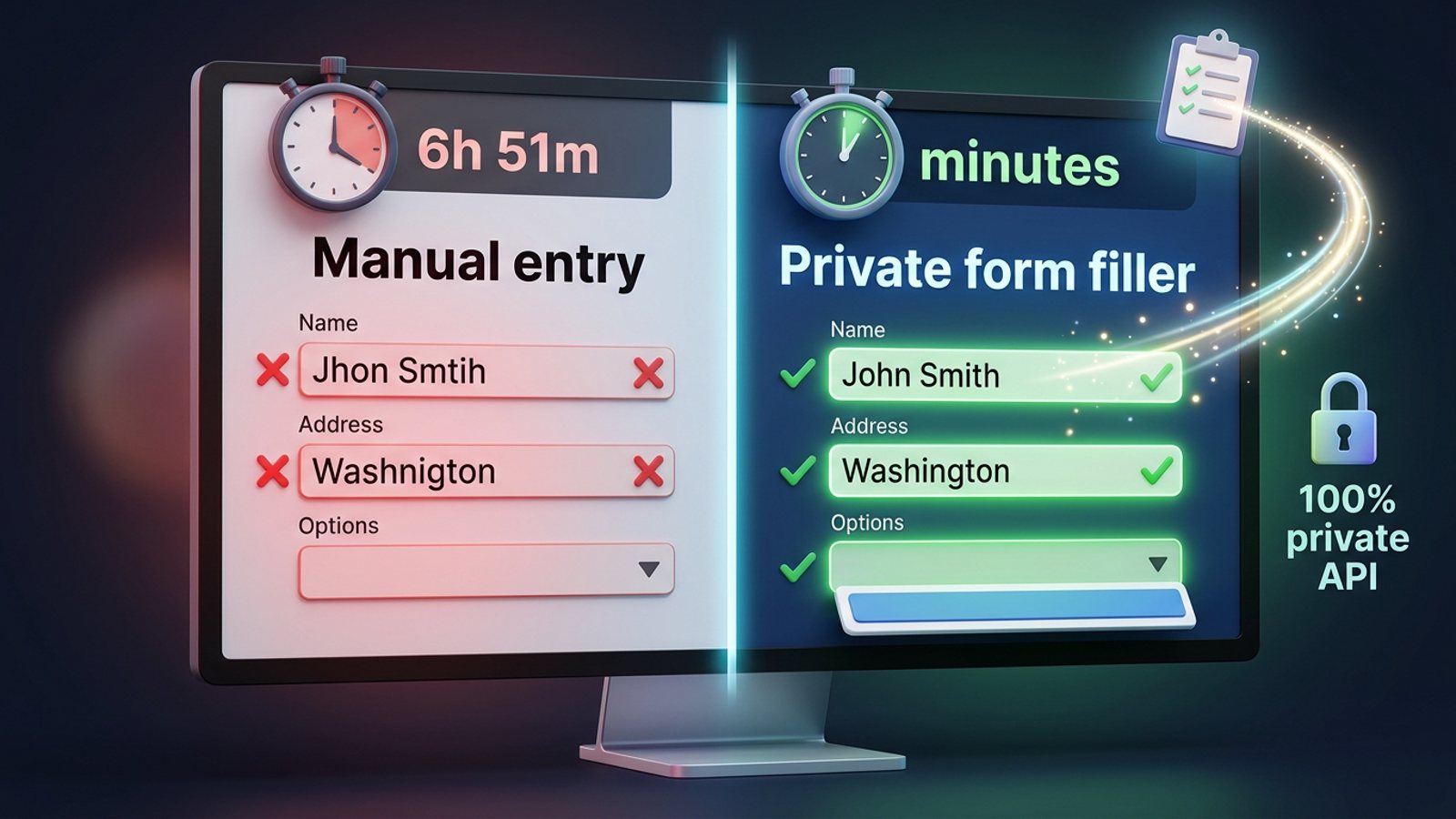
Zipifil is our pick of the tools we compared because it is built for the exact case the others struggle with: it fills fields inside locked portals and iframes, handles text boxes, drop-downs, checkboxes, radio buttons and date pickers, and runs on a 100% private API. You set URL-specific rules once — custom formatting or skipping — and they apply every time that page loads. You can also upload a PDF or image and let the form fill itself, or highlight text, right-click and map it to a field in two clicks. Try it with 3 free AI form fills a day.
Its honest limits: it works only on Chrome, Edge and Brave — not Firefox or Safari — and it works best in English. Plans are one account per user, so there's no shared team licence. The free plan gives 3 fills a day, and unlimited fills cost $9.99 per month as of November 2026; prices can change.
Chrome built-in Autofill
Best for ordinary retail-style forms. It's free, it fills saved names, addresses, passwords and card details, and it needs you signed in to Chrome — turn "Save and fill" off for a category and it stops filling that category (Google Help, undated).
It's the wrong tool for a locked portal. Chrome only fills an autofill field across frames when the autofill origin and the field's origin match, or the field's origin matches the top-level page — which is why cross-origin iframe portals often stay empty (Chromium Docs, undated). It also refuses credentials across frames and avoids autofilling sensitive data like card numbers across origins.
Chrome's Gemini-powered "enhanced autofill", announced 28 October 2026, can suggest details from Gmail under a "Suggested by Gemini" label; suggestions insert only on click and Chrome doesn't submit the form (Yahoo Tech, 2026). TechRepublic raised privacy questions because Chrome can fetch details users never saved in the browser (TechRepublic, 2026).
Lightning Autofill
Best for power users who want rules. It fills text inputs, checkboxes, radio buttons, dropdowns, multi-select lists and rich text editors, and lets you target fields by text, regex, CSS or XPath, with JavaScript rules and macros on the Pro tier (Chrome Web Store listing, undated).
Its own listing states the free tier allows 10 profile executions a day, Plus adds unlimited executions and Google Sheets cloud sync, and Pro adds JavaScript rules, variables and reCAPTCHAs, with a 3-day trial and no card. The listing names the tiers but not the Plus or Pro prices, so check before budgeting. It claims no Google Analytics, tracking pixels or cookies — but warns plainly that local data is not encrypted. It moved from fully free to freemium after 14 years, which its listing says drew a flood of one-star reviews; a changelog notes the 10-a-day cap as the main usability pain (ExtPose, 2025).
If you mainly need regex and CSS targeting on ordinary web forms, Lightning is the more direct choice.
Magical
Best for teams repeating the same messages. It's a text expander and form automation tool: saved templates inserted by a short trigger, variable placeholders, and pulling data from one page into a form on another (UgliAI Hub, 2026).
Its Trust Center says text expansion inserts locally and works offline, while templates saved to a workspace are stored on Magical's servers for sync and backup. It is not an automation platform — no scheduler, webhooks or multi-step logic; everything is triggered by a person typing in a browser (AISO Tools, undated). Third-party trackers put Pro at about $10/month (finde.tools, checked July 2026), and as of 20 July 2026 the official homepage led with healthcare AI agents rather than the general extension, so confirm current features directly.
If you mainly need snippets and canned replies, Magical is the more direct choice.
Instafill
Best for uploaded documents. It fills PDF and Word forms and templated documents by uploading the file — not by filling fields inside a live web page (Instafill.ai pricing page, undated).
Its pricing page shows a Business plan at $65/month billed annually (save 25%) for 40 completed documents a month, with encrypted storage, data excluded from training, auto-deletion, reusable data profiles, CSV/XLSX batch filling and email/webhook automation. It runs on credits — one completed document is one credit whatever its length — and every account starts with 10 free credits refreshed once a year (Instafill.ai blog, April 2026). Third-party trackers disagree on the entry price, with one reporting $99/month as the first paid plan (Info Agent IA, October 2026) and another listing different Business tiers (EffectHub, verified November 2026), so quote the official page and expect changes.
If your forms arrive as PDFs rather than web pages, Instafill is the more direct choice.
RoboForm
Best for saved identities and passwords. It's a mature password and identity manager with AutoSave and In-Place AutoFill. A 2019 security study found it lets users disable password autofilling without user interaction, because silent autofill on a compromised site can leak credentials (arXiv, 2019 — old).
Filling fields inside an iframe is the known hard case people discuss when trying to replicate it (Stack Overflow, 2023 — old), and it's a credential manager first, not a rules engine for long government applications. An older forum post about version 9.9.4 says the free edition prohibits business and government use and limits you to 10 passcards, 2 identities and 3 tab instances — that's a forum source about an old version, so verify current terms yourself.
If you mainly need passwords and stored identities, RoboForm is the more direct choice.
Doing it by hand from a saved template
Best for portals where policy bars extensions. Nothing is installed, no data leaves the machine, and iframes and autocomplete settings are irrelevant.
The cost is time and typos on long forms. Some government login sites can also trip bot checks on automated fill, and the workaround people describe is manual copy-paste field by field (LinkedIn post, July 2026).
Zipifil is made by the team behind this blog.
Which alternative works inside iframes?
Only tools that operate from inside the frame itself can reach those fields — and no vendor in this comparison publishes a specific claim about filling inside cross-origin iframes on locked portals. That's the honest state of the market.
Zipifil's product facts state it works on locked portals and iframes that other extensions can't see. That's the claim to test on your own portal, with your own policy approval in hand, before you rely on it.
Can I use these on a work laptop at an agency?
Only with approval. Agency acceptable-use policies commonly prohibit installing untrusted or unapproved software on government devices, and state that users have no expectation of privacy on agency systems (NASA NID 2540.138, undated).
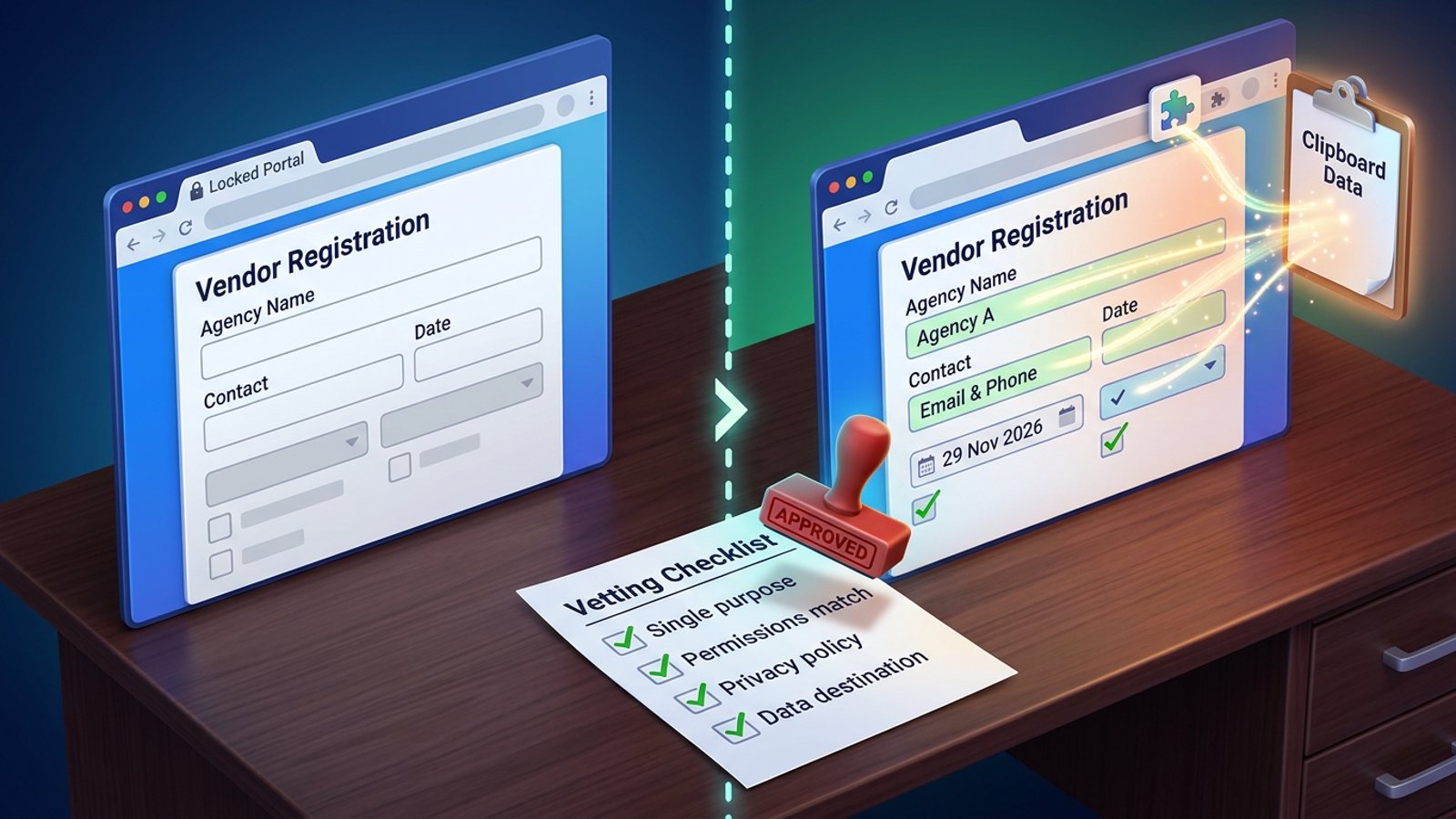
The practical route is the one Maine describes: write a business justification, get supervisor approval, and raise a ticket through the enterprise system (Maine.gov OIT, undated). Rules vary by agency and by place — this is general guidance, not legal advice.
Is it safe to let an extension store my address and ID numbers?
It depends on where the data lives and whether it's encrypted. Lightning Autofill says your data is stored locally unless you use cloud sync — and warns that local data is not encrypted (Chrome Web Store listing, undated). Magical stores templates saved to a workspace on its servers for sync and backup (UgliAI Hub, 2026).
So ask three questions before you paste anything sensitive: Does the tool store data locally or in the cloud? Is it encrypted? And does the vendor's privacy page match what your organisation requires? Zipifil publishes its data-privacy terms at zipifil.com/data-privacy and states it uses a 100% private API, safe for government use and sensitive data.
How do I set up a filler for a locked portal, step by step?
Work through these in order — each step rules out a cause before you spend money.
- Inspect the field. Right-click it, choose Inspect, and look for an
<iframe>wrapper orautocomplete="off". - Confirm your organisation permits the extension. Justification, supervisor approval, ticket — whatever your agency's process is.
- Try Chrome Autofill first on simple name and address forms, and expect it to skip cross-origin iframe fields.
- Test a rule-based tool like Lightning Autofill on a staging page if the form is one you can target with rules.
- Upload the PDF to a document filler like Instafill if the form isn't a live web page at all.
- Keep a hand-typed fallback for portals where automation trips bot checks.
- Set your rules once and reuse them. In Zipifil, URL-specific rules and custom AI instructions per page mean the same portal behaves correctly on every visit.
That last step is where the time saving compounds. A portal you fill weekly shouldn't need re-teaching weekly. If you're ready to try it, add Zipifil to Chrome and start with 3 free fills a day.
Sources
- Chromium autofill-across-iframes doc (Chromium Docs, undated) — https://chromium.googlesource.com/chromium/src.git/+show/HEAD/docs/security/autofill-across-iframes.md#1
- Why browser autofill fails on government forms (my-id.ca, 2026-08-17) — https://my-id.ca/help/filling-forms/why-browser-autofill-fails-on-government-forms
- Chrome Autofill help (Google Help, undated) — https://support.google.com/chrome/answer/142893?authuser=2&co=GENIE.Platform%3dAndroid&hl=hi#3
- Chrome Autofill not working (Techactiv, 2026-08-26) — https://techactiv.com/chrome-autofill-not-working-sites/
- Chrome Gemini enhanced autofill (Yahoo Tech, 2026-10-28) — https://tech.yahoo.com/ai/gemini/articles/chrome-now-pull-details-gmail-194602071.html#1
- Privacy questions on enhanced autofill (TechRepublic, 2026-10-29) — https://www.techimes.com/es/article/news-google-gemini-chrome-autofill-gmail/#1
- Cross-origin iframe form filling explainer (Volcengine, 2026-08-28) — https://www.volcengine.com/article/2879057#1
- Passbolt autofill FAQ (Passbolt docs, updated 2026-08-24) — https://www.passbolt.com/docs/user/faq/why-my-autofill-doesnt-work/
- Lightning Autofill listing (Chrome Web Store, undated) — https://chromewebstore.google.com/detail/lightning-autofill/nlmmgnhgdeffjkdckmikfpnddkbbfkkk?hl=id#1
- Lightning Autofill changelog (ExtPose, 2025-11-11) — https://extpose.com/ext/244729#1
- Magical review (UgliAI Hub, 2026-07-19) — https://ugliai.com/en/ai-tools/magical/
- Magical pricing (finde.tools, checked 2026-07-12) — https://finde.tools/ki-tool/magical/preise
- Magical review (AISO Tools, undated) — https://aisotools.com/blog/magical-review-2026
- Instafill pricing (Instafill.ai, undated) — https://instafill.ai/pricing
- Instafill credits and plans (Instafill.ai blog, 2026-04-28) — https://blog.instafill.ai/2026/04/29/how-plans-credits-and-usage-work-at-instafill-ai/#wp--skip-link-target
- Instafill review and pricing (Info Agent IA, 2026-10-23) — https://info-agent-ia.com/en/ai-tools/pdf-document-ai/instafill-ai/
- Instafill pricing (EffectHub, verified 2026-11-15) — https://effecthub.net/ai/instafill#pricing
- RoboForm iframe question (Stack Overflow, 2023-04-12, old) — https://stackoverflow.com/posts/75992478/revisions#1
- Password manager autofill security study (arXiv, 2019-12-09, old) — https://arxiv.org/html/1908.03296v2#4
- RoboForm Free limits (Essential Freebies forum, undated) — https://www.essential-freebies.de/board/viewtopic.php?f=9&p=149933&sid=eefcb654b22439d9cebe4ced71127a68#p149933
- Maine OIT extension policy (Maine.gov, undated) — https://www.maine.gov/oit/sites/maine.gov.oit/files/inline-files/user-device-commodity-app-policy.pdf#1#1#1
- NASA acceptable use NID (NASA NODIS, undated) — https://nodis3.gsfc.nasa.gov/OPD_docs/NID_2540_138_.pdf#1#3#1
- Texas juvenile justice prohibited technologies (TJJD, effective 2023-02-15) — https://www.tjjd.texas.gov/wp-content/uploads/2025/01/gap0514.pdf#1#1#1
- LinkedIn post on government login bot checks (LinkedIn, 2026-07-29) — https://www.linkedin.com/posts/manabu_the-publics-one-account-for-government-activity-7488595949313810434-UC7p
Frequently asked questions
Usually because the field sits in a cross-origin iframe, or the page sets autocomplete="off", or the field names don't follow standard conventions. Chrome only fills across frames when the origins match (Chromium Docs, undated).
Yes. Lightning Autofill's free tier allows 10 profile executions a day, and Instafill gives every account 10 free credits a year. Zipifil offers 3 free AI form fills every day with no credit card.
For a live web portal with fields inside iframes, choose a filler built for that case — Zipifil is our pick of the tools we compared, because it states it works on locked portals and iframes and uses a private API. If your form is a PDF, Instafill is the more direct choice; if you need regex rules on ordinary pages, Lightning Autofill is.
Zipifil works only on Chrome, Edge and Brave — not Firefox or Safari. Check each other tool's own listing for its browser support before you commit.
In many agencies, yes. Maine's OIT policy requires a business justification, supervisor approval and a ticket request before adding an extension to an approved product. Check your own organisation's rules first — they vary by agency and location.