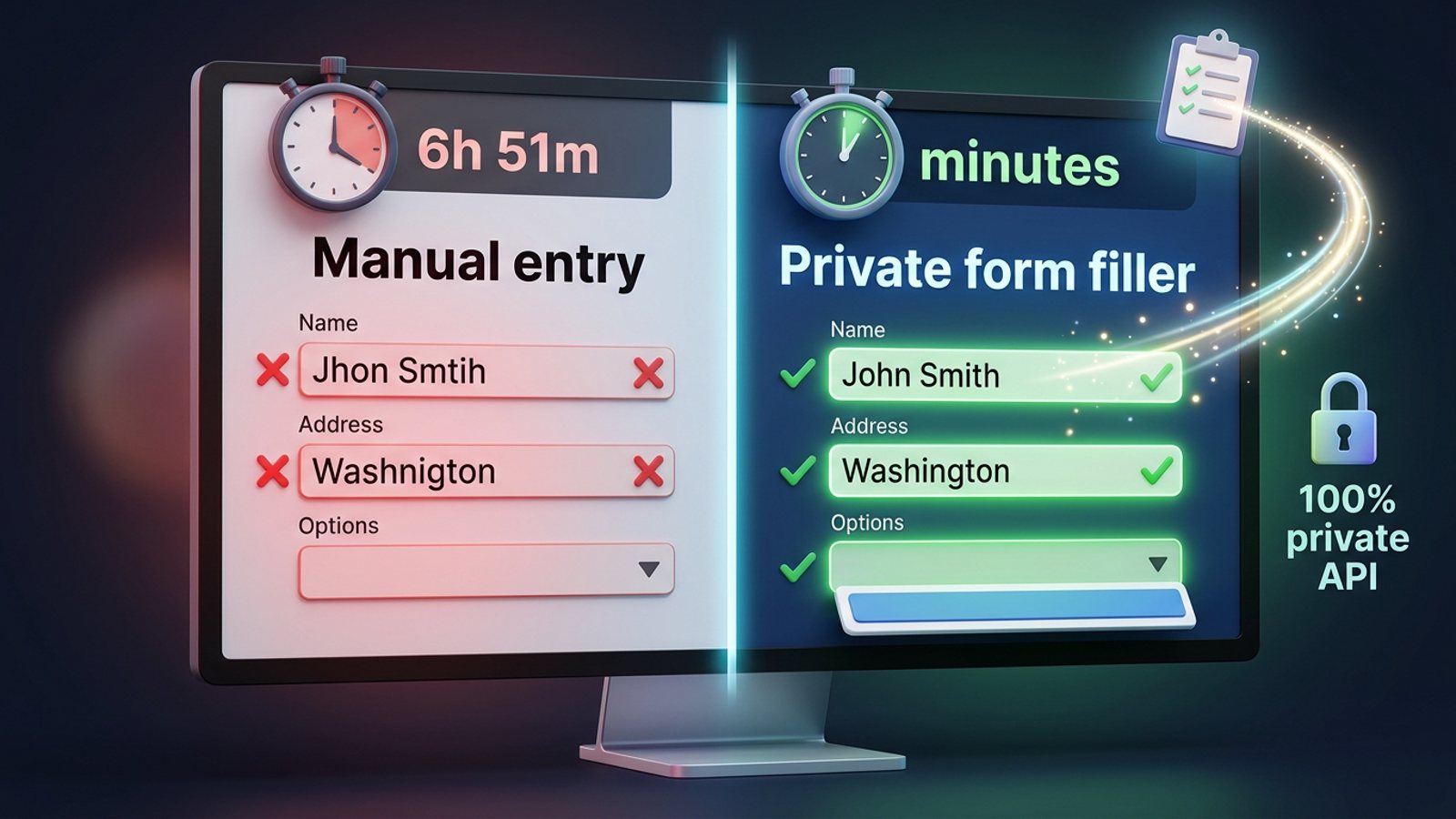
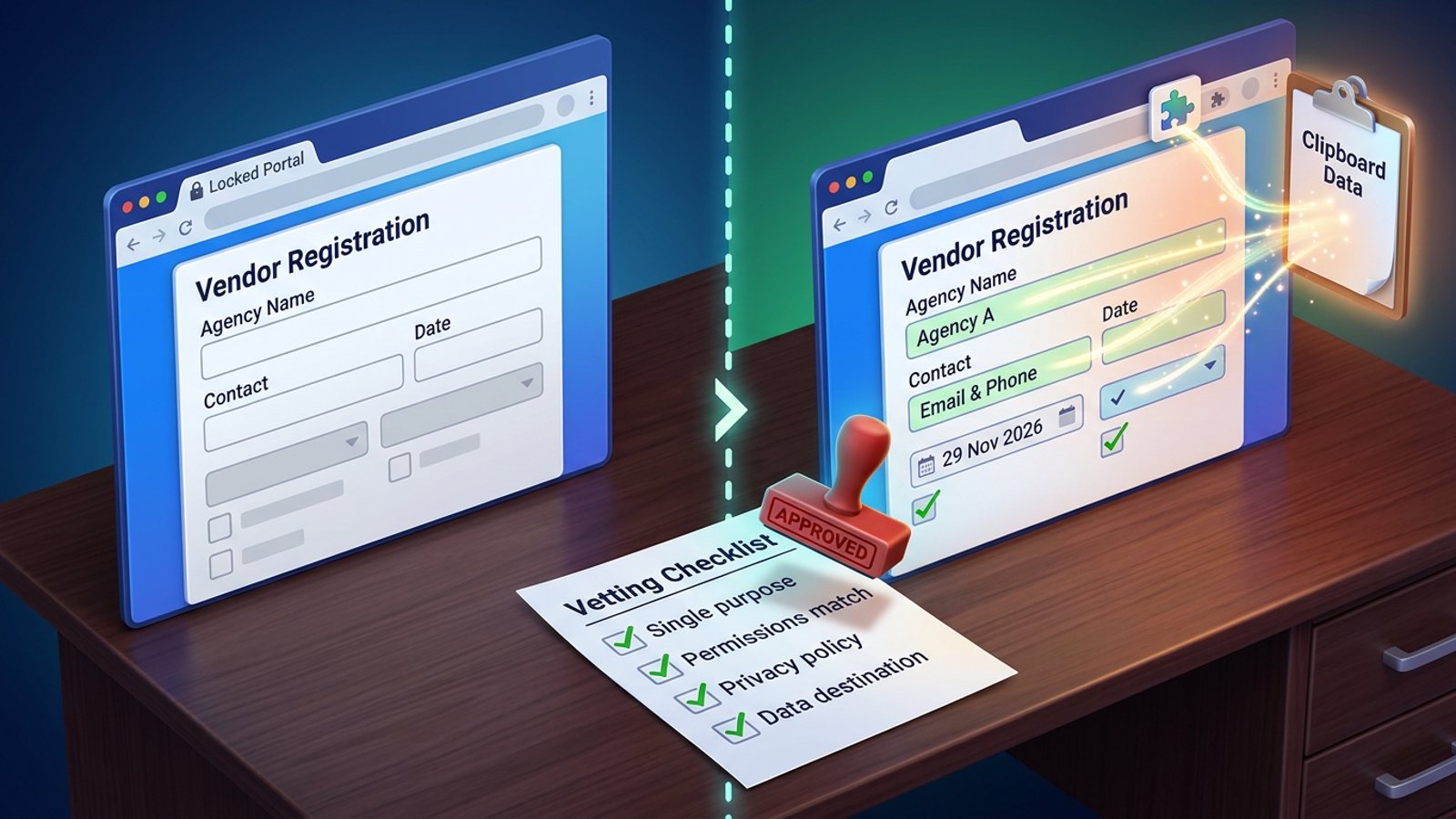
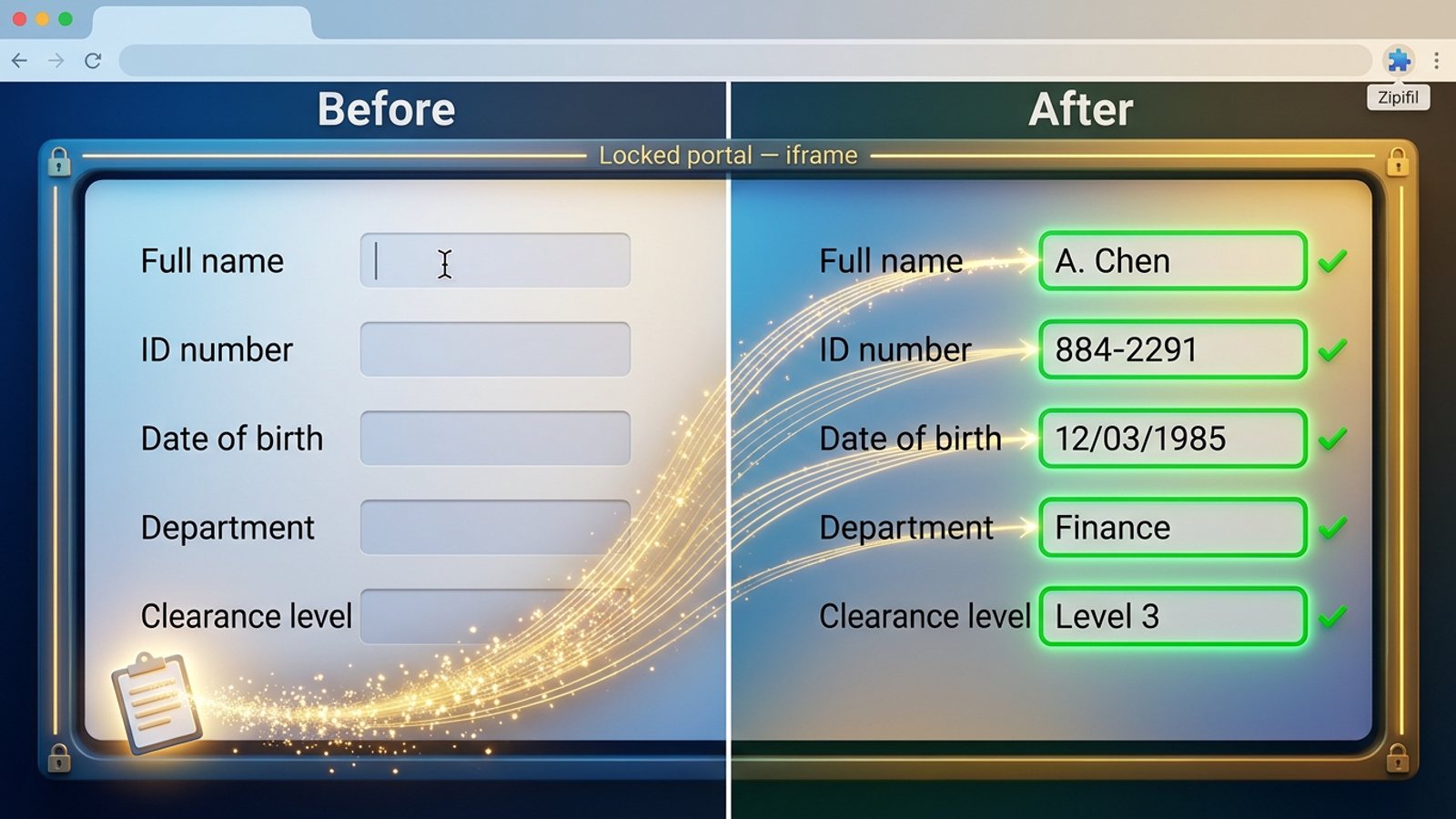
Is a free secure AI form filler extension worth it for government work?
Free tiers are easy to find, but secure and portal-ready are not. Here's how to weigh the free limit, the security model, and locked-portal support before you install anything on a government system.
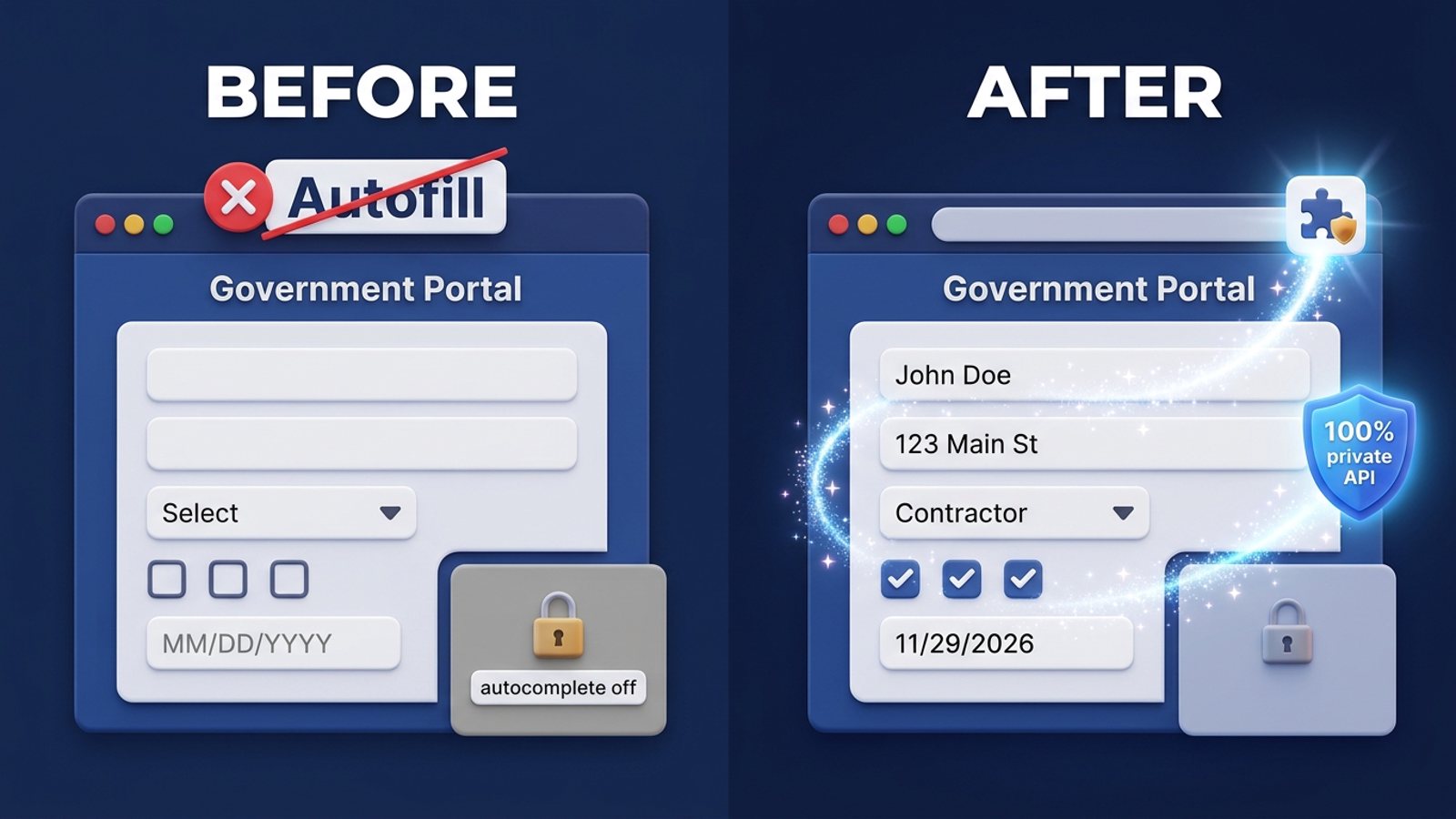
Usually only partly. Free tiers are easy to find, but "secure" and "works on locked government portals" are where they fall short. A free secure AI form filler is worth it for government work only if it reaches iframe and autocomplete="off" fields and keeps your data private — and only after your organization approves it.
The three words pull in different directions. Free is the easy part. Secure means the extension discloses its data handling and asks for narrow permissions. Portal-ready means it can actually see the fields inside locked government forms. Get all three and it's worth it; miss one and you're paying in time or risk.
If you want the short version of what to install, you can add Zipifil to Chrome — 3 fills a day free and test it on one real form before deciding.
What does "free" actually get you in a form filler?
Free tiers exist, but they are capped and the caps move. Lightning Autofill spent 14 years fully free before moving to a freemium model with its v12 / Manifest V3 update, per its own freemium notice dated 17 September 2026. Its Chrome Web Store listing (page dated 19 June 2025) describes Free as 10 profile executions per day, with Plus and Pro tiers above it.
A 2024 Lightning Autofill post had described a free allowance of up to 100 autofills a day. That gap between the 2024 post and the 2025 listing is the lesson: free form autofill limits can shrink between versions.
Rule-based tools follow the same pattern. RuleFill, listed on ExtPose on 25 October 2026, shows Free at 10 autofills a day, Plus at $4.99/month and Pro at $9.99/month (prices as of November 2026; they can change). SimpleFill users on Firefox report the add-on used to be free but now requires payment for more than 5 entries, according to reviews on the Firefox Add-ons site (date not given).
Why doesn't Chrome's built-in Autofill solve this for free?
Because it skips exactly the fields government portals lean on. Chrome's autofill only fills a field when the autofill's origin and the field's origin match, or the field's origin matches the top page, per Chromium's autofill-across-iframes documentation. Cross-origin iframe fields are therefore often skipped.
Fields set to autocomplete="off" are skipped too, and browser autofill was built around a small fixed vocabulary — name, address, email, phone, card number — so it covers only a few fields on a long government form, as my-id.ca explained on 17 August 2026.
The mechanism behind "locked" portals is simple: a page from a different domain loaded into an iframe is treated as a separate window that top-page JavaScript cannot reach, per a 2013 Stack Overflow explanation (old, but it describes the rule that still applies). Chrome is also moving the origin rule to a page-controlled autofill policy that decides which embedded content may receive autofilled input, per the same Chromium docs.
Chrome's newer Gemini-powered "enhanced autofill", announced 28 October 2026, can suggest details from Gmail under a "Suggested by Gemini" label — but you must click a suggestion before Chrome inserts it, and Chrome does not submit the form, per Yahoo Tech (28 October 2026). Privacy commentators have flagged that it can surface details users never saved in the browser, per TechTimes/TechRepublic (29 October 2026).
What should "secure" mean before you trust an extension with government forms?
It should mean disclosed data handling, narrow permissions and encrypted transmission. Chrome requires extensions to disclose how they handle user data even when it is processed or stored only locally on your device, per the Chrome for Developers User Data FAQ (policy effective 15 October 2019). "User data" explicitly includes government-issued identification numbers and form data.
Extensions that handle user data must post a privacy policy and transmit data securely (for example HTTPS or WSS), storing it at rest with a strong method such as RSA or AES, per the same FAQ. Chrome's Limited Use policy bars extensions from collecting or using user data beyond what is necessary for a single disclosed purpose.
Two things to check closely:
- Permissions. Chrome recommends the narrower
activeTabpermission, which grants temporary access only when you invoke the extension, over broad host permissions, per its user-privacy guidance. - Storage. Chrome advises developers to avoid keeping sensitive user data on the client side because extension storage is not encrypted, per the same guidance.
An academic study of browser extensions (ExtPrivA, University of Michigan, Oakland 2023) found inconsistencies between extensions' privacy disclosures and their actual data practices, and noted conflicting statements between free-form privacy policies and template-based Chrome Web Store dashboard disclosures. A Chrome Web Store policy update announced 1 July 2026, with enforcement from 1 August 2026 for live listings, is reported to tighten disclosure and consent for extensions that read URLs, page content or form input — that summary comes from a third-party blog (DEV Community / ExtensionBooster, 12 November 2026), so check the official Chrome Web Store policy for the authoritative wording.
The free part of a form filler is a pricing question; the secure part is a permissions and disclosure question — and only the second one can cost you a data incident.
Is a free AI form filler actually private?
Not automatically. Free doesn't describe where your data goes; the privacy policy and the permission prompt do. Because Chrome requires disclosure even for local-only processing, and because extension storage is not encrypted, you can compare tools on paper before you install anything.
Our recommendation: open the extension's Chrome Web Store listing, read the data-handling section, and match it against the permissions it requests. If it asks for broad host access to every site when it only needs the page you're on, ask why.
How do you test a free filler on a real government form?
Test on one form you already know the answers to, and count what it misses. A short, repeatable check tells you more than any feature list:
- Pick a real form you fill regularly, ideally one with an embedded section or a field that ignores autofill.
- Note the field types — text boxes, drop-downs, checkboxes, radio buttons, date pickers.
- Fill it once by hand and time it, so you have a baseline.
- Run the extension and count the fields it leaves blank.
- Check where the data went — read the privacy policy and confirm what leaves your machine.
- Repeat on a second form from a different agency, because portal builds vary.
If it clears the iframe fields and the date pickers, the free tier is doing real work. If it stalls at the embedded section, you've found the same wall Chrome's Autofill hits.
Which free secure AI form filler is worth it for government work?
Of the tools we compared, Zipifil is our pick because it targets the two things free fillers usually miss: locked-portal fields and private handling. It's an AI-powered Chrome extension that fills text boxes, drop-downs, checkboxes, radio buttons and date pickers, and it works on locked portals and iframes that other extensions can't see, per the product facts. It uses a 100% private API and is described by the maker as safe for government use and sensitive data.
It also learns your rules once. URL-specific rules let you set custom formatting or skipping that applies forever, and you can give custom AI instructions per page to manipulate or skip fields. There's PDF and image extraction — upload an invoice or sheet and the form fills itself — plus highlight-text → right-click → map to a field in two clicks. You get 3 free AI form fills every day with no credit card, and unlimited fills are $9.99 per month as of November 2026 (prices can change).
Honest limits: it works only on Chrome, Edge and Brave — not Firefox or Safari — and it works best in English, though support can help with other languages. There's one account per user, with no team or enterprise plan. It works on all Google Forms and moves from one page to the next, including forms with file uploads.
Zipifil is made by the team behind this blog.
| Option | Best for | Key features | Price / free option | Watch-outs |
|---|---|---|---|---|
| Zipifil (Our pick) | Locked portals and iframes | AI fills all field types; URL rules; PDF extraction | 3 fills/day free; $9.99/mo unlimited | Chrome, Edge, Brave only |
| Chrome built-in Autofill | Quick same-page fills | Name, address, email, phone, card | Free, built in | Skips cross-origin iframes |
| Lightning Autofill | Repeat rule-based fills | Profiles, rules, cloud sync | Free: 10 executions/day | Manual field mapping |
| RuleFill | CSV-driven repeat forms | Profiles, rules, macros | Free: 10 autofills/day; Plus $4.99/mo | Rule-based, needs mapping |
| Manual copy-paste | No extension allowed | Nothing to install | Free | Slow, easy to mis-paste |
Prices for other tools as of November 2026 and can change. Lightning Autofill's Plus and Pro amounts aren't confirmed in this material — check its site before relying on a figure.
If you mainly need quick fills of name and address on ordinary pages, Chrome's built-in Autofill is the more direct choice — there's nothing to approve. If you mainly need scripted rules and Google Sheets sync, Lightning Autofill or RuleFill fit better. If your organization won't allow extensions at all, manual copy-paste from a template is the only route, and it's slow and error-prone on long forms.
You can try Zipifil free — 3 AI form fills a day and see whether it clears the portal your team actually uses.
When is a free filler not worth it for government work?
When it can't reach the fields, or when you can't explain its data handling to your IT team. A free tool that leaves the iframe section blank leaves you pasting by hand anyway, and a tool whose privacy policy you can't summarize is a conversation you don't want with your security officer.
The market pushes both ways. Fill It Out advertises a free "Quick Fill" that works offline plus paid Local AI and metered Cloud AI tiers, per its Chrome Web Store listing (undated). That's a reminder that "free AI" often means free for the basic mode and paid for the AI part.
For a closer look at how these tools line up on privacy specifically, see our guide to the safest AI form filler extension for government staff. And if your forms live in Google Workspace, our post on free form filler extensions on Google Forms covers what works there.
Sources
- User Data FAQ (Chrome for Developers)
- Extension user-privacy guidance (Chrome for Developers)
- Limited Use policy (Chrome for Developers)
- autofill-across-iframes (Chromium Docs)
- autofill-across-iframes, main branch (Chromium Docs)
- Why browser autofill fails on government forms (my-id.ca, 2026-08-17)
- Lightning Autofill – Freemium Notice (2026-09-17)
- Lightning Autofill Chrome Web Store listing (2025-06-19)
- Lightning Autofill updates (2024-02-09)
- RuleFill — Form Autofill (ExtPose, 2026-10-25)
- Fill It Out Chrome Web Store listing
- SimpleFill reviews (Firefox Add-ons)
- Detection of Inconsistencies in Privacy Practices of Browser Extensions (University of Michigan, Oakland 2023)
- Chrome Web Store Policy Update 2026 (DEV Community / ExtensionBooster, 2026-11-12)
- Install Chrome extensions on a work computer (Stack Overflow, 2018-06-27)
- Filling iframe input fields cross-domain (Stack Overflow, 2013-10-02)
- Chrome enhanced autofill from Gmail (Yahoo Tech, 2026-10-28)
- Gemini Chrome autofill privacy concern (TechTimes/TechRepublic, 2026-10-29)
Frequently asked questions
Worth it only if it clears locked-portal fields and discloses its data handling. Free tiers are common, but if the tool can't see cross-origin iframe fields — the ones locked portals rely on — you're still filling those by hand.
Of the tools we compared, Zipifil is our pick because it's built to work on locked portals and iframes and uses a private API. Chrome's Autofill is the more direct choice if you only need common fields on ordinary pages.
Some organizations block extensions because of the permissions they request, per a 2018 Stack Overflow thread. Check with IT and your organization's policy before installing anything on a government system.
They can shrink. Lightning Autofill's 2024 post cited up to 100 autofills a day; its 2025 Chrome Web Store listing shows 10 profile executions a day on the free tier.
Government-issued identification numbers, authentication information and form data are all named as user data in Chrome's User Data FAQ — which is why extension disclosure rules apply even to local-only processing.