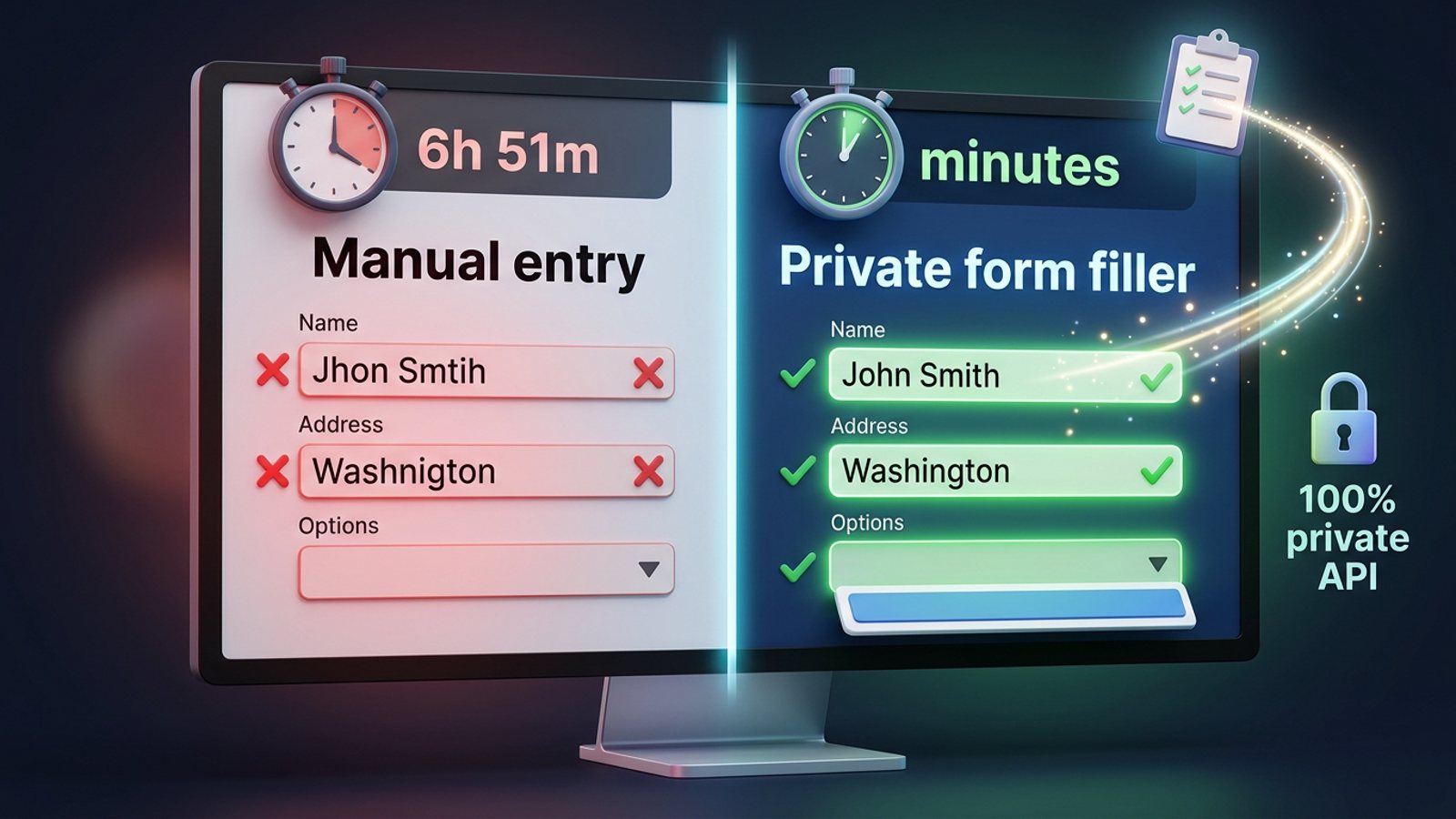
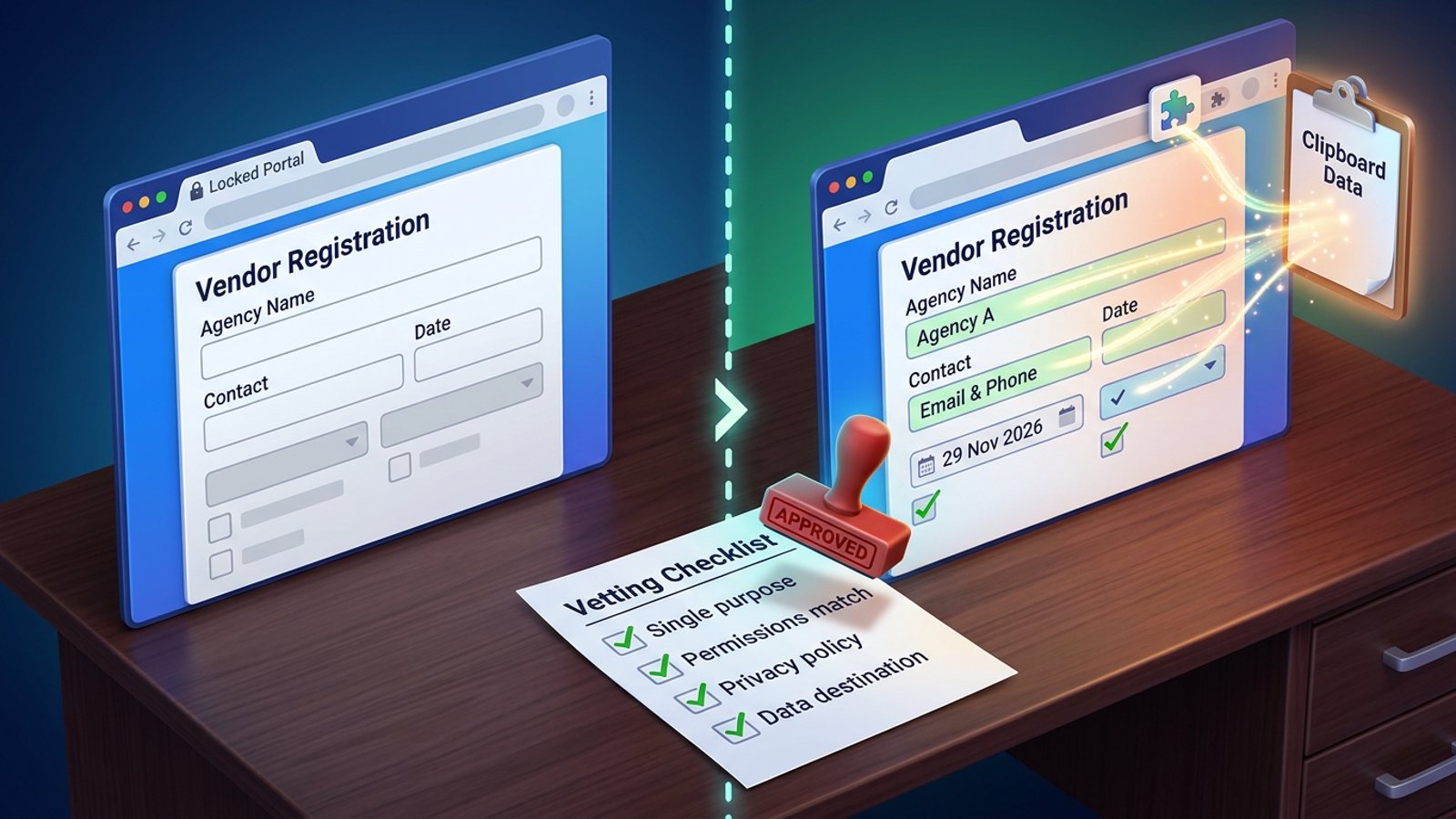
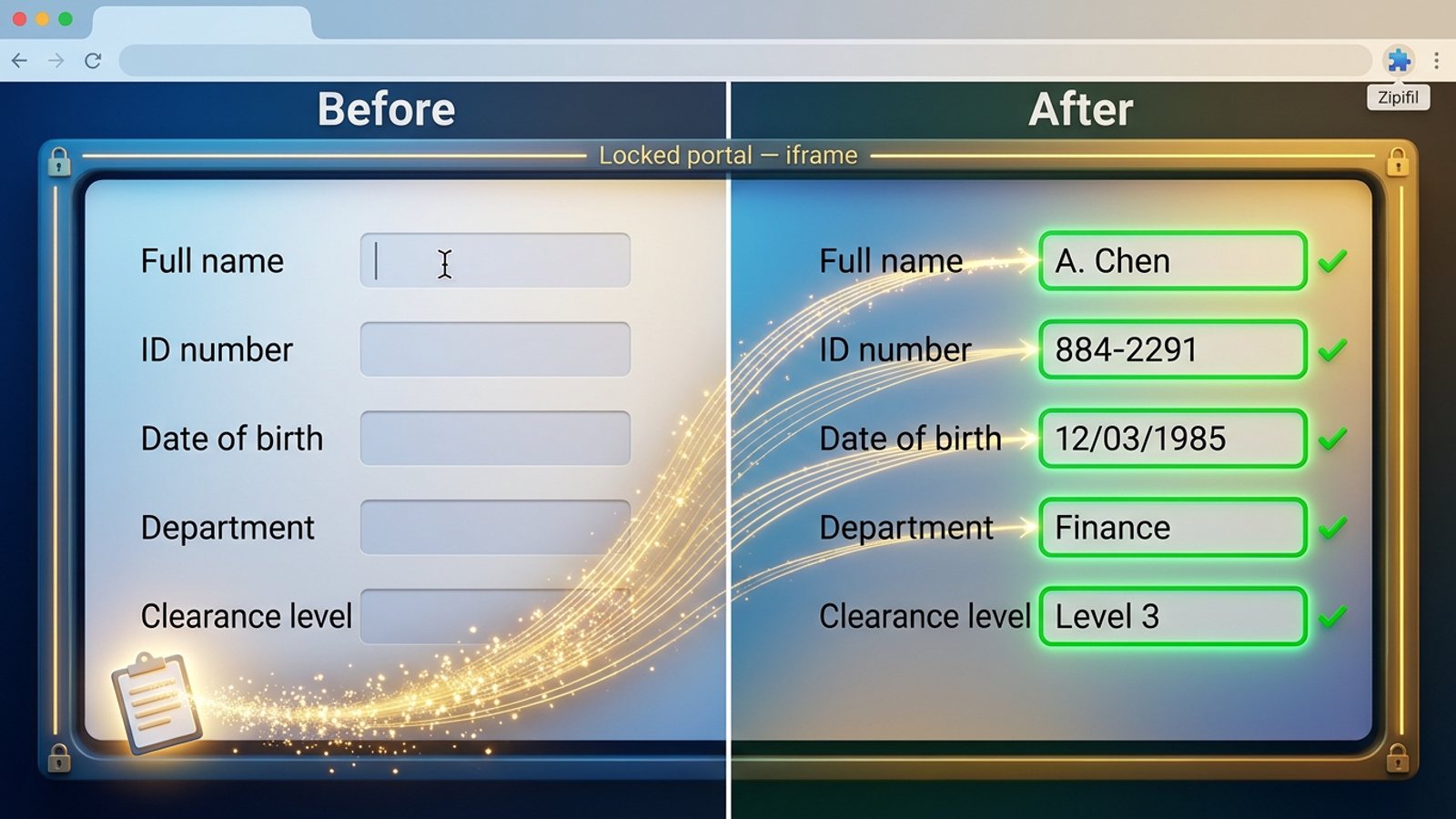
What's the best private form filler extension for official use?
The best private form filler for official use fills locked portals and iframes, keeps your data private, and passes your organization's review. Here's how to pick and test one.
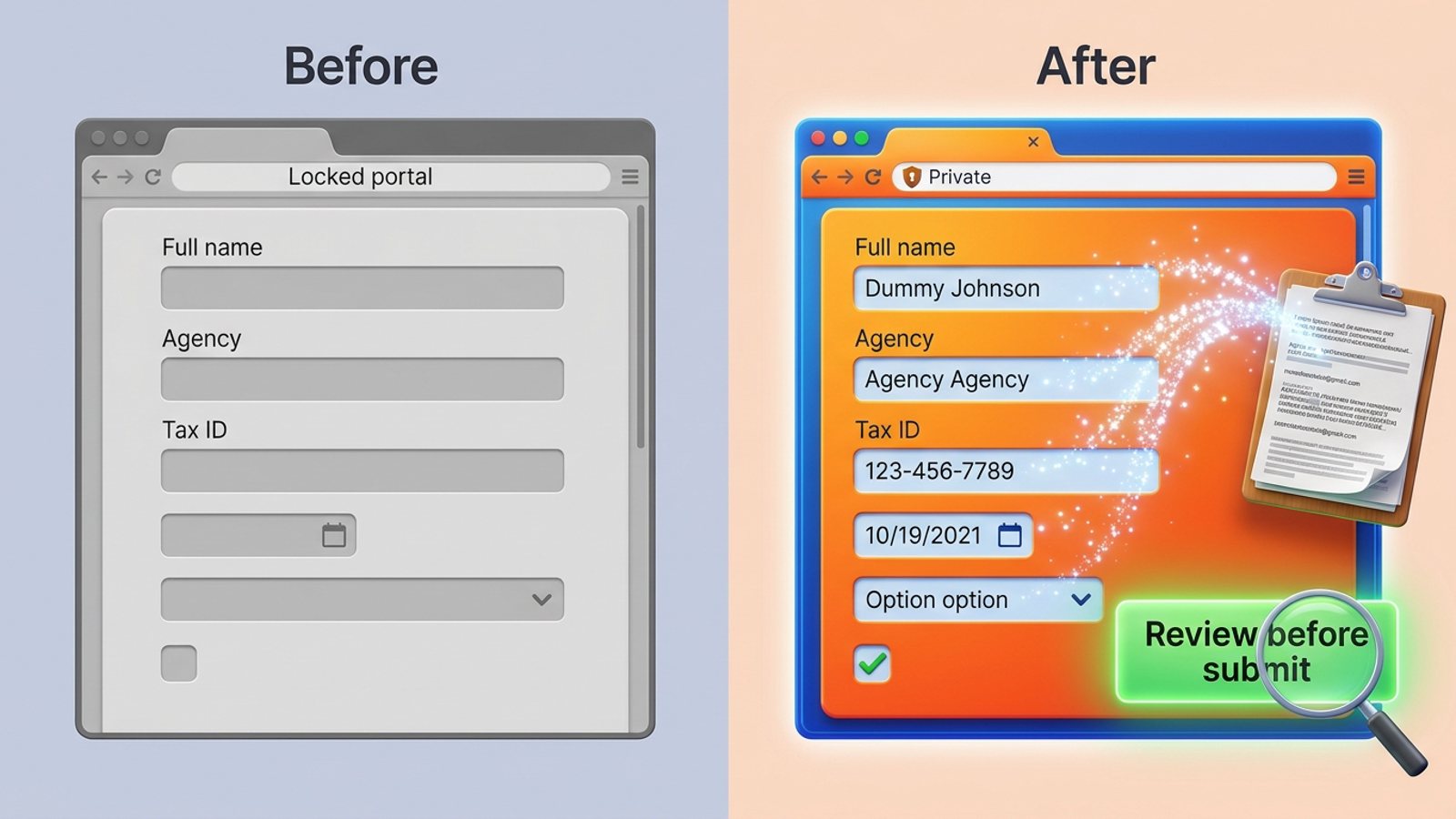
For official forms, the best private form filler extension is one that fills locked portals and iframes, keeps your data off other people's servers, and is allowed by your organization's policy. Of the tools we compared, Zipifil is our pick: it handles complex government portals, uses a 100% private API, and runs on Chrome, Edge and Brave. Check your organization's rules before installing anything.
If you fill official forms all day, you already know the problem: the fields are buried in iframes, the dropdowns ignore code, and the layout changes without warning. That is exactly where a private form filler for government portals earns its keep — or breaks. Below is how to pick one, how the main options compare, and how to get it approved.
Ready to try the one built for locked portals? Add Zipifil to Chrome — 3 fills a day free.
What makes a form filler "private" enough for official use?
A private form filler is one where you can say, clearly, where your field data goes and who can see it. That is the whole test.
Chrome extensions run in a sandboxed environment but can interact with web content — that is what lets any filler read and fill a form on a site you don't own (Google for Developers, updated 2025-12-30). So the question is not whether the extension can see the page. It is what it does with what it sees.
Three checks do most of the work:
- Permissions. Extensions must declare what they can access in their manifest, and adding host access triggers a user-facing warning (Chrome for Developers). Read that list before you install.
- Where data lives. Some tools keep everything on your disk. FormFill, for example, runs with no server, no account, one "storage" permission and states it works offline (Chrome Web Store, updated 2026-09-15). Others encrypt your profile but sync it: FillDef says its profile is stored as AES-256-GCM ciphertext on its servers, with AI fallback sending only field labels, not values (Chrome Web Store, updated 2026-06-04).
- The store's own rules. The Chrome Web Store Limited Use policy says extensions may only collect, use or transmit data necessary for their disclosed single purpose (Chrome for Developers, 2022-10-31). That is a floor, not a guarantee.
How do you test a private form filler before relying on it?
Test it on the type of portal you actually use — locked, iframed, dynamic — not on a simple contact form.
Fields buried in iframes, dropdowns that ignore code and layouts that change often are the common failure points for form fillers on complex portals (Chrome Web Store listing, Zipifil). A filler that sails through a name-and-email form can still stall the moment a field sits inside an iframe.
Our recommendation: run this five-step check on a real (non-sensitive) portal before you trust any tool with live data.
- Open a locked portal you know well and try filling a dropdown and a checkbox, not just a text box.
- Watch for skipped fields. If the filler leaves half the form blank, it is not reading the page properly.
- Check the permissions screen and note exactly what the extension asked for.
- Read the privacy section of the listing and confirm where values go — on-device, encrypted-and-synced, or sent to a model.
- Review every filled value, especially identity, tax and bank fields, before submitting.
Which private form filler extension is best for official use?
Of the tools we compared, Zipifil is our pick for official use, because it is built for the forms that stop other extensions: locked government portals and iframes.
Zipifil fills all field types — text boxes, drop-downs, checkboxes, radio buttons, date pickers — and it uses a 100% private API that the product describes as safe for government use and sensitive data. You set URL-specific rules once (custom formatting, or skipping a field) and they apply forever, and you can give custom AI instructions per page to manipulate or skip fields. It also extracts from PDFs and images: upload an invoice or a sheet and the form fills itself.
It runs on Chrome, Edge and Brave, and the free plan gives you 3 AI form fills every day with no credit card. Unlimited fills are $9.99 per month as of November 2026, and prices can change.
Honest limits: it works only on Chrome, Edge and Brave — not Firefox or Safari. It works best in English; for other languages you can ask support. And it is one account per user, with no team or enterprise plan.
Try the private form filler Chrome extension free — 3 fills a day.
How Zipifil handles the things official users ask about
- Google Forms: it works on all Google Forms, and moves from one page to the next on multi-page forms with file uploads.
- Unstructured data: it fills from unstructured input, so you can paste a whole email — even one with irrelevant detail — and it picks out only what the form needs.
- Quick mapping: highlight text, right-click, and map it to a form field in two clicks.
- Privacy: Zipifil's data privacy page states everything is 100% private (zipifil.com/data-privacy).
How does Zipifil compare with other private form fillers?
Here is how the main options stack up for official work. Zipifil goes first because it is our pick of the tools we compared — for the reasons in the product facts, not because the others are bad tools.
| Option | Best for | Key features | Price / free option | Watch-outs |
|---|---|---|---|---|
| Zipifil (Our pick) | Locked portals, iframes, official forms | All field types; URL rules; PDF/image extraction; private API | Free: 3 fills/day; $9.99/mo unlimited | Chrome, Edge, Brave only; best in English |
| Chrome built-in Autofill | Everyday names, addresses, cards | Saved details, passwords, identity docs | Free with Chrome | Often fills only some fields on custom forms |
| Lightning Autofill | Rule-based filling on a budget | Profiles, cloud sync, JavaScript rules | Free: 10 executions/day; paid tiers | Freemium shift drew one-star reviews |
| Magical | Sales and recruiting text expansion | Text expander plus autofill, AI replies | Free tier; paid per-seat plans | AI metered; team features cost per seat |
| Filling by hand | Portals that block extensions outright | Nothing leaves your machine | Free | Slow and error-prone at volume |
Chrome built-in Autofill is free and part of the browser, filling saved names, passwords, addresses, card details and identity documents (Google Help). But many features aren't available in every country or region, it draws on your Google Account, and users have long reported it fills only name and email and leaves the rest blank on custom-built forms like Google Forms (tidyleaf guide; Super User, 2016-08-04). If you mainly need your address and card details filled on shopping sites, Chrome's Autofill is the more direct choice.
Lightning Autofill is a long-standing rule-based filler — 14 years free before moving to freemium at v12 on MV3, and its docs say it does not collect or sell user data (Lightning Autofill Docs, 2026-09-17). The free plan allows 10 profile executions a day; Plus adds unlimited executions and cloud sync, Pro adds JavaScript rules (Chrome Web Store, updated 2025-06-19). The freemium shift produced a wave of one-star user reviews, and reviewers on Firefox Add-ons report $5–10/month for unlimited use — user-reported, not official pricing (Firefox Add-ons reviews). If you mainly need scripted, rule-based filling and don't mind the daily cap, it's a reasonable fit.
Magical is a text expander with autofill aimed at sales and recruiters. Its Core plan is single-user only and doesn't support adding members (Magical Help Center, 2026-02-03), and AI features are metered on free and paid plans. Third-party trackers list Solo at about $6.50/user/month and Team at about $10/user/month as of mid-2026 — verify on Magical's own site before quoting (MoreAI.tools, 2026-05-21; finde.tools, 2026-07-11). If your main job is pasting saved snippets into emails, Magical is the more direct choice.
Filling by hand has the strongest privacy and zero extension-permission risk, and it's the only option on portals that block extensions outright. It is also slow and error-prone at volume, and you repeat it every time — our reasoning, not a cited statistic.
Will a private form filler work on locked government portals and iframes?
Only some will, and the only reliable way to know is to test the exact portal you use. Fields buried in iframes are the usual failure point, per the Zipifil listing (Chrome Web Store).
This is where the choice narrows fast. A filler that can't see inside an iframe can't fill the field, no matter how good its AI is. Zipifil is built specifically to reach those fields, which is why it leads this comparison for official work. If your portals are simple, a free tool may be enough — but test before you depend on it. For a closer look at the iframe problem, see which form filler extension won't break on a locked government portal.
How do you get a form filler approved by your organization?
Ask IT first, before you install anything. Many organizations block all browser extensions by default and allow only approved ones through Chrome's ExtensionInstallBlocklist plus ExtensionInstallAllowlist, or by force-installing an extension (Helperbird Help Center, 2026-06-15).
SN Utils publishes a practical guide to getting an extension approved for internal use, covering security review and managed deployment, and notes it does not bypass organizational policy (SN Utils docs, updated 2026-08-04). Bring your IT team the permissions list, the privacy page and the results of your own test fill — that is usually what a review needs.
Start with the tool built for the forms that stop the others: add Zipifil to Chrome and get 3 free fills a day.
Sources
- Google for Developers — Chrome extensions sandbox (updated 2025-12-30)
- Chrome for Developers — Declare permissions
- Chrome for Developers — Chrome Web Store Limited Use policy (2022-10-31)
- TechBloat — Browser extensions as an enterprise control problem (2026-10-03)
- Zipifil Chrome Web Store listing
- FillDef Chrome Web Store listing (updated 2026-06-04)
- FormFill Chrome Web Store listing (updated 2026-09-15)
- Google Help — Chrome autofill management
- tidyleaf — Chrome autofill not working on some forms
- Super User — Chrome autofill on Google Forms (2016-08-04)
- Lightning Autofill Chrome Web Store listing (updated 2025-06-19)
- Lightning Autofill Freemium Notice (2026-09-17)
- Firefox Add-ons — Lightning Autofill reviews
- Magical Help Center — Core plan (2026-02-03)
- MoreAI.tools — Magical pricing (2026-05-21)
- finde.tools — Magical pricing (2026-07-11)
- Helperbird Help Center — Allowlisting when extensions are blocked (2026-06-15)
- SN Utils — Getting an extension approved (2026-08-04)
Frequently asked questions
It depends on the tool, so check each listing's privacy section. Some send only field labels to an AI model — FillDef says it sends labels, not values — while others such as FormFill run with no server at all. Zipifil states its API is 100% private and safe for government use.
Of the tools we compared, Zipifil is the best fit for official work because it fills locked portals and iframes and uses a private API. If your forms are simple and you only need saved addresses and cards, Chrome's built-in Autofill is free and may be enough — test it on your portal first.
Most do not. FillDef, for example, says it does not auto-submit forms, does not solve captchas and does not record what you filled. Always review every value before you submit an official form.
Sometimes — but check the limits. Lightning Autofill's free plan caps executions at 10 a day, and FormFill's filling is free while Pro adds profiles, history and a vault. Zipifil's free plan gives 3 AI fills a day, with unlimited at $9.99/month as of November 2026.
Yes, subject to their review. Organizations can allowlist or force-install an approved extension through Chrome enterprise policy. Bring the permissions list and privacy page to the review.