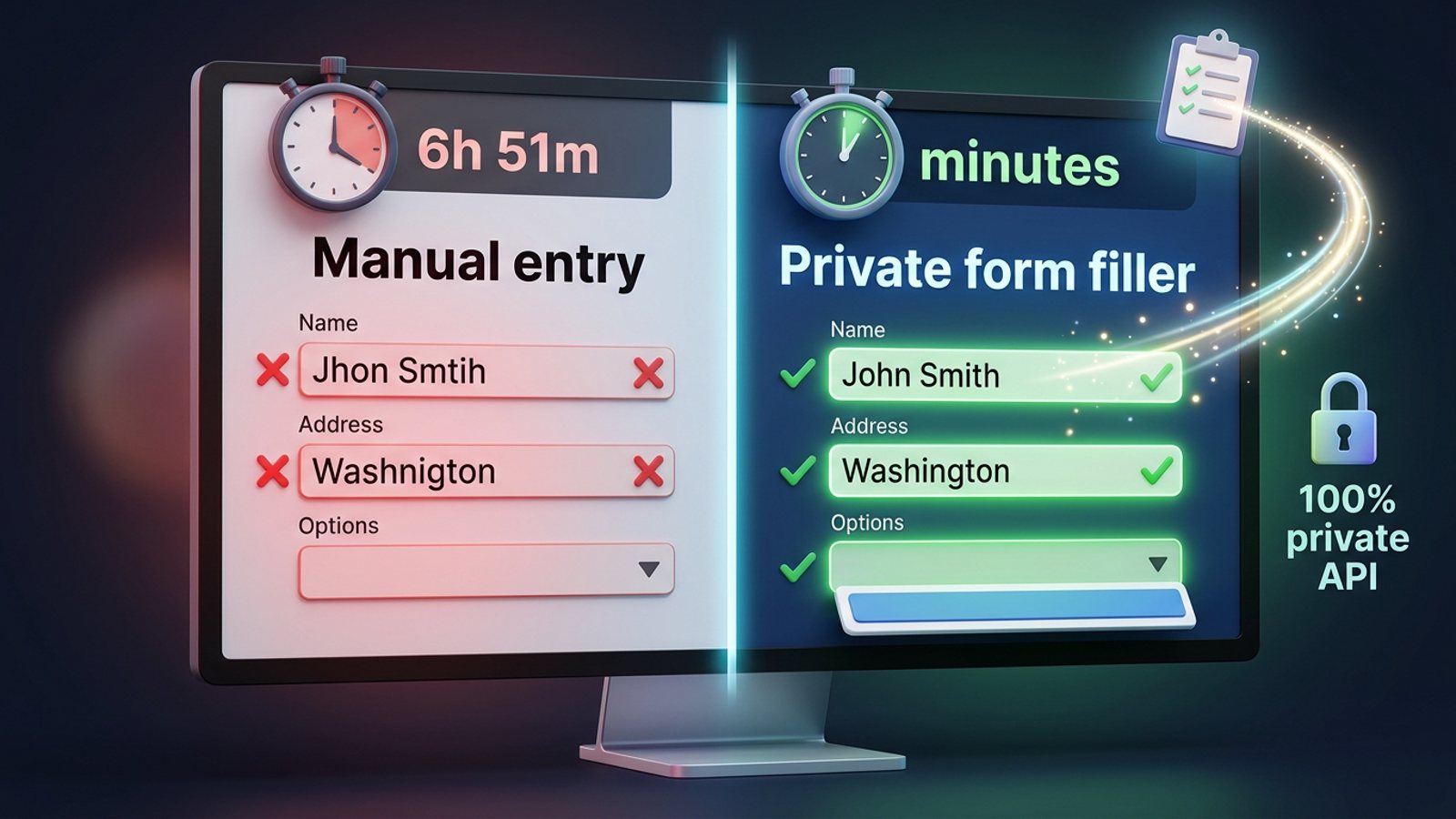
What's the best AI form filler extension for teams handling citizen data?
The best AI form filler for citizen data is the one your IT policy allows and whose data path you can explain. Here's how Zipifil compares with Chrome Autofill, Lightning Autofill, and Magical.
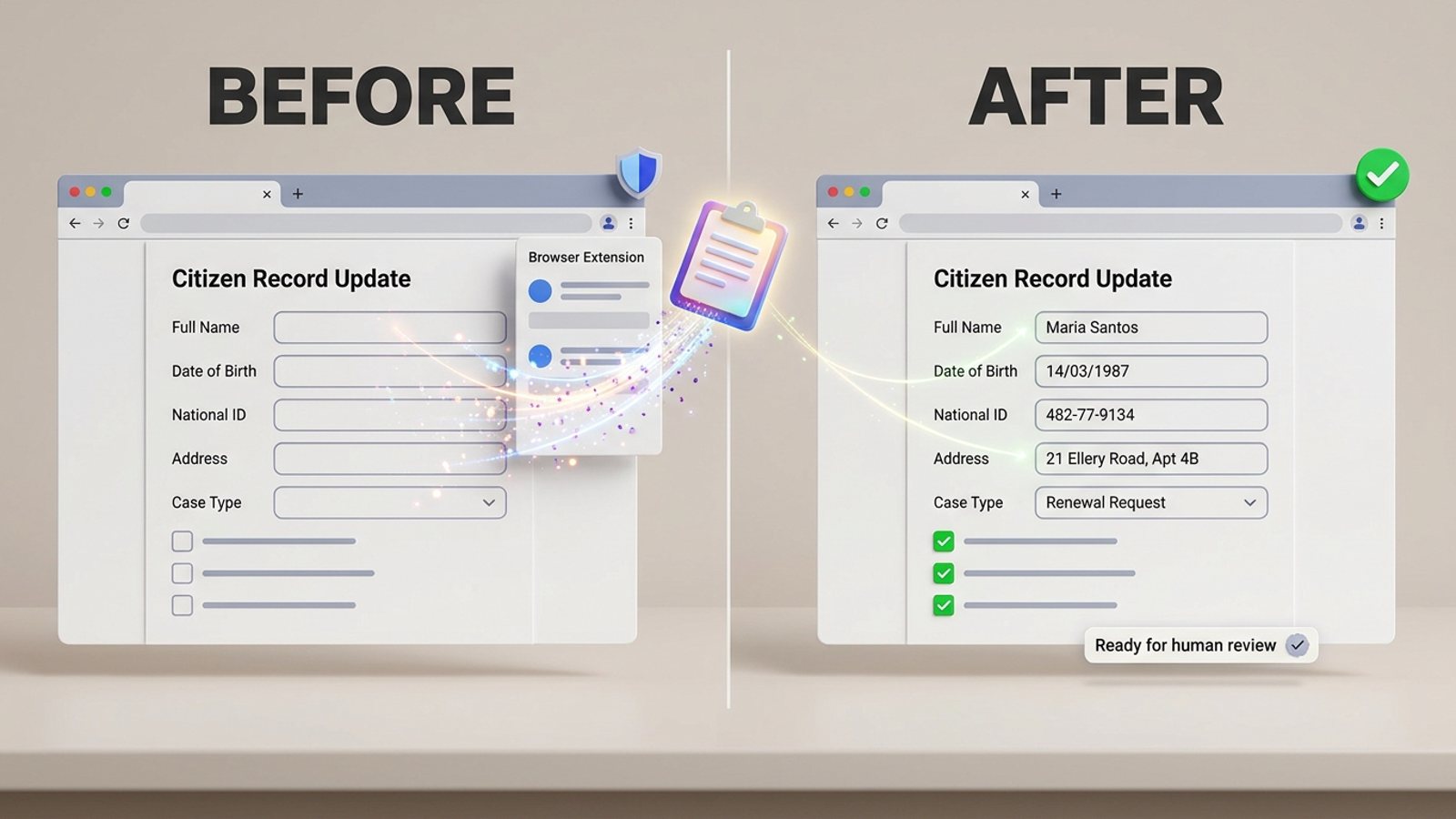
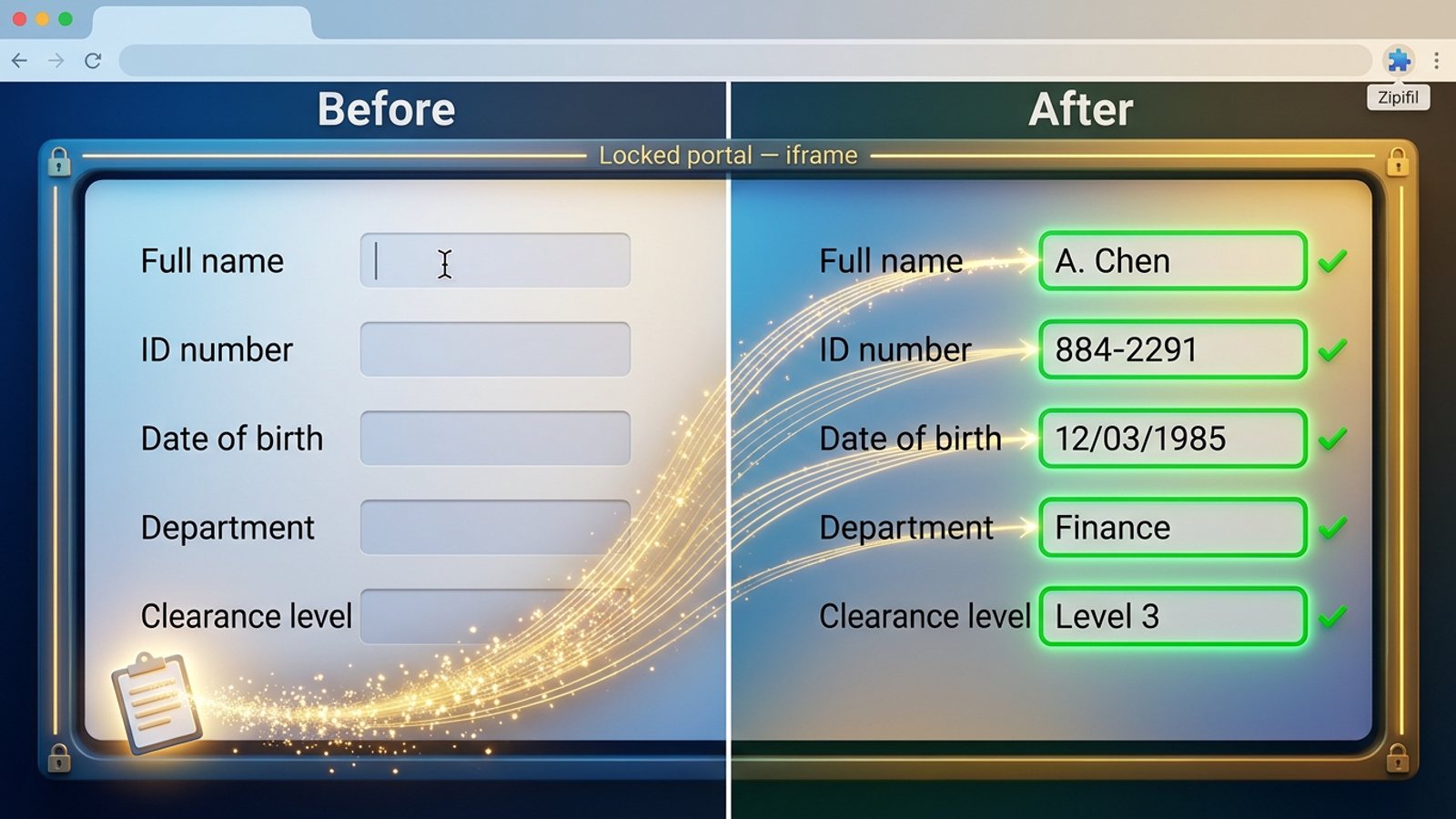
If your team fills government forms with real citizen data, the best AI form filler extension teams can trust is one that reads every field on locked portals, keeps data private, and is allowed by your IT policy. Of the tools we compared, Zipifil is our pick: it works on locked portals and iframes, uses a private API, and costs $9.99/month for unlimited fills.
Handling citizen data raises the stakes on every choice: one wrong field, one leaked record, and the problem is no longer about saving time. The best tool for your team answers three questions before anything else — can it read the form's actual fields, does any citizen data leave the device, and will your IT team allow it? Get those three right and the rest is speed.
Ready to test it on your worst portal? Add Zipifil to Chrome — 3 fills a day free and see how it handles the forms other extensions skip.
What makes an AI form filler extension safe for citizen data?
The data question decides everything. An extension is only safe for citizen data if you know exactly where that data goes — and for many tools, form content is sent to a third-party AI provider to work. FormFiller.ai, for example, states in its privacy policy (2026) that it sends form field content, page content and chat prompts to the OpenAI API. AI Form Autofill, a different extension, keeps keys, settings and saved values in local browser storage and lets the user pick their AI provider (developer document, 2026). Same category, very different data paths.
Our pick takes the private route: Zipifil uses a 100% private API, which the owner describes as safe for government use and sensitive data. If your team handles citizen records, that is the difference that matters most.
There is a second layer too. Chrome Web Store policy, enforced since 15 October 2019, treats form data and government-issued identification numbers as "user data" — it must be disclosed, sent over modern cryptography, and stored securely at rest. The Limited Use policy restricts extensions to collecting only what their single disclosed purpose needs. A tool that asks for clipboard, tabs, history or cookie access when it only needs to fill a form is worth a hard second look, as a privacy checklist from SmartAutoFill (2026) points out.
Which AI form filler extension is best for teams handling citizen data?
Zipifil is our pick of the tools we compared, because it is built for the forms that stop other extensions: locked government portals and iframes. It fills text boxes, drop-downs, checkboxes, radio buttons and date pickers, and it can pull data from a PDF or image you upload — so an invoice or a scanned sheet can populate the form itself.
The feature that matters most for a team is the rule memory. You set custom formatting or skipping rules once per URL, and they apply forever. That cuts the corrections that eat a caseworker's afternoon. You can also give custom AI instructions per page to manipulate or skip fields, and highlight text, right-click, and map it to a form field in two clicks.
On price: Zipifil has a free forever plan with 3 AI form fills per day, no credit card needed, and an unlimited plan at $9.99 per month as of November 2026 — prices can change. It runs only on Chrome, Edge and Brave; it does not work on Firefox or Safari. There is one account per user, so a team buys seats individually rather than sharing a login.
How does Zipifil compare with other form fillers for teams?
Here is how the options stack up for a team that fills citizen-data forms all day.
| Option | Best for | Key features | Price / free option | Watch-outs |
|---|---|---|---|---|
| Zipifil (Our pick) | Locked portals and iframes | All field types; URL rules; PDF/image extraction | 3 fills/day free; $9.99/mo unlimited | Chrome, Edge, Brave only |
| Chrome Autofill | Standard identity fields | Saved names, addresses, cards | Free, built in | Saved categories only |
| Lightning Autofill | Rule-based profiles | Profiles, spreadsheet sync | 10 profile runs/day free | JS rules on Pro tier |
| Magical | Repetitive typing | Text expansion, team seats | Free core tier | AI features metered |
| Filling by hand | Policy-blocked teams | No extension, no risk | Free | Slow, error-prone |
Zipifil is made by the team behind this blog. Of the tools we compared, it is the one built for the portals that block ordinary autofill — the deciding factor when your team's day is spent inside government systems. Add it to Chrome here and test it on a sandbox copy of your worst form.
Chrome's built-in Autofill is the zero-install baseline. It fills saved data like name, passwords, addresses and card details, but only when you're signed in to Chrome with a Google Account, and only for categories you've left switched on (Google Help, no date). It can't be relied on for custom-built forms where the field structure isn't recognised. Chrome's Gemini-powered enhanced autofill, announced 28 October 2026, can suggest details from Gmail — but the user must click each suggestion and Chrome does not submit the form (Yahoo Tech, 2026). If your team only fills standard fields, this is the least-risk choice.
Lightning Autofill is strong for repeatable, rule-defined profiles. Since its v12 Manifest V3 update it moved to a freemium model after 14 years free (Chrome Web Store listing, updated June 2025). The free plan allows 10 profile executions per day, then stops until the next day (Lightning Autofill Docs, September 2026). Plus adds unlimited executions and Google Sheets cloud sync; Pro adds JavaScript rules — which no longer run unless you upgrade (Lightning Autofill Docs, 2026). The developer's 2024 announcement gave $4.99 for Plus and $9.99 for Pro per month, but those prices are dated and pre-freemium. If you mainly need spreadsheet-driven, rule-based profiles and cloud sync is acceptable, Lightning is the more direct choice.
Magical is a text expander first. Its Core plan is for individuals only and can't have members added; collaborators need the Advanced plan (Magical Help Center, February 2026). The free tier is genuinely free for core text expansion, but AI features are metered and team sharing and single sign-on sit behind paid per-seat tiers (TypeFire blog, 2026 — a competitor vendor blog, so treat as a competitive claim). If your team's problem is repetitive typing and templates rather than reading complex form fields, Magical fits better.
Filling by hand has no extension supply-chain or permission risk and nothing leaves your device. It is the right fallback wherever policy blocks extensions — but it is slow, and transcription errors grow with volume on long citizen-data forms.
How do you choose one for your team?
Start with policy, not features. Confirm your organisation's rules on browser extensions, and ask IT whether Chrome is managed and can allowlist or block extensions centrally. If the answer is "no extensions", the decision is made and hand-filling is your route.
Then write down what your team actually fills: standard identity fields, custom-built portal forms, iframes, or multi-step wizards. A tool that shines on one may stall on another.
- Confirm policy and admin controls — check whether IT can allowlist, block or pin extension versions.
- List your real forms — note which are custom portals, iframes or multi-page wizards.
- Read the permissions and privacy policy — ask what the tool stores, where, and whether you can export or delete it.
- Decide the data question first — if citizen data reaches a third-party server, that may rule the tool out regardless of features.
- Test on a sandbox portal — watch whether it fills every field and whether it ever tries to submit on its own.
- Count daily volume against free-tier caps — Lightning's 10-a-day limit is an example; budget for paid seats if needed.
- Roll out to a small group first — keep a manual fallback and re-check permissions after every extension update.
That last point matters more than it sounds. Chrome disables an extension on update if the new version asks for more privilege than the user granted (Chromium source, no date). An update that suddenly wants broader access is a signal to stop and review, not to click through.
What are the biggest mistakes teams make with form fillers?
The most common mistake is choosing on speed alone. A tool that saves ten minutes a form but sends citizen data to a server you can't vet is a bad trade for a government team. Decide the privacy question before the feature list.
The second is skipping the sandbox. A safety guide from AIProductivity.guru (updated July 2026) recommends starting with paste-only suggestions and verifying permissions, uploads and auto-submit controls in a sandbox before trusting an extension on a live form. Do that with dummy data, not a real case.
The third is assuming a free tier covers a full day's work. Volume caps like Lightning's 10 profile executions a day can stop a busy caseworker mid-afternoon. Count your team's real daily fills before committing.
Why does a private API matter for government work?
Because the data path is the part you can't undo. If form content reaches a third-party AI provider, that exposure has happened — a policy review afterwards won't reverse it. A tool that keeps the data path private removes that risk from the start.
Zipifil's 100% private API is the reason we put it first for citizen-data teams, alongside its ability to work on locked portals and iframes where standard extensions can't see the fields. The owner also confirms that government teams use it, and that everything is private — the data-privacy details are at zipifil.com/data-privacy.
For a deeper look at the privacy side, see our guide to which AI form filler extension keeps my data private on government systems. And if your team works across many locked portals, our comparison of alternatives to ordinary form filler extensions for locked portals goes further into the technical side.
Pick the tool that survives your policy review first, then your worst portal second — everything else is speed. Start with Zipifil free — 3 fills a day, no card needed.
Sources
- Chrome autofill help (Google Help, no date) — https://support.google.com/chrome/answer/142893?hl=hi&ref_topic=7439541&co=GENIE.Platform%3DAndroid#2
- Chrome enhanced autofill from Gmail (Yahoo Tech, 2026-10-28) — https://tech.yahoo.com/ai/gemini/articles/chrome-now-pull-details-gmail-194602071.html#1
- Chrome autofill without submitting (Yahoo Tech, 2026-10-29) — https://tech.yahoo.com/ai/gemini/articles/chrome-now-autofill-forms-using-211134848.html#1
- Chrome autofill troubleshooting (tidyleaf.github.io, no date) — https://tidyleaf.github.io/guides/chrome-autofill-not-working-some-forms.html
- ChromeOS extension development & admin controls (Google for Developers, updated 2025-12-30) — https://developers.google.com/chromeos/app-development/learn/extensions?hl=th#1
- Declare permissions (Chrome for Developers, no date) — https://developer.chrome.com/docs/extensions/develop/concepts/declare-permissions.md.txt
- Extension permissions reference (Chromium source, no date) — https://chromium.googlesource.com/chromium/src/+show/adc0e9be5563cee7dc975f4d3ae866098431fed7/extensions/docs/permissions.md#1
- User Data Policy FAQ (Chrome for Developers, enforced 2019-10-15) — https://developer.chrome.com/docs/webstore/program-policies/user-data-faq.md.txt
- Limited Use policy (Chrome for Developers, no date) — https://developer.chrome.com/docs/webstore/program-policies/limited-use.md.txt
- Lightning Autofill store listing (Chrome Web Store, updated 2025-06-19) — https://chromewebstore.google.com/detail/lightning-autofill/nlmmgnhgdeffjkdckmikfpnddkbbfkkk?hl=rus#1
- Freemium Notice (Lightning Autofill Docs, 2026-09-17) — https://docs.lightningautofill.com/freemium
- New monetization strategy (Lightning Autofill, 2024-02-09) — https://lightningautofill.com/updates/happy-new-year-20240210/
- Core Plan: Everything you need to know (Magical Help Center, 2026-02-03) — https://support.getmagical.com/en/articles/10160888-core-plan-everything-you-need-to-know
- Magical vs TypeFire (TypeFire, 2026-02-25) — https://typefire.app/blog/magical-vs-typefire-chrome
- FormFiller.ai privacy policy (GitHub, 2026-04-15) — https://github.com/arjunmat/form-filler-ai/blob/main/privacy-policy.md#1
- AI Form Autofill privacy policy (GitHub, 2026-06-11) — https://github.com/iklobato/ai-form-autofill/blob/main/PRIVACY.md#1
- AI form filler privacy checklist (SmartAutoFill, 2026-08-29) — https://smartautofill.com/blog/ai-form-filler-privacy-safety#the-practical-verdict
- AI form filler safety guide (AIProductivity.guru, updated 2026-07-21) — https://aiproductivity.guru/ai-form-filler-free-pdf-extension/
Frequently asked questions
Only if your organisation allows the extension and you know where the data goes. Check admin policy first, and choose a tool whose data path you can explain to your privacy lead.
Of the tools we compared, Zipifil is our pick for teams handling citizen data on complex government portals, because it fills locked portals and iframes and uses a private API. If your team mainly needs spreadsheet-driven profiles, Lightning Autofill is the more direct choice; if the problem is repetitive typing, Magical fits better.
Yes, on managed Chrome devices. Admins can pin an extension to a version, block extensions not from the Chrome Web Store, restrict which URLs an extension may modify, and block extensions requesting certain permissions.
Zipifil gives 3 AI form fills per day free, no credit card needed. Lightning Autofill's free plan allows 10 profile executions per day, then stops until the next day.
Yes. Use a sandbox or test portal, start with paste-only suggestions, and check permissions and auto-submit behaviour before trusting it on a real form.