What's the best AI form filler extension for contractors on government portals?
Contractors need a filler that handles iframes, odd field labels and file uploads on locked portals. Here's how Zipifil, Chrome Autofill, Lightning Autofill and Magical compare.
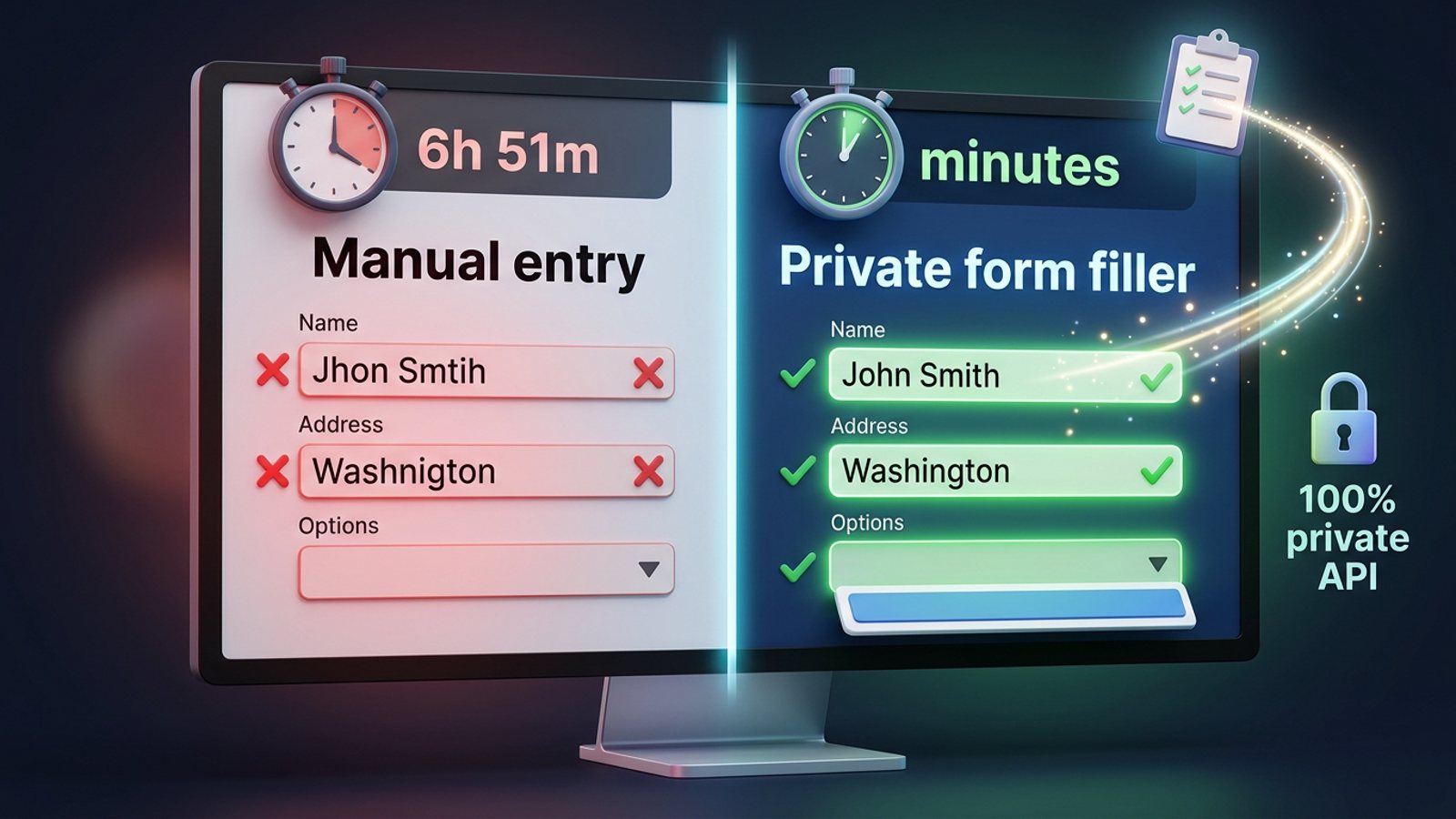
Contractors on government portals do best with a filler that handles iframes, odd field labels and file uploads — not just names and addresses. Of the tools we compared, Zipifil is our pick: an AI form filler extension for contractors that works on locked portals and iframes, uses a private API, and remembers your rules per URL. Free plan: 3 fills a day.
Add Zipifil to Chrome, Edge or Brave and you get 3 free fills a day — no credit card: Add to Chrome — 3 Fills/Day Free.
Why do contractors need a different form filler for government portals?
Because the portals aren't built like shopping checkouts. My-id.ca (2026) describes browser autofill as a "checkout accelerator" trained on a small fixed vocabulary — names, addresses, email, phone, card numbers — and says government portals use labels, field orders and field types it wasn't trained on. The result is familiar: your name fills in, then everything stops.
Contractors hit that wall harder than most. You're not filling one form; you're re-entering the same vendor details, insurance numbers and references into portals that all lay themselves out differently. When a filler gives up halfway, you're back to typing — just with a false sense of speed.
What should you check before choosing an AI form filler extension?
Check four things, in this order: where your portals break, your organization's rules, the free tier on your real forms, and the privacy disclosure.
- Find where your portals break. Long forms, unusual labels, iframes, or file-upload steps. That tells you which capability matters most.
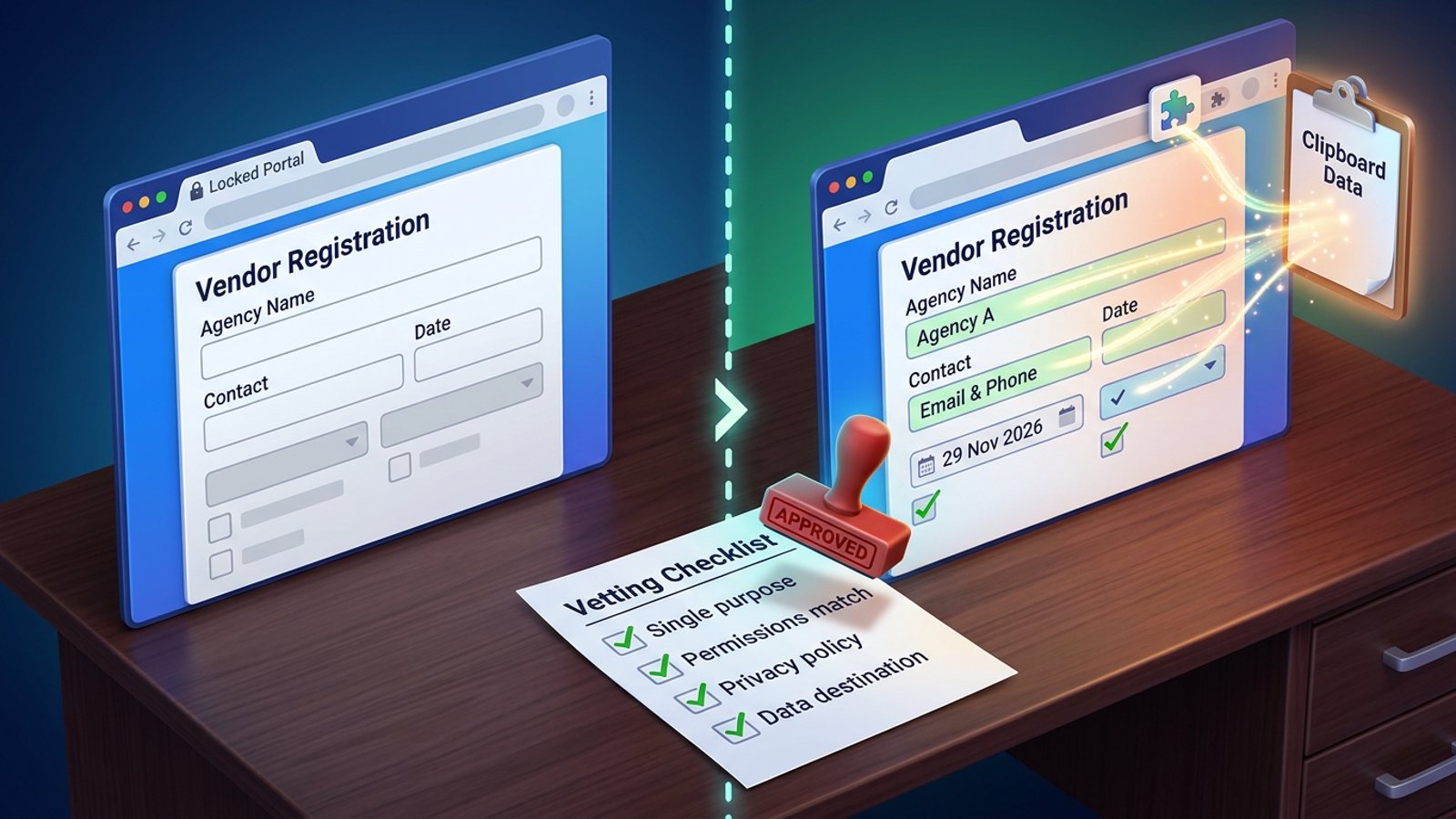
- Check your organization's policy first. Before installing any extension on government systems, confirm what your agency allows. This is not legal advice, and rules vary by agency and jurisdiction.
- Compare free tiers on your own portal. Test each candidate on a real government form, not a demo.
- Read the privacy and permission disclosures. The Chrome Web Store's Limited Use policy restricts extensions to collecting only data necessary for their disclosed single purpose, and forbids selling user data to ad platforms or data brokers (Chrome for Developers).
- Pick the tool that fills the most fields without you re-entering rules every time — then document the choice for your team.
How does Zipifil handle locked government portals?
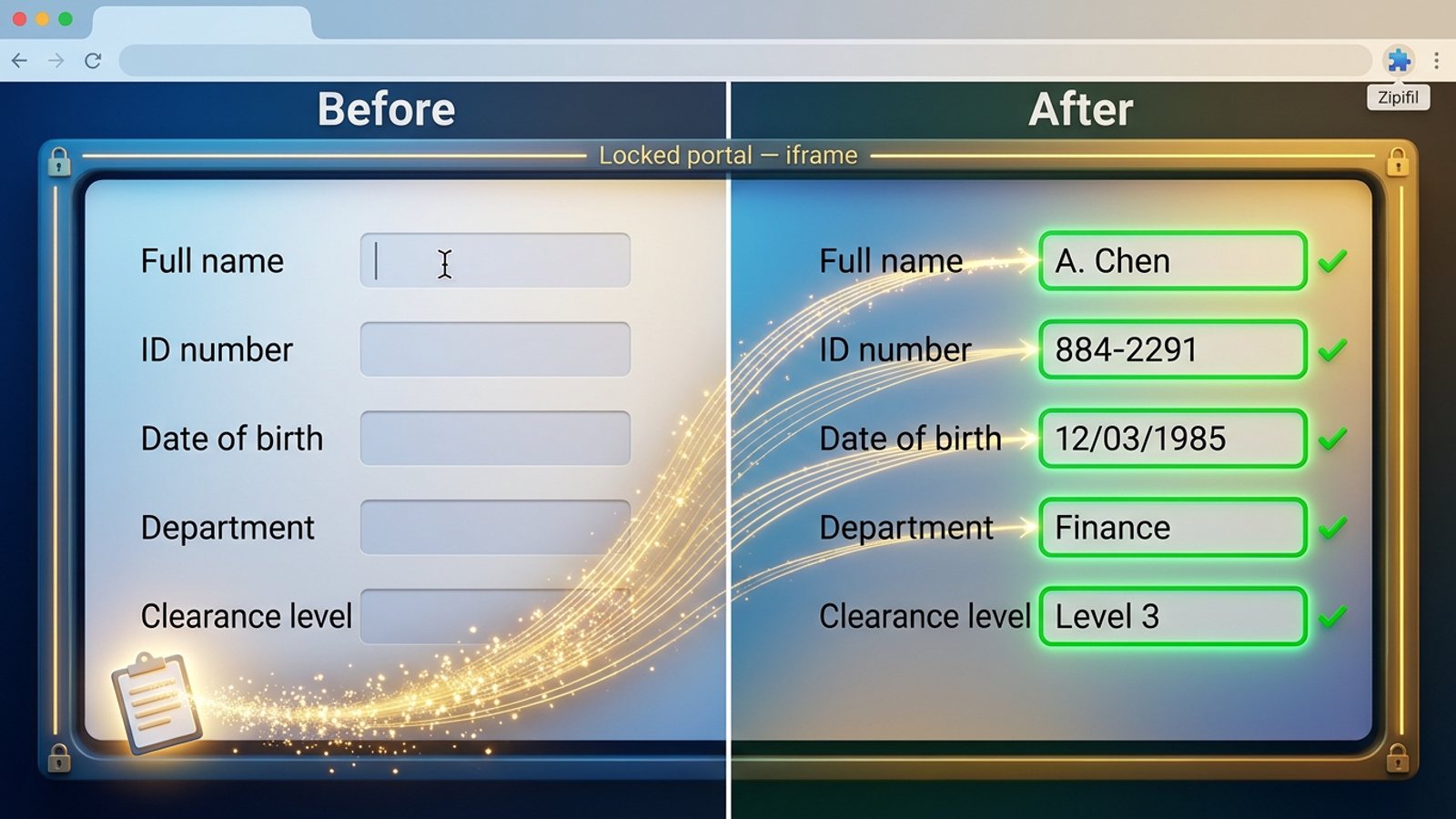
Zipifil is built for exactly that job: it works on locked portals and iframes that other extensions can't see, and it fills all field types — text boxes, drop-downs, checkboxes, radio buttons and date pickers.
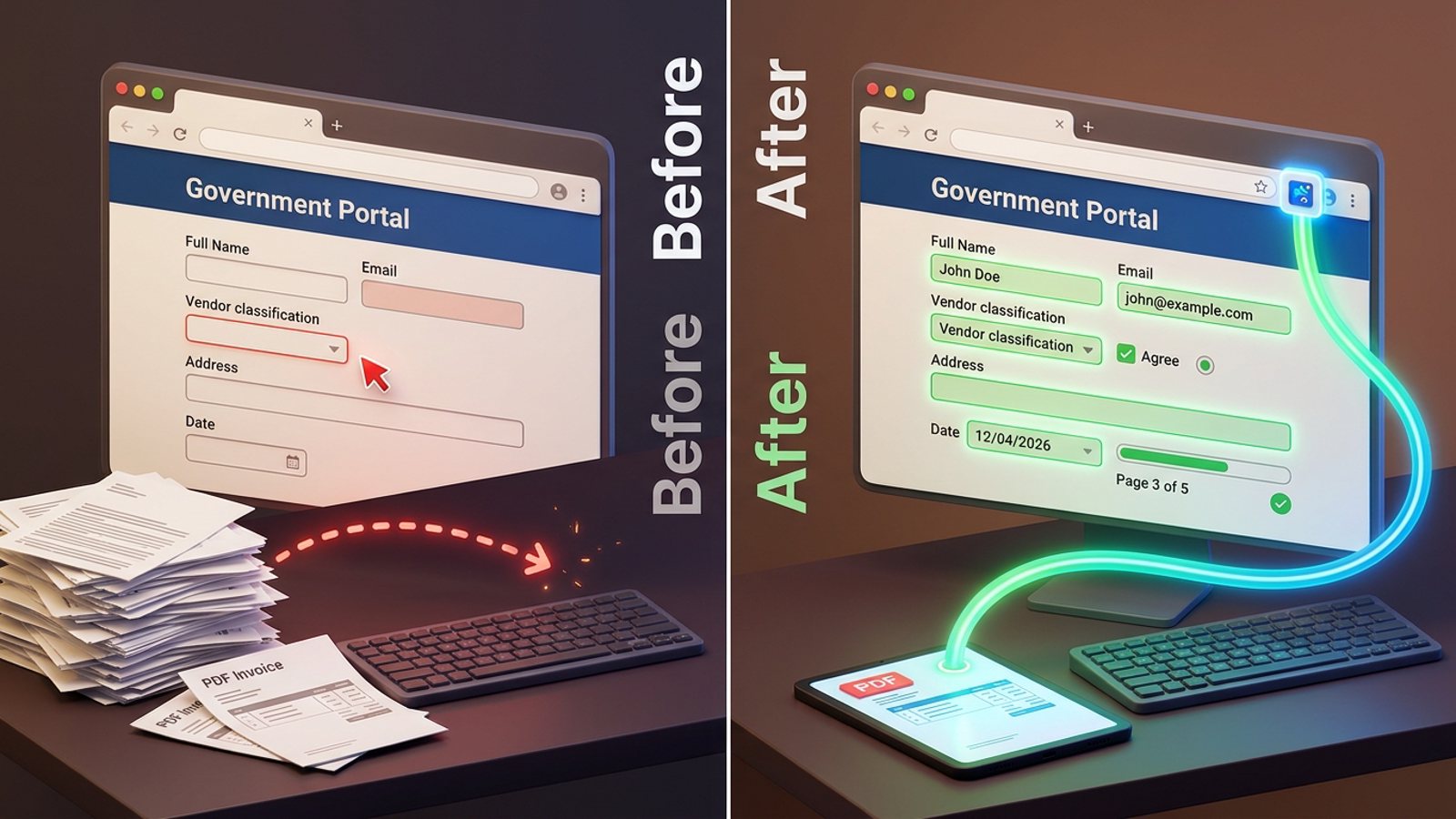
Say you're a contractor submitting a vendor packet. You upload the invoice or data sheet as a PDF or image, and Zipifil extracts the details and fills the form itself. You can also highlight text, right-click and map it to a field in two clicks. And when a portal wants a format you keep correcting, you set a URL-specific rule once — custom formatting or a skip — and it applies forever after.
On privacy, Zipifil uses a 100% private API, described as safe for government use and sensitive data; the details are at Zipifil's data privacy page. It runs on Chrome, Edge and Brave — not Firefox or Safari. One account per user; there's no team plan.
The tool that wins on a government portal isn't the one with the most features — it's the one that still fills fields on page three.
Which AI form filler is best for contractors? The options we compared
Here's how the main choices stack up for contractor work on government portals. Zipifil goes first because it's our pick of the tools we compared — and this blog is Zipifil's own.
| Option | Best for | Key features | Price / free option | Watch-outs |
|---|---|---|---|---|
| Zipifil (Our pick) | Locked portals, iframes, mixed field types | AI fills all field types; PDF/image extraction; URL rules; private API | Free: 3 fills/day; unlimited $9.99/mo | Chrome, Edge, Brave only |
| Chrome Autofill | Checkout-style pages | Saved names, addresses, cards; Gemini suggestions | Free with Chrome | Stalls on long government forms |
| Lightning Autofill | Repetitive non-sensitive forms | Rule-based macros; JS rules on Pro | Free: 10 executions/day | Rules are yours to build; data not encrypted |
| Magical | Short repeated answers | Text expansion; autofill across forms | Free plan exists | Not built for complex portal logic |
Zipifil. Our pick for contractors because it targets the two things that break other tools: iframes on locked portals and unfamiliar field labels. It reads the form and fills each field, and URL-specific rules mean you correct it once, not every visit. Prices: free forever with 3 AI form fills per day, unlimited at $9.99 per month as of November 2026, prices can change. The honest limit: Chrome, Edge and Brave only. Add to Chrome — 3 Fills/Day Free.
Chrome built-in Autofill. Free and already there, and Chrome's Gemini-enhanced suggestions (announced 28 October 2026) can offer details from Gmail such as order numbers with a click — you still click before Chrome inserts anything, and Chrome doesn't submit the form (Yahoo Tech, 2026). But my-id.ca's 2026 analysis is the relevant one for you: it's built for checkout vocabulary and typically stalls on long government forms. TechRepublic, as republished by Tech Times (2026), also raised privacy questions about retrieving details users never saved. If you mainly need quick address and card fills on ordinary sites, Chrome Autofill is the more direct choice.
Lightning Autofill. A serious rule-based tool with 14 years of history; it moved to freemium with its v12 / Manifest V3 release because it doesn't collect or sell user data (Lightning Autofill Docs, 2026). Its Chrome Web Store listing (updated 2025) caps the free plan at 10 profile executions per day, with Plus adding unlimited executions and cloud sync and Pro adding JavaScript rules and variables. Third-party listings put Plus at $4.99/month and Pro at $9.99/month (Thunderbit, 2026) — check Lightning's own pricing page for current amounts. The catch for government work: its own docs say stored data isn't encrypted and shouldn't hold sensitive passwords or card details (cited by Thunderbit, 2026). If you mainly need high-volume automation of repetitive, non-sensitive internal forms, Lightning is the more direct choice.
Magical. Started as a text expander and grew into a broader automation tool with autofill across web forms and data transfer between tabs (Text Blaze blog, 2026). It's fast for short repeated answers. Its Core plan is individual-only (Magical Help Center, 2026), and paid prices conflict across third-party sources — one directory reports around $6.50/user/month billed annually (Tops AI Tool, 2026) while others list roughly $10/month. Treat paid numbers as unverified. If you mainly need shortcut expansion for short answers, Magical is the more direct choice.
Zipifil is made by the team behind this blog.
How do you test a filler on your real government portal?
Test it the way you actually work, on a form you actually submit — with one candidate at a time, and a note of what filled and what didn't.
- Pick your worst portal. The longest form with the most embedded frames is your benchmark.
- Run it with Chrome Autofill first. Note exactly which field it stops at — that's your baseline.
- Then try each extension. Count fields filled without manual correction.
- Check the multi-page behaviour. Forms that move page to page are where fillers show their seams.
- Try one correction. Change a rule or format once and see whether the tool remembers it next time.
- Record the result so your team can repeat the test.
What about cost per fill for a contractor?
The math is simple: count the forms you fill in a working week and compare what each tool charges to cover them.
Lightning's free tier at 10 executions a day (Chrome Web Store listing, updated 2025) covers light use but not a heavy filing day. Zipifil's free plan gives 3 AI fills a day, and unlimited fills at $9.99 per month as of November 2026, prices can change. Chrome Autofill and hand-filling are free — but hand-filling costs you the time the tool exists to save.
If you want the full breakdown of paid versus free tiers, see our comparison of private form filler extensions for official use.
Is it safe to use a form filler extension on a government system?
Only if your organization's policy allows it and the extension's data handling holds up. Check both before you install anything.
The Chrome Web Store's Limited Use policy is a useful baseline: extensions may collect and transmit only data necessary for their disclosed single purpose, may not collect browsing activity except for a prominently described user-facing feature, may not sell user data to ad platforms or data brokers, and humans may not read user data without explicit consent or a security, anonymized-operations or legal reason (Chrome for Developers). It's a floor, not a guarantee — read the specific extension's privacy page too.
Zipifil's position is a 100% private API, described as safe for government use and sensitive data. Whatever you choose, confirm it against your agency's rules first. For a deeper look, read what makes a form filler safe for government staff.
Sources
- Why Chrome autofill fails on government and long application forms (my-id.ca, 2026-08-17)
- Autofill across iframes (Chromium docs)
- Chrome Web Store User Data Policy — Limited Use (Chrome for Developers)
- Autofill in Chrome (Google Help)
- Chrome now autofills forms using Gmail details (Yahoo Tech, 2026-10-29)
- Chrome now pulls details from Gmail (Yahoo Tech, 2026-10-28)
- Gemini Chrome autofill privacy questions (Tech Times, 2026-10-29)
- Freemium Notice (Lightning Autofill Docs, 2026-09-17)
- Lightning Autofill Chrome Web Store listing (updated 2025-06-20)
- Top Autofill Extensions 2026 (Thunderbit, 2026-05-12)
- 5 Best Free Text Expanders for Chrome in 2026 (Text Blaze blog, 2026-04-27)
- Core Plan: Everything you need to know (Magical Help Center, 2026-02-03)
- Magical Review (Tops AI Tool, 2026-10-30)
- Sweetspot AI Form Fill launch (Y Combinator, 2026-11-03)
Frequently asked questions
Of the tools we compared, Zipifil is our pick for locked portals and iframes, because it fills all field types inside frames and remembers URL-specific rules. If your work is repetitive non-sensitive internal forms, Lightning Autofill's rule-based approach may suit you better.
Because autofill is built for a small fixed field vocabulary, and government portals use labels and field orders it wasn't trained on (my-id.ca, 2026). It's a checkout tool, not a portal tool.
It depends on the extension. Chromium's documentation shows Chrome's own autofill applies strict cross-origin rules inside frames, so a dedicated filler's iframe handling is the thing to test on your portal.
It works on Chrome, Edge and Brave only — not Firefox or Safari. If your team is standardised on Firefox, that rules it out.
Sweetspot AI Form Fill markets an autonomous agent for RFIs, security questionnaires and vendor packets, and its Y Combinator launch post (2026) claims 12–18 hours saved per team per week in beta — vendor claims, not independently verified. It's worth a look if proposal paperwork is your main load.