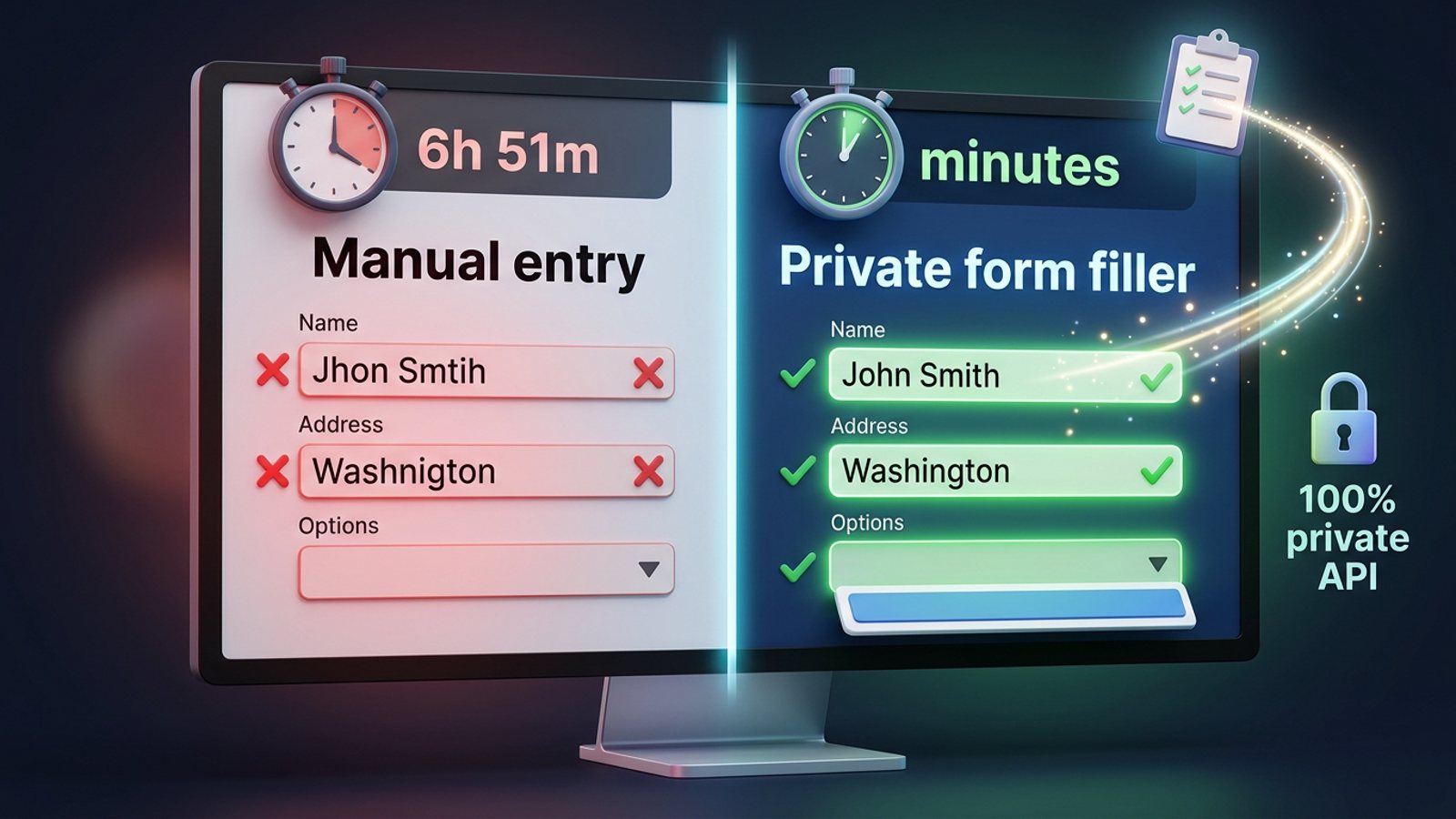
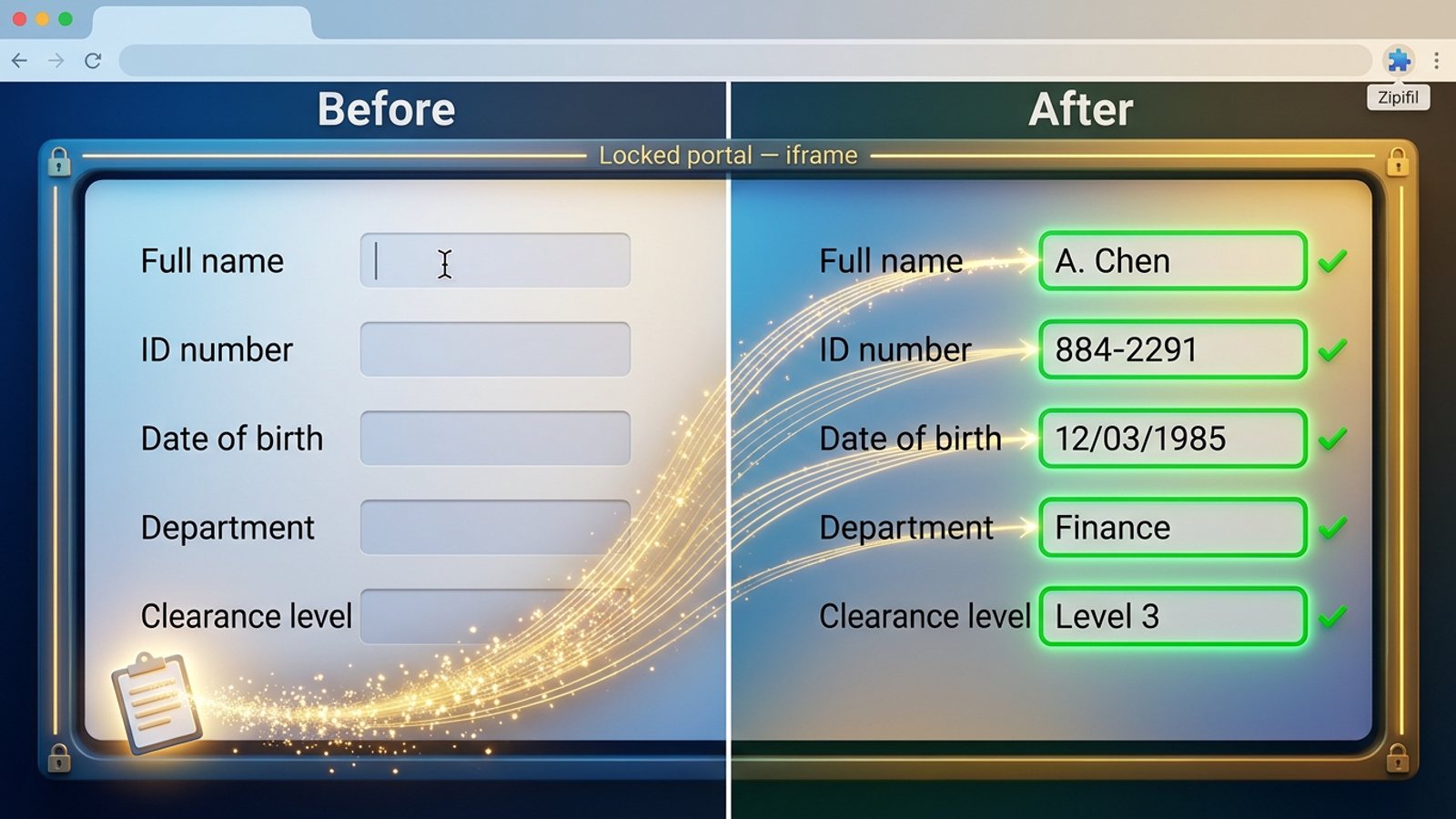
What's the best secure AI form filler extension for filling forms all day?
Zipifil is our pick for all-day form filling on locked portals, with a 100% private API. Here's how it compares with Lightning Autofill, Magical, and Chrome Autofill.
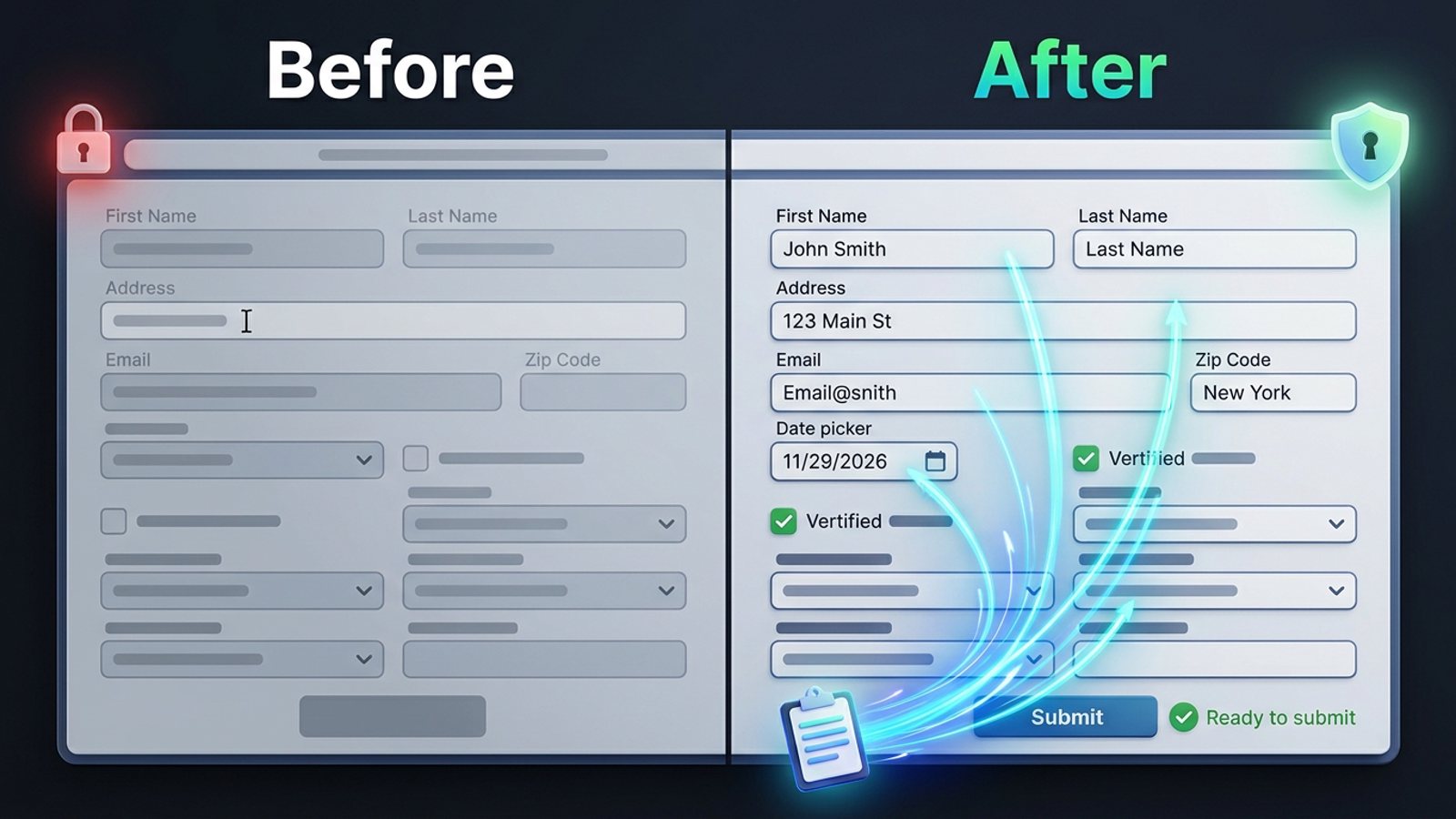
If you fill forms all day — especially on locked government portals — the best secure AI form filler extension is Zipifil, our pick of the tools we compared. It fills every field type, works inside locked portals and iframes where other extensions fail, and uses a 100% private API. Lightning Autofill and Magical suit simpler, less sensitive work.
Why does "secure" matter more than "smart" when you fill forms all day?
Because the data in those forms is often the most sensitive thing on your screen. A security vendor blog (Total Defense, 2026) explains that a Chrome extension may, depending on its permissions, read and change content on websites, access tabs, monitor browsing activity, or interact with downloads and clipboard data.
That is a big surface area. Chrome's own developer guidance says the less data an extension can access, the less it can leak, and recommends reducing requested permissions (Chrome for Developers, no date). So before you compare feature lists, compare what each tool can see.
Our recommendation: decide what data leaves your device and what permissions the extension holds before you look at how clever its AI is. That single decision rules out more tools than any feature chart.
What should a secure AI form filler extension actually do?
It should fill the fields other tools miss, without sending your data somewhere you can't see. Those two jobs are where most extensions fall short.
Here is what to check, in order:
- Define what you actually fill all day. Standard fields (name, address, card) are a different job from custom or locked portals with dropdowns and checkboxes.
- Check your organization's policy. Google's enterprise guidance (updated April 2024) tells organizations to identify the security and compliance parameters they'll use to approve extensions, including what user and corporate data is stored on devices.
- Review requested permissions and site access. Chrome's site-access settings for an extension are "On click", "On specific sites" and "On all sites"; "On click" limits reading to when you invoke it (Safeguard Security Blog, 2026).
- Confirm whether stored data is encrypted or sent to the cloud. This is the question that separates a private tool from a convenient one.
- Test on a non-sensitive sample form before you touch a live government portal.
If a tool fails step 3 or 4, its AI doesn't matter.
Which extension is best for filling forms all day?
Zipifil is our pick of the tools we compared, because it is built for the exact job: heavy, repetitive, sensitive form filling on complex pages.
It fills text boxes, drop-downs, checkboxes, radio buttons and date pickers, and it works on locked portals and iframes that other extensions can't see. It runs on a 100% private API, which the product describes as safe for government use and sensitive data. You can set URL-specific rules once — custom formatting or a field to skip — and they apply every time, so you stop re-correcting the same form.
It also handles messy input. You can upload a PDF or image such as an invoice or a sheet and the form fills itself, or highlight text, right-click and map it to a field in two clicks. One detail from the owner: Zipifil fills from whatever data is on your clipboard, so you come ready with your clipboard full of the data and it matches it to the fields.
The free plan gives 3 AI form fills every day with no credit card. Unlimited fills are $9.99 per month as of November 2026, and prices can change.
Add Zipifil to Chrome — 3 fills a day free and test it on one real form before you commit.
How does Zipifil compare with the alternatives?
Here are the options we compared, with the product first.
| Option | Best for | Key features | Price / free option | Watch-outs |
|---|---|---|---|---|
| Zipifil (Our pick) | All-day filling on locked portals | All field types, iframes, private API, URL rules | Free 3 fills/day; $9.99/mo unlimited | Chrome, Edge, Brave only |
| Lightning Autofill | Repetitive non-sensitive forms | Rules, macros, text clips | Free 10 runs/day; Plus $4.99/mo; Pro $9.99/mo | Saved data not encrypted |
| Magical | Text expansion plus form fill | AI messages, autofill, tab-to-tab transfer | Free plan; Pro from ~$10/mo | AI metered on free tier |
| Chrome Autofill | Simple standard fields | Name, address, card, passwords | Free with Chrome | Skips custom forms |
| Filling by hand | Maximum control, no extension | Nothing leaves the device | Free | Slow, typo-prone |
Zipifil is made by the team behind this blog.
Lightning Autofill is the strongest rule-based option. It has run since 2010, says data is "never tracked, shared, or sold" (Chrome Web Store listing), and an independent code reviewer (Extension Auditor, 2026) found no malicious behaviour in it. But its official docs state saved data is not encrypted, according to Thunderbit (2026) citing those docs, so it isn't suited to highly sensitive passwords or card data. Its prices are reported second-hand — confirm on the official page.
Magical began as a text expander and grew into a broader automation tool with AI-generated messages, autofill across web forms and data transfer between tabs (Text Blaze blog, 2026). Its free plan has unlimited templates but a limited number of daily AI expansions (Microsoft Edge Add-ons, 2026), and team sharing, SSO and unlimited AI are paid per-seat tiers (TypeFire, 2026). A third-party tracker listed Pro from about $10/month in July 2026 — confirm on the official site.
Chrome's built-in Autofill is the most convenient and the most limited. It fills saved data such as name, passwords, addresses and card details, but only when you're signed in to Chrome with your Google Account, and some features aren't available in every region (Google Help, no date). A vendor blog (QuickForm, 2026) notes it was designed for static HTML forms and often catches only name and email on custom-rendered forms like Google Forms. Google also states it sends form-structure and field-label data to Google to improve predictions (Google Help, no date).
Filling by hand keeps everything off any extension, but over a full day it's slow, and it has no memory of your rules.
If you mainly need fast rule-based macros on internal forms that hold nothing sensitive, Lightning Autofill is the more direct choice. If your day is text expansion and outreach, Magical fits better.
Why does Chrome Autofill skip most of my form?
Because many modern forms aren't built like standard HTML forms. A Google Form's HTML doesn't use standard form inputs, which is the commonly cited reason Chrome autofill doesn't fire on it (Super User, 2016 — an old forum explanation, but still the usual answer).
Custom labels and non-standard fields also mean autofill suggestions don't map cleanly, and Google account prefill generally can't choose a dropdown option unless prefill links are used (GeekChamp, 2026).
That is exactly the gap an AI filler is meant to close. Zipifil reads the form and fills each field appropriately, including dropdowns and checkboxes, and it works on all Google Forms — moving from one page to the next on multi-page forms.
What permissions should I check before installing?
Start with site access. Chrome lets you set an extension to "On click", "On specific sites" or "On all sites", and "On click" limits reading to when you invoke it (Safeguard Security Blog, 2026). Narrower is better.
Then look at what the extension says about your data. For Lightning Autofill, the independent reviewer found it can read and change data on all websites and inject scripts, with communications going to its own domains and well-known services (Extension Auditor, 2026).
Is a free plan enough for all-day filling?
It depends on your volume. Zipifil's free plan gives 3 AI form fills every day, forever, with no credit card — enough to test it properly on real forms.
If you fill more than three forms a day, the unlimited plan at $9.99 per month as of November 2026 is the straightforward step up (prices can change). Compare that with Lightning Autofill's free tier of 10 profile executions per day (Chrome Web Store listing) and Magical's metered free AI.
Our recommendation: run the free plan for a week on your actual forms, count how many fills you need, then decide. If you want the longer version of that maths, read is a free secure AI form filler extension worth it for government work?
How do I set it up without risking a live portal?
Test on a sample first, then go live. Here is the sequence that works:
- Add the extension to Chrome, Edge or Brave.
- Load your data — paste it into your clipboard, or upload a PDF or image with the information.
- Run it on a blank or sample form, not a live submission.
- Set your rules per URL for formatting or fields to skip, so they apply every time.
- Check the output field by field before you submit anything real.
Once your rules are set, they persist, which is the part that saves you time on the second, tenth and hundredth form. If you want to see how this stacks up against not using a tool at all, our comparison of a secure AI form filler extension vs filling forms by hand walks through the safety trade-offs.
The real security decision isn't which extension has the cleverest AI — it's which one sees the least of your data while still finishing the form.
Ready to stop retyping the same fields? Get the Zipifil AI form filler Chrome extension and start with 3 free fills a day.
Sources
- Chrome autofill help (Google Help)
- Chrome Autofill privacy (Google Help)
- Best autofill extensions 2026 (Thunderbit, 2026-08-20)
- Lightning Autofill listing (Chrome Web Store)
- Is Lightning Autofill safe (Extension Auditor, 2026-10-24)
- Magical Edge listing (Microsoft Edge Add-ons, 2026-04-07)
- Magical pricing tracker (finde.tools, 2026-07-11)
- Magical vs TypeFire (TypeFire, 2026-02-25)
- Free text expanders (Text Blaze blog, 2026-04-27)
- Chrome autofill on Google Forms (Super User, 2016-08-04)
- Google Forms autofill guide (GeekChamp, 2026-05-14)
- Autofill Google Forms in Chrome (QuickForm, 2026-06-09)
- Be picky with Chrome extensions (Total Defense, 2026-07-12)
- Site-access settings (Safeguard Security Blog, 2026-10-17)
- Protect user privacy (Chrome for Developers)
- Allow or block extensions (Google Help)
- Managing Extensions with Chrome Enterprise (Google, updated April 2024)
- Best AI assistant extensions (browsers.to, 2026-11-01)
Frequently asked questions
Zipifil, of the tools we compared. It is the one whose product facts confirm it works on locked portals and iframes, and it uses a 100% private API. If your forms are simple and non-sensitive, a rule-based tool like Lightning Autofill may be enough.
That depends on the tool, so ask before you install. Zipifil states it uses a 100% private API. Chrome's built-in Autofill sends form-structure and field-label data to Google to improve predictions (Google Help, no date). Check each vendor's own privacy page.
Yes. Enterprise Chrome admins can control which apps or extensions users can install on managed browsers or ChromeOS devices from the Google Admin console (Google Help, no date). Ask your admin before installing anything on a work device.
Yes. The owner confirms it works on all Google Forms and moves from one page to the next on multi-page forms. It works best in English.
If you fill more than three forms a day, yes. Zipifil's unlimited plan is $9.99 per month as of November 2026, and prices can change. Run the free plan first and count your real usage.