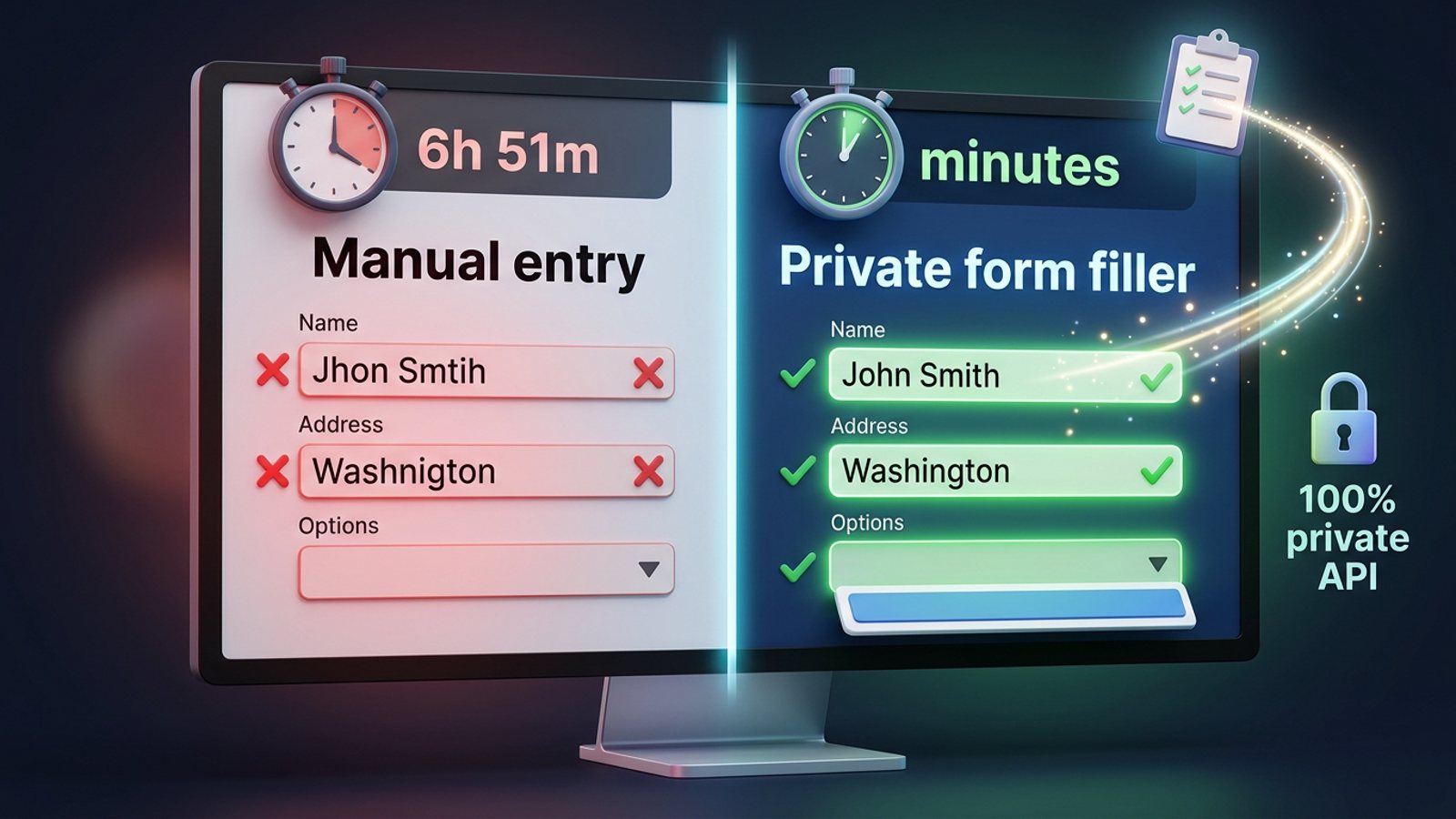
Which secure AI form filler extension is worth paying for in 2026?
Pay only for a tool whose paid tier reaches iframe and autocomplete-off fields and whose data path your organization can approve. Here's how to test before you buy.
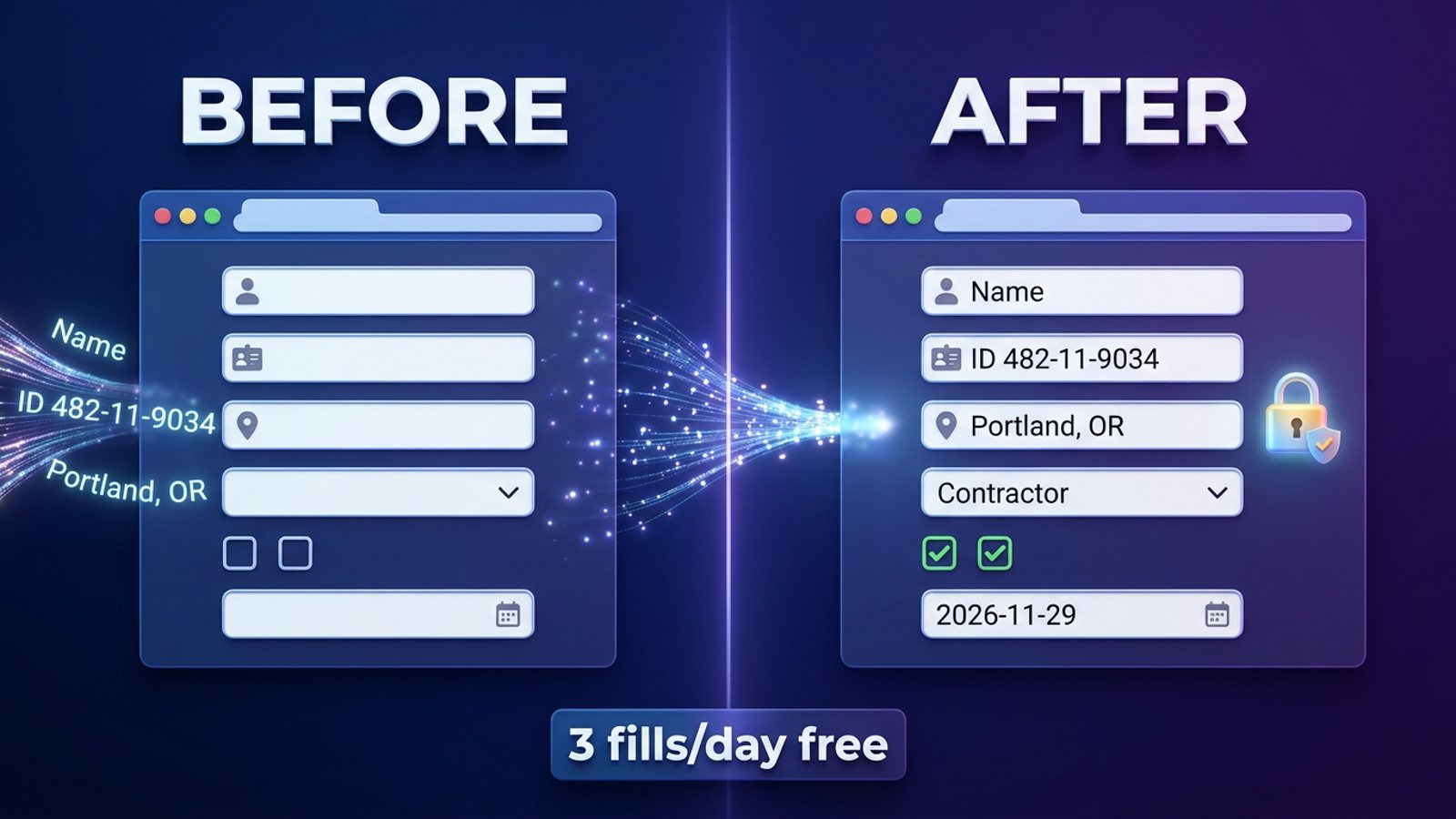
Pay only for a tool whose paid tier reaches iframe and autocomplete="off" fields and whose data path your organization can approve. Of the tools we compared, Zipifil is our pick for that job — a secure AI form filler extension built for locked portals, with a 100% private API and unlimited fills at $9.99/month as of November 2026 (prices can change).
Add Zipifil to Chrome — 3 fills a day free and test it on your hardest portal before you spend anything.
What does a secure AI form filler extension need to do?
It needs to fill the fields other tools skip, and it needs a data path you can defend to IT. Everything else is secondary.
A roundup that re-checked each tool's official pages on 20 August 2026 splits the market into three routes: AI autofill, rule-based autofill, and secure-vault autofill (Thunderbit blog, updated 21 August 2026 — a vendor blog, since Thunderbit sells its own AI autofill, so treat its ranking as promotional).
Chrome's built-in autofill only fills a field when the autofill data's origin and the field's origin match, or the field's origin matches the top page — so cross-origin iframe fields are commonly skipped (Chromium Docs, undated). Browser autofill was also built around a small fixed vocabulary of field types, covering only a handful of fields on a long government form (my-id.ca, 17 August 2026).
That is the gap a paid AI filler sells into. The question is whether it closes it.
How do you test whether a paid tier is worth it before you buy?
List your three hardest portals, then run the free tier on one real page and count the fields it actually reached.
- List the three portals you fill most often. Note whether each has iframes, custom dropdowns,
autocomplete="off"fields or multi-step screens. - Read the store listing's privacy disclosure. For AI tools, check whether the AI runs on-device or in the cloud (Chrome for Developers disclosure requirements, undated).
- Run the free tier on one real portal page. Lightning Autofill gives 10 executions/day, Fillsnap 15 AI fills/month, Fill It Out 15 fills/month (vendor pages, 2026).
- Count reached fields versus manual corrections. A tool that fills 30 fields and needs 4 fixes beats one that fills 12 perfectly.
- Ask IT before enabling a paid extension on a government system, and confirm the privacy policy matches how you'll use it.
- Buy the cheapest tier whose limit you actually hit, on monthly billing, and cancel if a second week doesn't beat filling by hand.
Why isn't a paid AI form filler automatically safer than a free one?
Because price says nothing about the data path. The security question is local versus cloud, encryption, and consent — not the invoice.
Chrome Web Store policy requires an extension that handles user data to link an accurate, current privacy policy, collect only what its single purpose needs, follow Limited Use rules on transfers and human access, get affirmative consent before installation, and transmit data with modern cryptography (Safeguard blog summary of CWS policy, 18 October 2026 — a third-party security vendor blog). The policy text says extensions may only collect, use or transmit user data necessary for the disclosed single purpose (Chrome for Developers, Limited Use policy, undated).
Every field in an extension's privacy section of the store listing must stay accurate, and contradictions between the privacy fields, the privacy policy and the extension's actual behaviour can get it removed (Chrome for Developers, Program Policies, last updated 22 May 2025).
What does the paid tier of each option actually cost in 2026?
Here is how the options we compared stack up, with the product first for the reasons in its own facts.
| Option | Best for | Key features | Price / free option | Watch-outs |
|---|---|---|---|---|
| Zipifil (Our pick) | Locked government portals, iframes | All field types, URL rules, PDF extraction, private API | Free: 3 fills/day; $9.99/mo unlimited | Chrome, Edge, Brave only |
| Lightning Autofill | Rule-based bulk internal forms | Macros, text clips, Sheets sync | Free 10/day; Plus/Pro paid | Paid only since v12 (2026) |
| Fillsnap | Trying AI filling cheaply | Six matching strategies, undo | Free 15 AI fills/mo; Basic $4/mo | Very little user track record |
| Fill It Out | Offline-first privacy | Quick Fill, Local AI, Cloud AI | Free 15 fills/mo; paid tiers | Cloud AI is metered |
| Chrome Autofill | Name, address, card basics | No install, no third party | Free | Skips cross-origin iframes |
Zipifil is made by the team behind this blog.
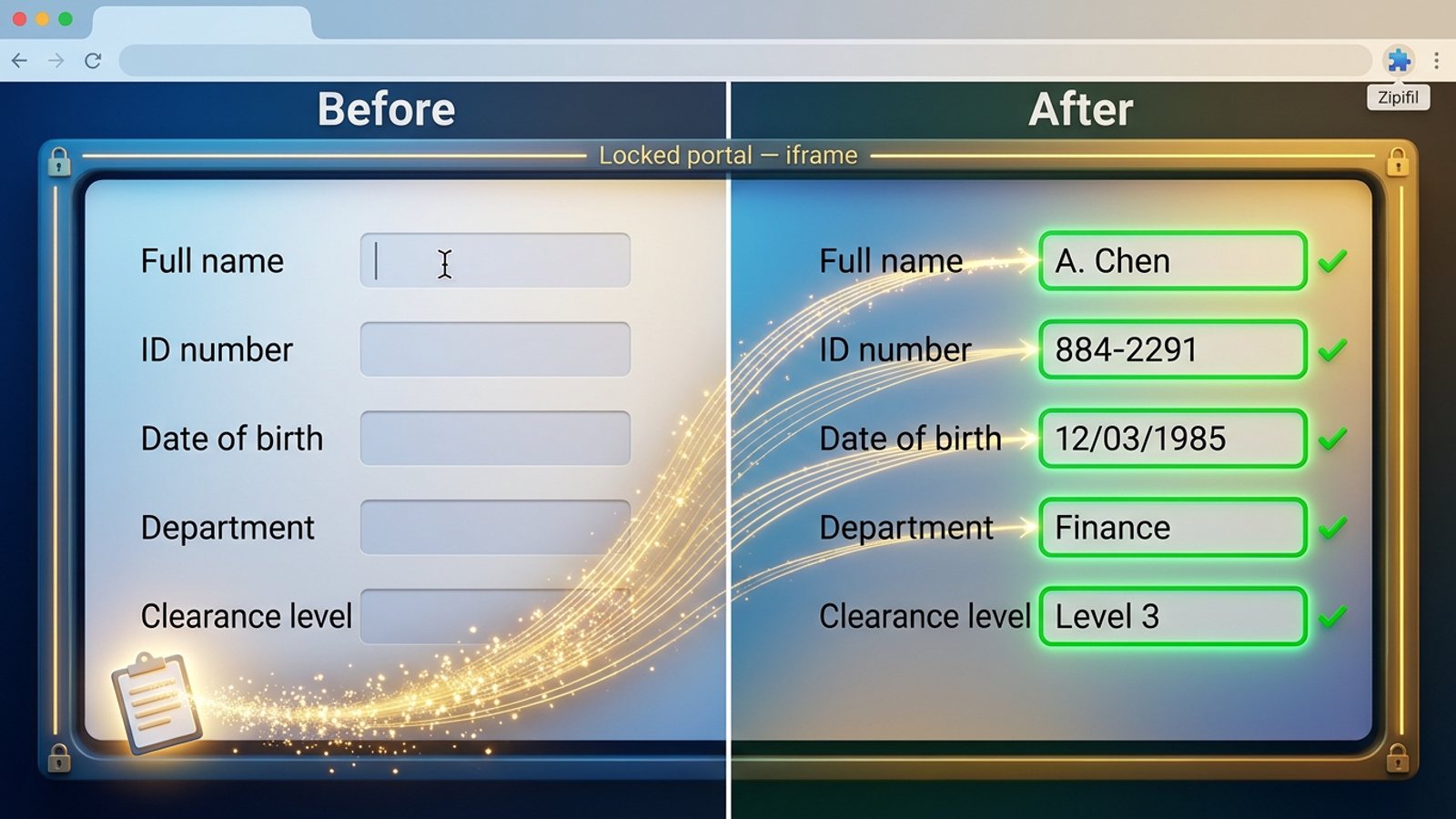
Zipifil fills text boxes, drop-downs, checkboxes, radio buttons and date pickers, and works on locked portals and iframes other extensions can't see. It uses a 100% private API, safe for government use and sensitive data, and URL-specific rules apply your formatting or skipping forever. It also extracts from PDFs and images, and 3 free AI form fills a day need no credit card (product facts, checked 24 November 2026). Its honest limit: Chrome, Edge and Brave only — not Firefox or Safari.
Lightning Autofill moved from 14 years free to a freemium model with its v12 / Manifest V3 update (Lightning Autofill Docs, 17 September 2026). The vendor says the switch was necessary because the tool collects and sells no user data, making paid plans its only income. Tiers are Free (10 profile executions per day), Plus (unlimited executions plus cloud sync via Google Sheets) and Pro (Plus, plus JavaScript rules and variables) per its store listing (Chrome Web Store, page dated 19 June 2025). A roundup checked 20 August 2026 put Plus at $4.99/month and Pro at $9.99/month — the vendor page in our material prints no dollar amounts, so confirm on the vendor's pricing page. A review describes the free tier as evaluation-grade and advises comparing paid tiers before committing a team (Single Tab Browser, 2 September 2026).
Fillsnap is described as an AI form-filling assistant with "local-first profile privacy" that claims to fill government forms as well as signup and checkout pages (Firefox Add-ons listing, 28 April 2026). Pricing: Free $0 (1 profile, 15 AI fills per month / 3 per day), Basic $4/month (5 profiles, 500 AI fills per month, encrypted cloud sync), Pro $9/month (unlimited profiles and AI fills), monthly or yearly, cancel anytime. It refuses to fill password fields, tick consent boxes, solve CAPTCHAs, fill file uploads or submit forms. The listing showed 0 reviews and 1 user when captured — a real limit on its track record.
Fill It Out runs three modes: Quick Fill (profile matching, no AI, works offline, free), Local AI (on-device model) and Cloud AI (counted per plan) per its Chrome Web Store listing (undated). Plans are Free 15 fills/month, Pro 250 cloud fills plus unlimited local, and Max 1000 cloud fills plus unlimited local, billed monthly or yearly via Stripe. Its privacy policy (version 2.3.2, 31 July 2026) says the profile lives in the browser, cloud features are off until switched on, and there are no ads, trackers or data sales. The listing shows no dollar amounts for Pro and Max, so check the vendor page.
Chrome's built-in autofill is free and needs no install. It handles name, address, card and password basics, and Gemini-powered "enhanced autofill" (announced 28 October 2026) can suggest details from Gmail under a "Suggested by Gemini" label without submitting the form (Yahoo Tech, 28 October 2026). But it skips cross-origin iframe fields by design, covers only a fixed vocabulary of field types, isn't available in every country, and the Gemini suggestions can surface details you never saved in the browser.
If you mainly need rule-based bulk filling on non-sensitive internal forms, Lightning Autofill is the more direct choice. If offline-only filling is your hard requirement, Fill It Out is the closer fit.
How many fills a month do you actually need?
More than the marketing suggests. A heavy government-forms day is dozens of forms, so 10 per day (Lightning) or 500 per month (Fillsnap Basic) is the realistic unit to compare, not "unlimited" (vendor listings, 2026).
Say you're a contractor filing permit paperwork across three county portals. Ten forms in a morning is normal. On Lightning's free tier that's your whole day gone in one sitting; on Fillsnap's free tier you'd run out inside two days. That is why the free tiers are evaluation tools, not working plans.
Zipifil's free plan gives 3 AI form fills every day, and the unlimited plan is $9.99 per month as of November 2026 (prices can change). One account per user — there is no team or enterprise plan for government offices with multiple users.
If a paid tier can't reach the fields on your hardest portal, the number of fills it offers is irrelevant — test the portal first, then compare limits.
Does paying make a tool work on a locked government portal?
No. Only the tool's actual field-reaching behaviour does.
Chrome's own autofill is barred from many cross-origin iframe fields by design (Chromium Docs, undated). A third-party tool can work around that, but only if it's built to — and the claim is testable on one real page in a few minutes. Fillsnap and Fillwright both claim iframe or shadow-DOM support (Firefox Add-ons, 28 April 2026; Crx搜搜 mirror, 11 August 2026), but none of these claims was independently tested in our material.
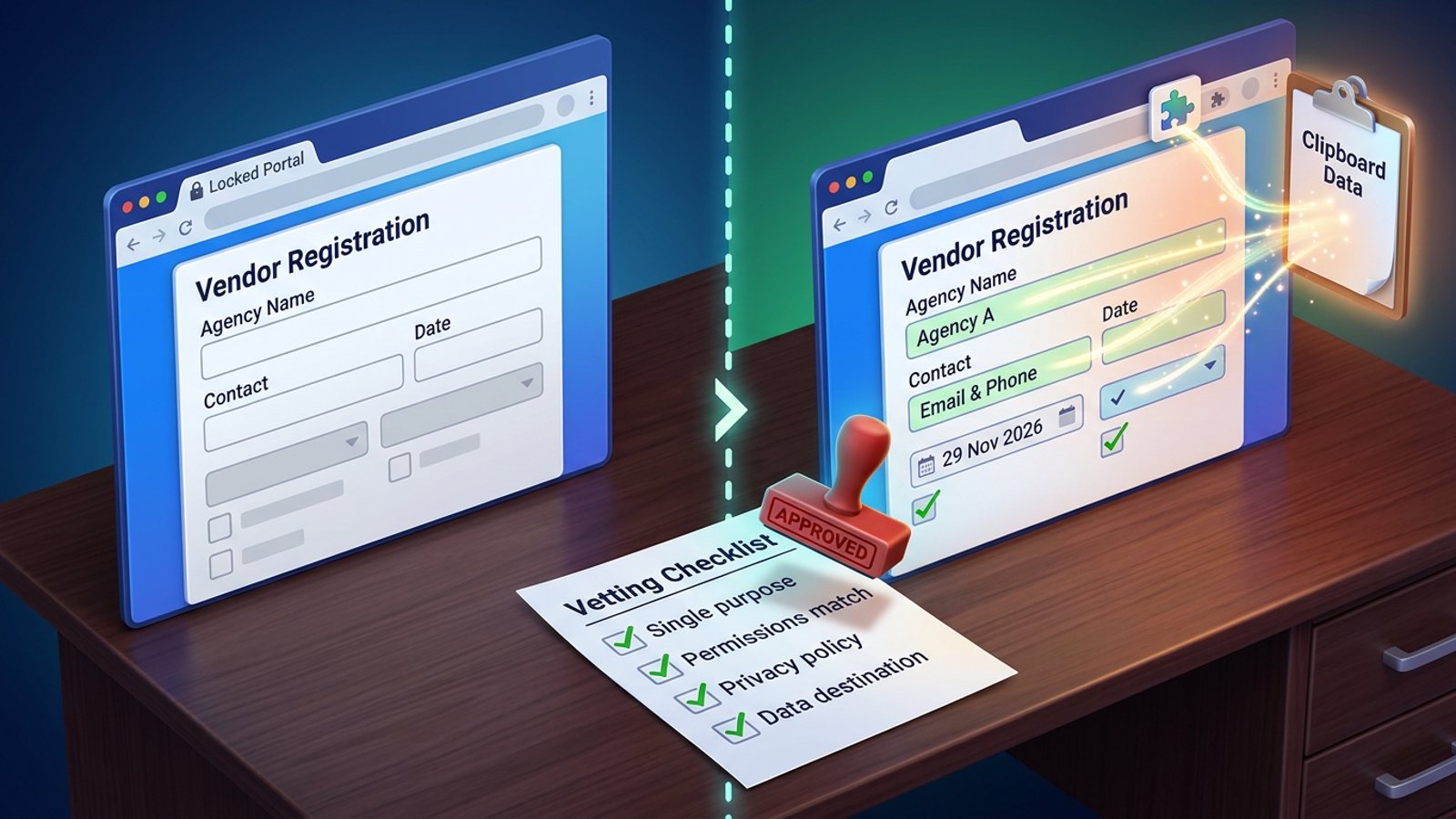
This is where Zipifil's design matters for this buyer: it's built specifically to work on locked portals and iframes other extensions can't see, and it lets you set custom AI instructions per page to manipulate or skip fields (product facts, 24 November 2026). If your portals are the hard kind, that's the feature you're paying for.
If you're still weighing whether a free plan covers you, our post on whether a free secure AI form filler extension is worth it for government work walks through the trade-offs.
What's the safest setup for government staff?
Start with the privacy disclosure, then the data path, then the price — in that order.
Zipifil uses a 100% private API, which the product facts describe as safe for government use and sensitive data, and its data privacy details are published at zipifil.com/data-privacy. It also learns your rules once per URL and remembers them, which cuts the corrections you make on the same portal every week.
Our recommendation: bring the store privacy disclosure and the vendor's privacy policy to whoever approves software in your office. It's a much shorter conversation than explaining an unapproved extension later.
For a deeper look at how privacy holds up on official systems, see which AI form filler extension keeps my data private on government systems.
Can you cancel a monthly plan if it doesn't work out?
Usually yes, but check before you pay. Fillsnap says all paid plans are monthly or yearly and cancellable anytime (Firefox Add-ons, 28 April 2026), and Fill It Out bills monthly or yearly via Stripe (Chrome Web Store, undated).
Zipifil's free plan needs no credit card at all — 3 AI form fills every day, forever — so you can prove it on your own portals before any money changes hands.
Get Zipifil and run it on your hardest portal — 3 fills a day free.
Sources
- Freemium Notice (Lightning Autofill Docs, 2026-09-17)
- Lightning Autofill store listing (Chrome Web Store, page dated 2025-06-19)
- Lightning Autofill review (Single Tab Browser, 2026-09-02)
- Best Autofill Extensions 2026 (Thunderbit blog, updated 2026-08-21)
- 2026年版 ベスト自動入力拡張機能まとめ (Thunderbit blog, updated 2026-08-21)
- Fillsnap listing (Firefox Add-ons, 2026-04-28)
- Fill It Out listing (Chrome Web Store, undated)
- Fill It Out privacy policy, v2.3.2 (2026-07-30)
- Fillwright listing mirror (Crx搜搜, 2026-08-11)
- Chrome Web Store user data policy summary (Safeguard, 2026-10-18)
- Limited Use policy (Chrome for Developers, undated)
- Disclosure requirements (Chrome for Developers, undated)
- Program Policies (Chrome for Developers, last updated 2025-05-22)
- autofill-across-iframes (Chromium Docs, undated)
- Why browser autofill fails on government forms (my-id.ca, 2026-08-17)
- Chrome now pulls details from Gmail (Yahoo Tech, 2026-10-28)
Frequently asked questions
Of the tools we compared, Zipifil is our pick if your work runs on complex, locked government portals: it reaches iframes other extensions can't see, uses a 100% private API, and costs $9.99/month for unlimited fills after 3 free fills a day (as of November 2026; prices can change). If you mainly need rule-based bulk filling on non-sensitive internal forms, Lightning Autofill is the more direct choice.
Not automatically. The security question is the data path — local versus cloud, encryption, consent — and the store privacy disclosure, not the price (Safeguard, 18 October 2026; Chrome for Developers disclosure requirements, undated).
It depends on the tool. Fill It Out runs Quick Fill offline and Local AI on-device, and Fillsnap sends form structure plus values on a fill unless its Enhanced Privacy Mode is on (vendor policies, 2026). Compare each vendor's own policy.
Yes. Check your organization's policies before using any extension on government systems, and review the store privacy disclosure and Limited Use compliance with whoever approves software (Chrome for Developers Program Policies, 22 May 2025).
It works on Chrome, Edge and Brave only — not Firefox or Safari (product facts, 24 November 2026). If you're a Firefox user, Fillsnap is listed on Firefox Add-ons.